
By Arun Verma
Investor and Advisor, NakodaX ·

NakodaX blog/Data Protection·3 min read
You cannot find every copy of a dataset. Instead, protect the data before it is exported. With NakodaX Data Protection, each copy is an encrypted file that needs a key, so when you stop releasing the key, old copies stop opening. Copies made without protection are not covered.
By Arun Verma
Investor and Advisor, NakodaX ·
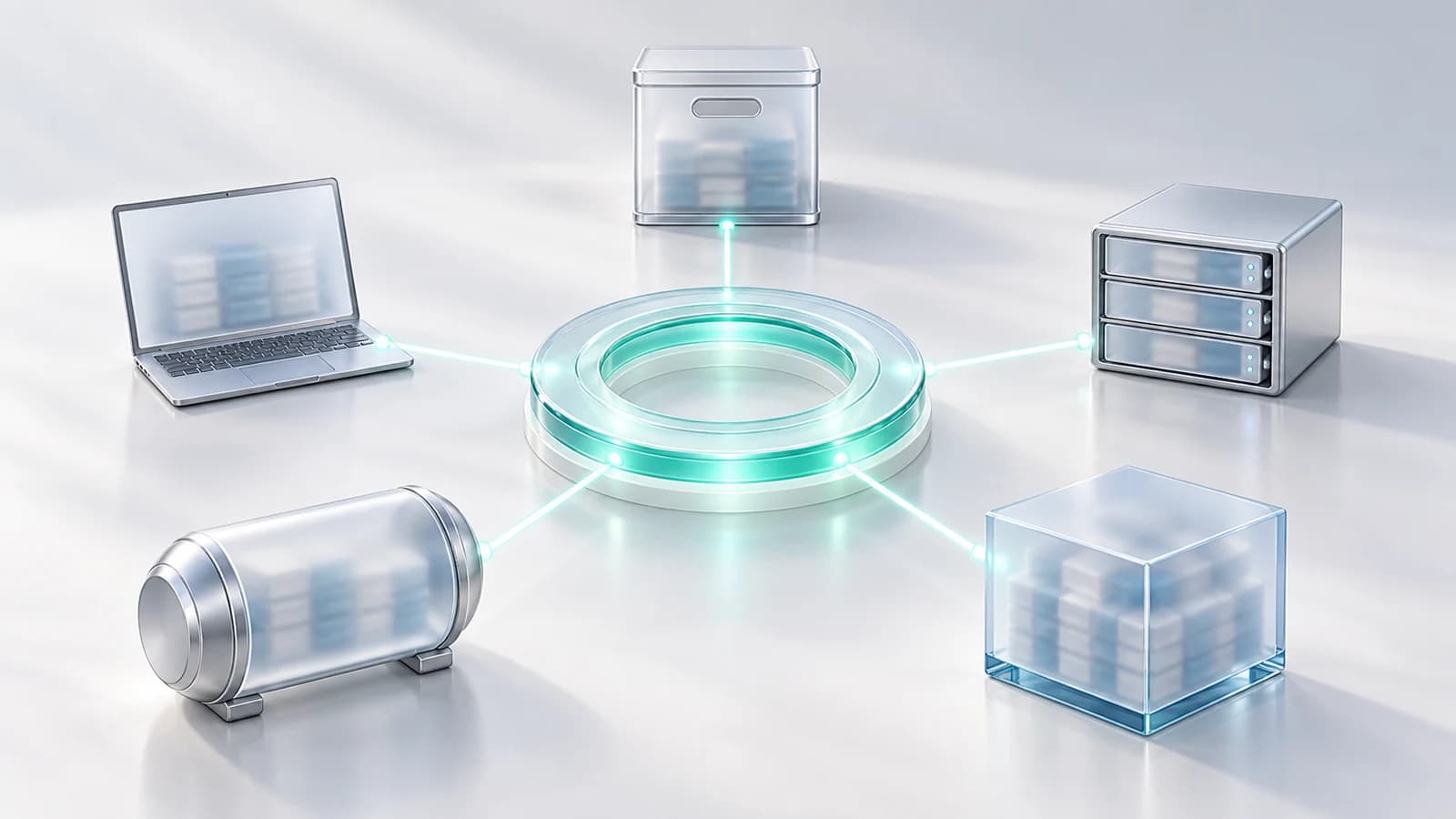
You do not need to find every copy. You need to control the one thing that makes any of them readable.
Ask an IT team to list every copy of the customer database and watch the confidence leave the room.
There is production, the replica, a backup from a migration three years ago, a spreadsheet a product manager exported for a deck, a copy at an old analytics vendor, and one on a laptop of an engineer who left.
Nobody was careless. This is what happens when data is useful and copying costs nothing.
A retention policy works only if you know where the data is and can reach it. For copies inside your systems that is often true. For a vendor's backup or a laptop that never came back, it is not. You can ask for deletion and get an email back, with no way to check.
Stop chasing copies and make them matter less. If a dataset is protected before it is exported, each file made from it is encrypted. Reading it needs a key, and the key comes from NakodaX under your rules.
Each run of a dataset gets its own keys, so one leaked key opens one run, not the whole archive. You can also set a retention: after it, NakodaX stops releasing the key. Sensitive columns can be left out or sealed, so even an opened file may not show them.
Revoke the license tied to them. The protected files stay where they are and stop opening for any new key request. The old migration backup, if it was made from a protected export, is no longer something you have to worry about.
This is a locked door, not a shredder. Nothing is erased, and anyone who already opened a file keeps what they opened.
A former vendor has a breach two years after the contract ended. Instead of a week of tracking down exports, you check which datasets were shared with them and whether their license is still active. NakodaX keeps an activity record of every key request and refusal.
It does not protect copies that were made unprotected. A plain export that already exists stays plain. The benefit starts with the next export.
Protect data before it leaves, and every protected copy made afterward is covered without you knowing where it is.
Related product
Filter rows, protect columns, deliver data to each recipient and enforce access and retention without storing business data on NakodaX. Works alongside a data clean room.
See how it worksStart a free trial, or tell us what you share and with whom, and we will show you how NakodaX handles it.
Real situations, and the video where there is one, on the same problem.
Video
NakodaX Data Protection lets you send data to partners from the pipeline you already run: each partner gets only their own rows and columns, sensitive columns are hidden or scrambled, and you can end access anytime.
Watch (1:44)Situation
You licensed your data for one use and one term. The term ends. The dataset doesn’t.
Read moreSituation
Your outsourced team processed customer records for six years. Where are those files now? Truthfully: you don’t know.
Read more
New to NakodaX? Watch the overview
A full walkthrough of how NakodaX helps a business keep control of documents, business data and source code after they are shared, moved or deployed.
Watch the video (8:49)
Data Protection · 2 min read
A vendor needs your customer data to do the work, but not all of it. Here is how to give each vendor their own file and end access when the contract ends.
August 24, 2026

Data Protection · 2 min read
A clean room is for joint analysis. Data Protection is for the files that still have to leave. Here is how each works, and why many teams use both.
September 10, 2026
Perspective · 3 min read
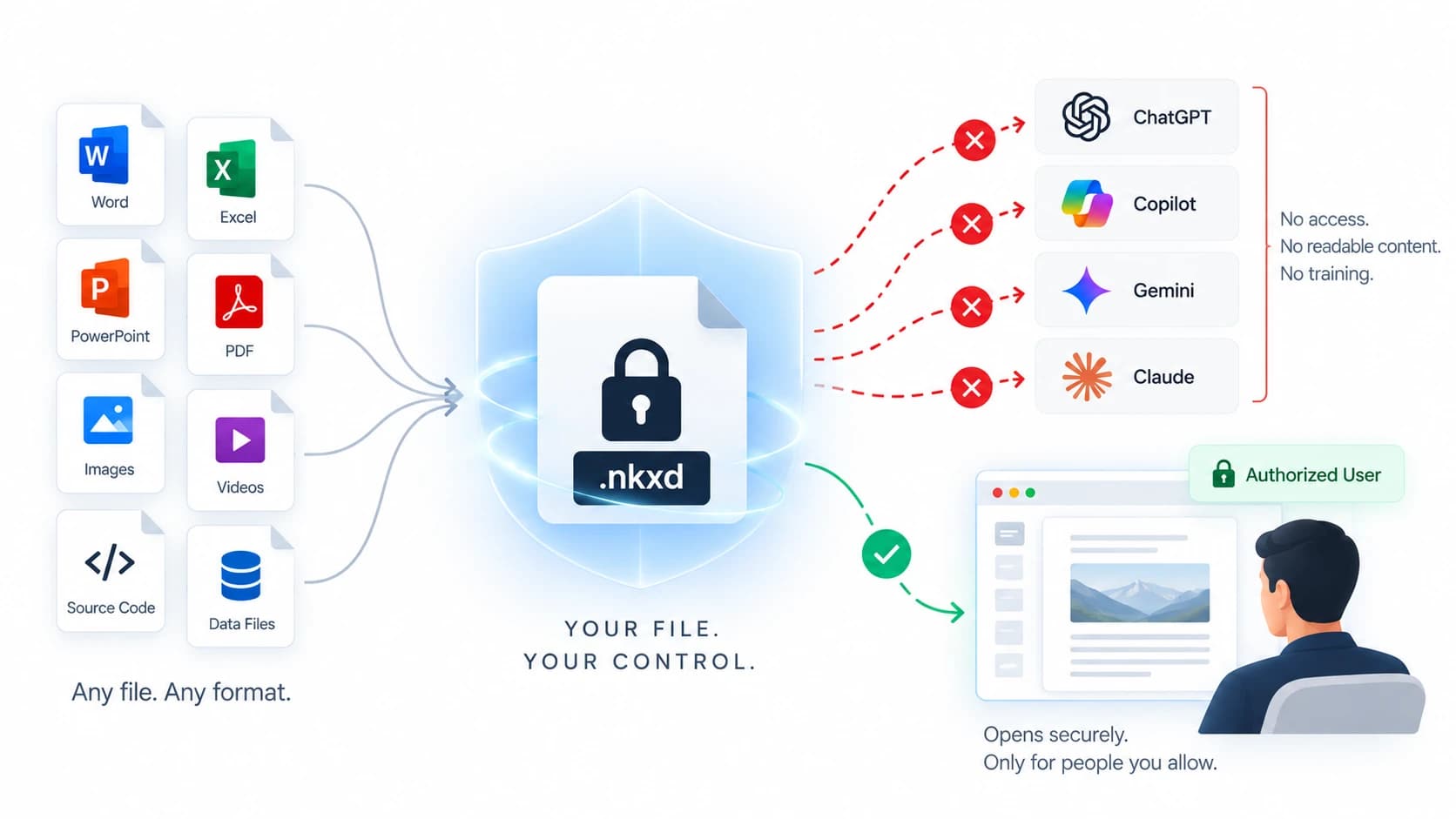
Protected documents, data files and code releases give ChatGPT or Copilot nothing readable. Here is how each works, and what a screenshot can still do.
September 4, 2026