One view per partner
Every partner gets their own view.
Set it up once. Each vendor, partner or customer receives data made for them, and never sees anyone else's.
Learn more: Every partner gets their own view.
NakodaX Data Protection
Give each vendor, partner and customer a view of your data made for them. Choose the rows and columns. Choose the end date. Switch it off whenever you like.
Why it matters
You send it
They needed one region. They got the lot.
Partners who receive the whole exportThe agreement ends
The end date lives on paper.
Data deletion clauses you can’t verifyThey leave
You switched off logins, not copies.
Customer files held by a former agencyHow it works
Point us at the table, file or bucket your data already sits in.
Pick the rows and columns each partner gets.
Protected data goes to each partner on your schedule.
Set an end date, see every read, switch anyone off.
Features
Shape what each partner gets, keep control once it is out, and see who has what.
Shape the view
One view per partner
Set it up once. Each vendor, partner or customer receives data made for them, and never sees anyone else's.
Learn more: Every partner gets their own view.Column control
Hide a column, or scramble it so a vendor can still work with the rest of the file.
Learn more: Sensitive columns never reach the wrong hands.Add a rule once and every delivery follows it.
After you send
End access
Set an end date, limit how often a file opens, or switch one partner off today.
Learn more: When the deal ends, so does their access.Access requests
Requests arrive in one place. Say yes or no in a click.
Learn more: Need more time? They ask. You decide.Each delivery opens on its own, so the rest of your history stays closed.
Fits how you work
Your stack
Nothing to install in your warehouse. No new place for your data.
Learn more: Keep your warehouse, your storage, your schedule.Try it out
Pick one of five ready examples and see the file before and after, for three different partners.
Invite admins, members and viewers.
Prove it
Activity and alerts
Late feeds, failed deliveries and agreements about to end show up as alerts.
Learn more: See every read. Get told when something goes wrong.Preview
Open any delivery the way your partner will, before you send it.
Each project has its own key. Rotate it when you like.
Use cases

Share audience data alongside your data clean room. Access ends with the campaign.
Customer lists sent to agencies for one campaignMore stories: Marketing and agencies
Your BPO works with customer records without keeping them.
Customer records held by an outsourcing vendorMore stories: Outsourcing and BPO
Lenders, reinsurers and bureaus see only their part.
Partners who receive the whole exportMore stories: Finance and insurance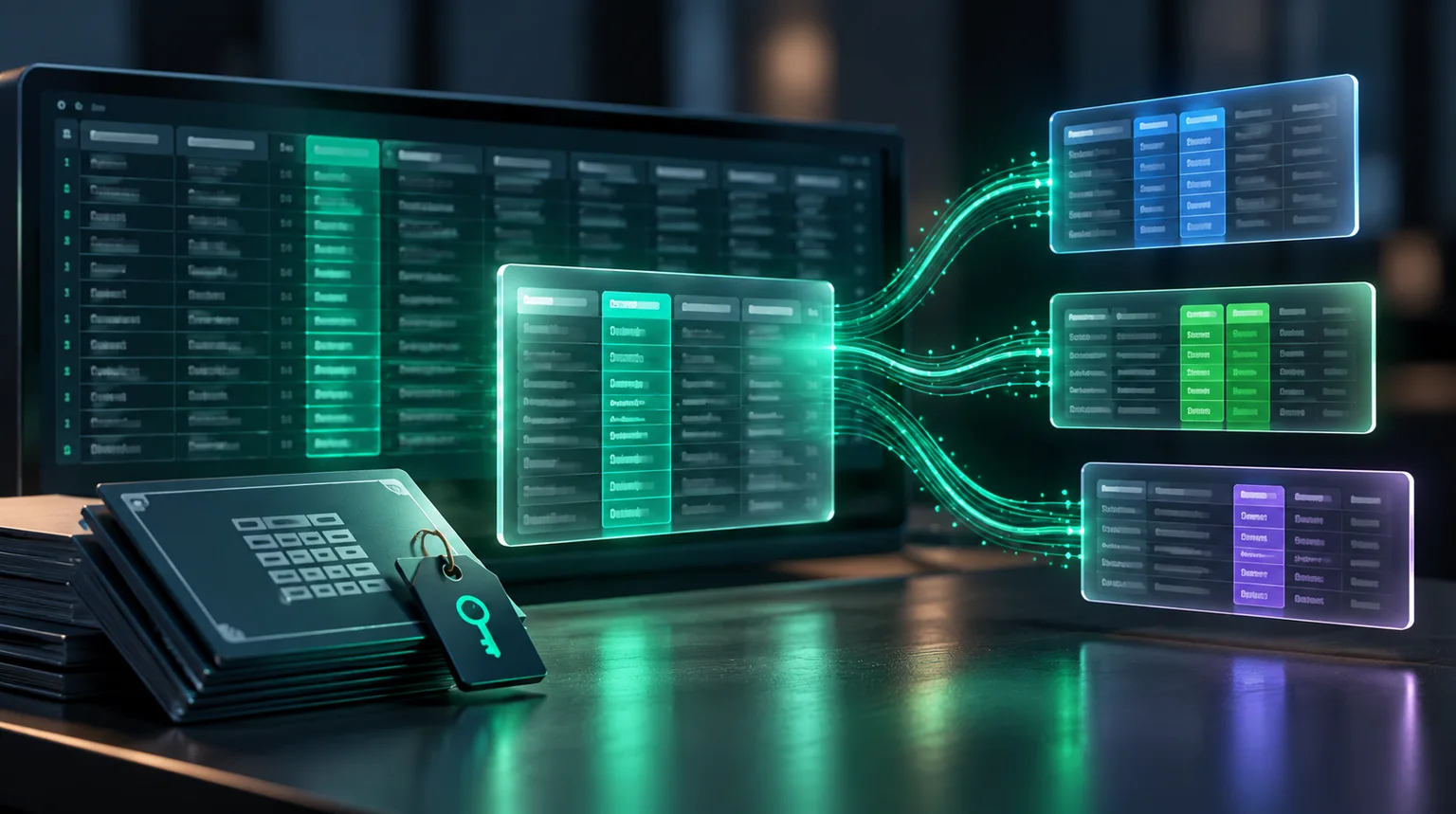
Sell a dataset for one purpose and keep it to that purpose.
Datasets that outlive the licenceMore stories: Data providers and marketplaces
Switch vendors without leaving employee data behind.
Employee data at your old payroll providerMore stories: Legal and HR
Share specs with a maker without handing over the whole catalogue.
CAD files held by your manufacturerMore stories: Manufacturing and suppliersHow it is different
Exports are easy but out of your hands. NakodaX keeps the control with you, whatever your partner uses, and works alongside your data clean room.
Integrations
Security
It goes from your systems to theirs.
Each delivery opens on its own, so your history stays closed.
Only partners you approve can open it.
Who read what, and when.
Security documentation is available on request. NakodaX holds the keys and the rules, never your data.
AI Protection
Protected data stays locked until the partner’s key is checked, and sealed columns stay sealed.
See what AI Protection coversBlog
Data Protection · 3 min read
Every company has copies of customer data sitting somewhere nobody remembers. Here is how to make those copies stop mattering instead of finding them all.
August 29, 2026

Data Protection · 3 min read
You shared your customer table because the vendor needed it to do the work. Here is how to give them what they need without giving away the whole file.
August 24, 2026
Answers
5 topics, 16 answers. Open a topic to see its questions.
Try Data Protection free, or tell us about your data and your partners and we will show you how it would work.
Situations and articles on what happens when work leaves your hands, and what changes.
Situation
Four years of hourly customer files, sitting in your ex-agency’s storage. Quietly informing the work they do for their next client.
Read moreBlog
Every company has copies of customer data sitting somewhere nobody remembers. Here is how to make those copies stop mattering instead of finding them all.
Read moreSituation
A project needs your most sensitive records. A research partner, another organisation and an analytics contractor each get an extract. The project ends. The extracts don’t.
Read more