Selective share
Share only the part they need.
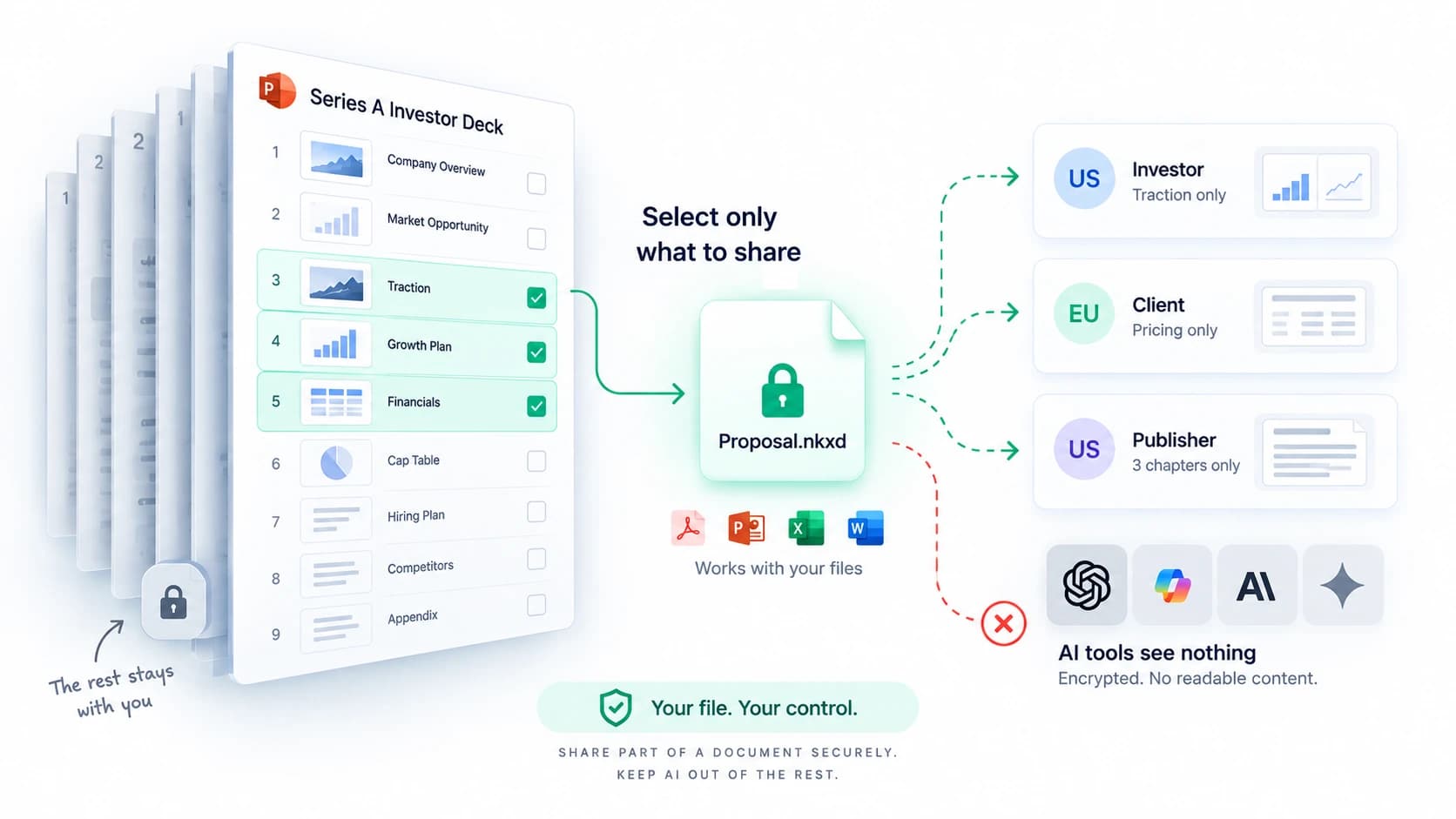
Send the slides, sheets or regions they need. The rest is not in the file.
Learn more: Share only the part they need.
NakodaX Document Protection
Lock a file before you share it. Choose who opens it, how often and until when, and take access back any time.

How it works
Choose what to share. The file is locked in your browser before it is uploaded.
Send it by email or link. Your recipient opens it in the browser, with no account.
Set an expiry, limit opens, see who opened it and revoke access any time.
Features
Choose what leaves, keep control after it does, and open it anywhere.
Before you send
Selective share
Send the slides, sheets or regions they need. The rest is not in the file.
Learn more: Share only the part they need.NDA setup
Pick a built in template or upload your own, then turn it on or off for each document.
Learn more: Put your NDA in front of the file.Remove sensitive details from a PDF or image before sharing.
After you send
Revoke, expire, limit
Set an expiry, cap the opens, or revoke in one click.
Learn more: Take access back after you send.Analytics
See who opened it, how they got in and where it travelled.
Learn more: Know who opened it, and when.Show who is reading, and choose what they can download.
Whatever you share
Photos
A protected viewer for proofs. You decide how long they can look.
Learn more: Show the photos. Keep the originals.Videos and audio
Share a protected link that plays in the browser.
Learn more: Share recordings without handing over the file.Invite admins, members and viewers. Solo works too.
Data Room
Data Room
Publish the documents once, track every open, and remove anyone who passes.
Learn more: Invite everyone once. See who opened what.NDA signed first
Readers confirm their email, read your terms and agree by name. Only then does it open. One NDA covers the whole room.
Learn more: Get the NDA signed before the file opens.Put your logo and a background colour on the room.
Use cases

NDA first, only the slides they need, access ends with the deal.
The deal that fell through
Lenders and auditors review what they need, then access closes.
The lender who still has your bank statements
Clients approve proofs without getting the originals early.
The final files before the invoice clears
Courses and recordings play in the browser and stop when the licence ends.
The course library after the subscription ended
Sensitive records reach only the people who need them.
The employee who left with their inbox
Quotes and proposals stay with the buyer you sent them to.
The quote that toured procurementHow it is different
The usual ways to share a file make you pick between easy and in control. NakodaX gives you both.
Integrations
Security
AES-256, before upload.
We store the protected version only.
Between you, us and your recipient.
Who opened what, and when.
Security documentation is available on request. NDA text is the one thing we can read, so it can show before a document unlocks.
AI Protection
A forwarded or downloaded copy stays locked until permission is checked.
See what AI Protection coversBlog

Document Protection · 2 min read
Fundraising requires sharing sensitive documents widely. Define who can open them and when that access should end.
September 29, 2026
Document Protection · 4 min read
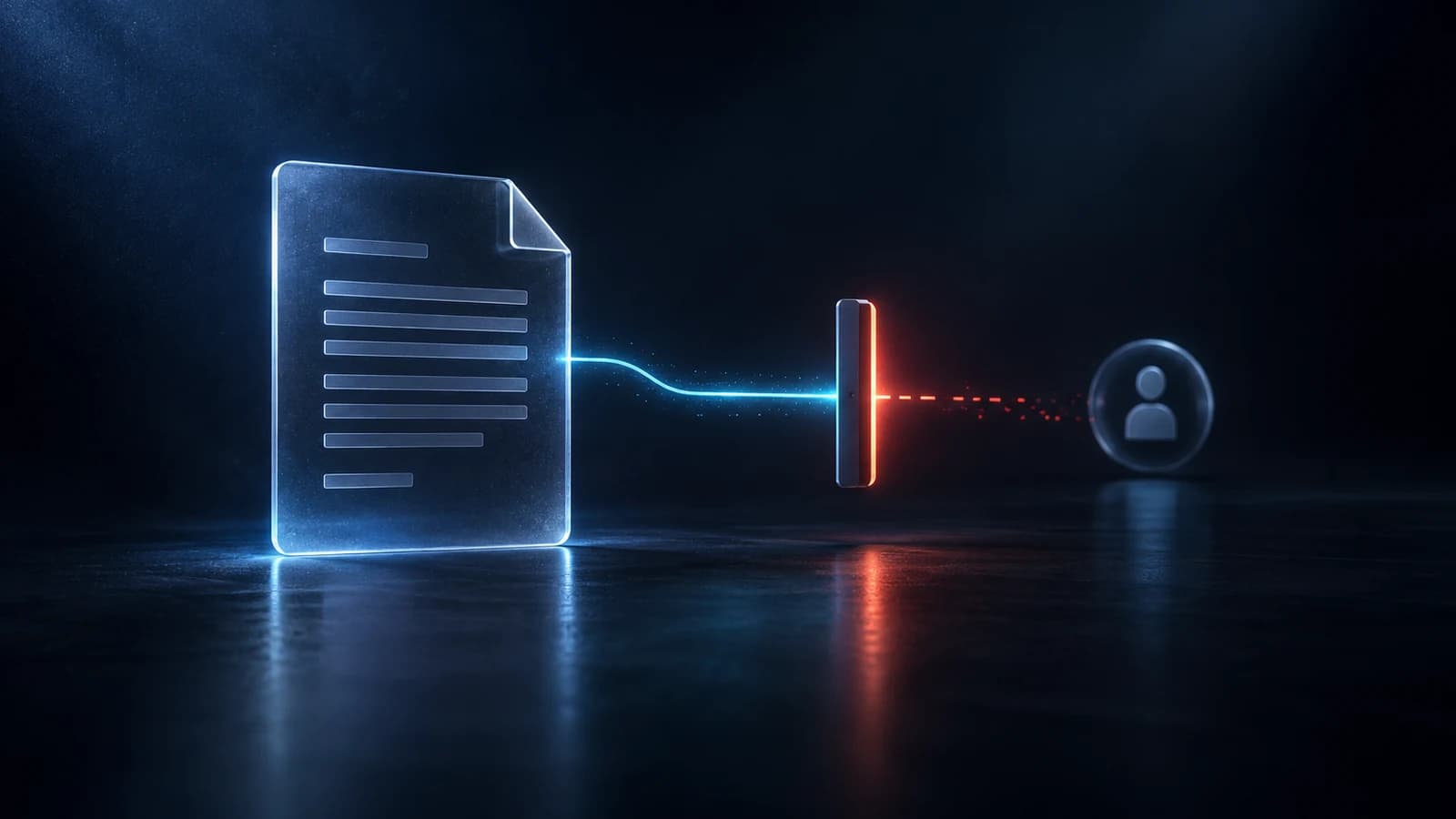
A normal PDF cannot be taken back once it is sent. A protected one can. Here is what revoking access actually does, and what it does not undo.
September 14, 2026
Document Protection · 3 min read
Selective share lets you send only the pages or slides someone should see. Paired with AI-proof .nkxd files, the rest of your document never leaves your hands.
September 8, 2026
Answers
5 topics, 17 answers. Open a topic to see its questions.
Try Document Protection free, or tell us what you share and we will help you set it up.