
By Pallav Boonlia
Founder & CTO, NakodaX ·

NakodaX blog/Perspective·2 min read
Once you send an ordinary file, the other side keeps a readable copy and you cannot take it back. A file protected with NakodaX asks for permission each time it opens, so you can change or end access later. It does not erase what someone has already read or copied.
By Pallav Boonlia
Founder & CTO, NakodaX ·
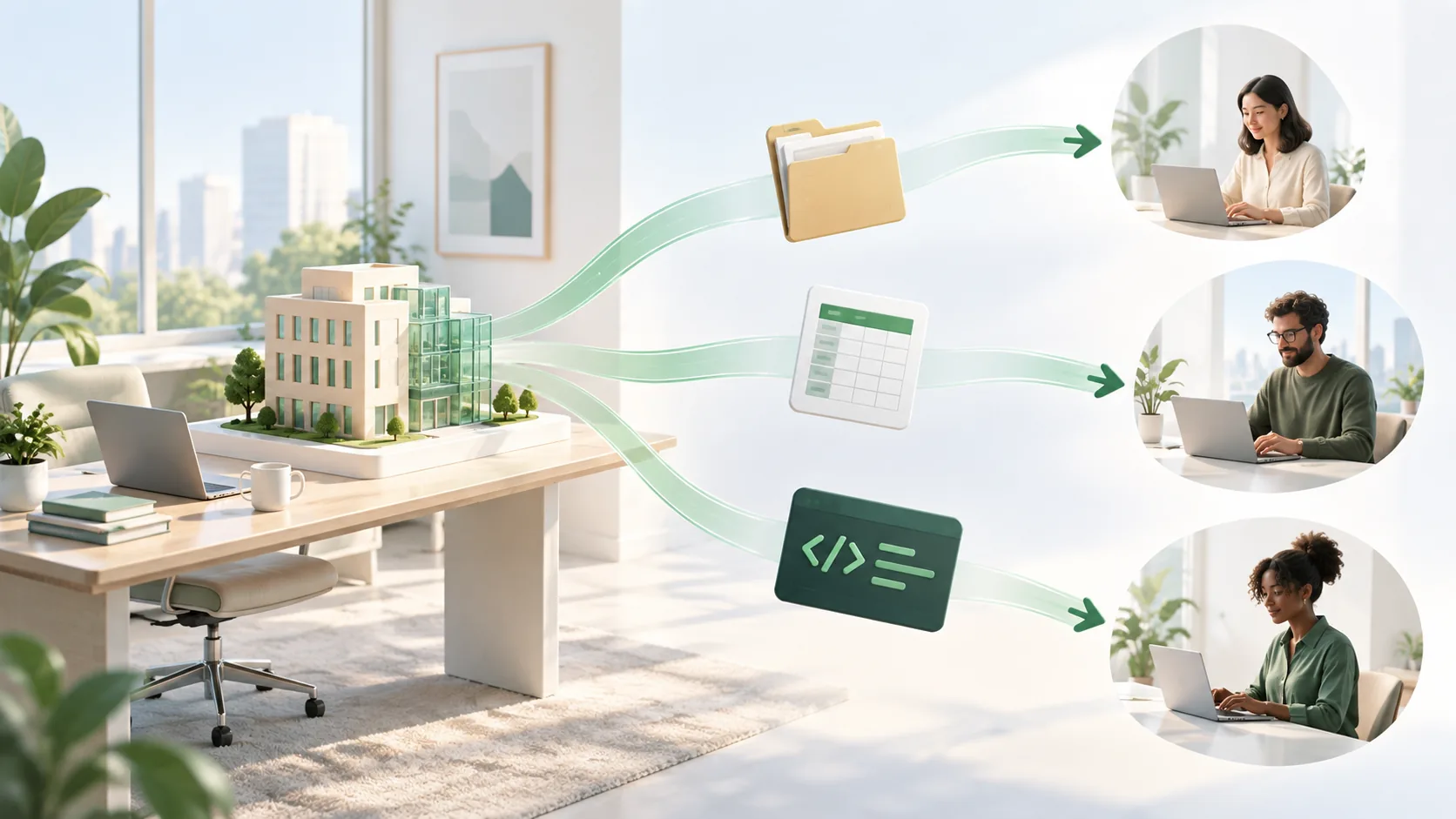
Control has a limit. NakodaX controls access to protected files. It cannot take back what someone has already copied.
Most security work is about keeping people out. But the people who hold your most valuable files were let in on purpose.
A contractor built a module. A vendor processed your data. An investor read your deck. A new hire downloaded a forecast. Each needed the file to do the job, and each now has a copy outside your systems.
Assume your security is strong and every file was sent on purpose, by the right person. Now ask what happens when the reason ends. A contract ends. A deal is lost. An employee leaves. A vendor is replaced.
The reason for the copy has gone. The copy has not.
There is one idea in three products.
Document Protection locks a document before you send it. You choose who can open it, for how long and how many times, and you can revoke it later.
Data Protection gives each recipient their own file with only the columns and rows you chose, and their own license. You can end one recipient without touching the others.
Source Protection encrypts your key code files in a protected release. They run only with a license, and you can end the license when the relationship ends.
NakodaX does not watch the people you work with, and it does not replace your existing security. It cannot take back what someone has already read, copied or photographed. Revoking stops the next opening or the next key request. It does not reach into the past.
Sharing is normal. Decide ahead what happens to the copy when the reason for sharing ends.
Start a free trial, or tell us what you share and with whom, and we will show you how NakodaX handles it.
Real situations, and the video where there is one, on the same problem.

New to NakodaX? Watch the overview
A full walkthrough of how NakodaX helps a business keep control of documents, business data and source code after they are shared, moved or deployed.
Watch the video (8:49)
Document Protection · 2 min read
A normal PDF cannot expire, and a link that expires can still leave a copy. Here is how to send a file that stops opening on a date you choose.
September 2, 2026
Document Protection · 3 min read
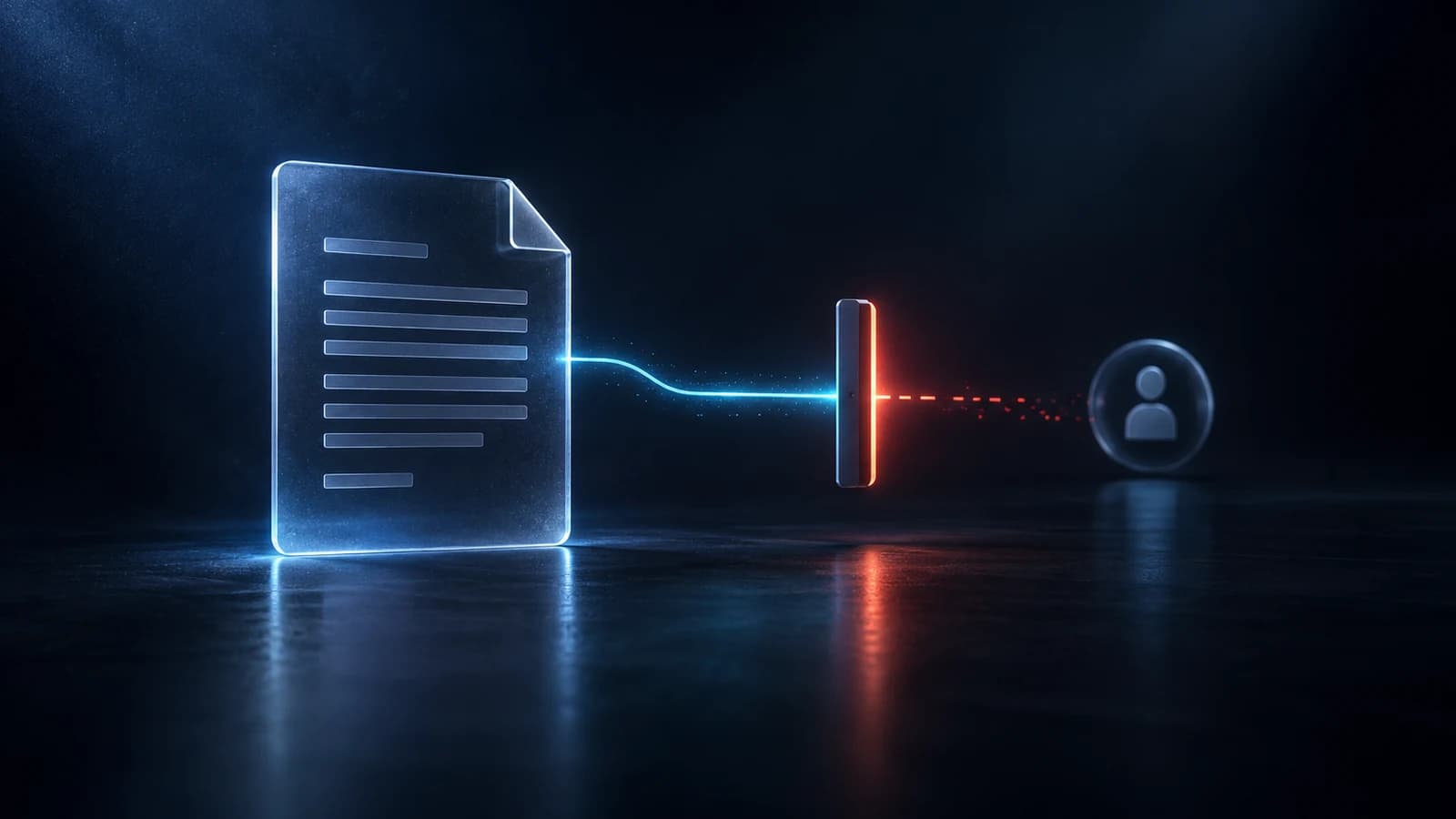
A normal PDF cannot be taken back once it is sent. A protected one can be closed. Here is what revoking does, how to do it in NakodaX and what it cannot undo.
September 14, 2026

Document Protection · 2 min read
A detailed proposal wins work, but it should not stay open forever after the deal ends. Set an end date, track opens and revoke access with NakodaX.
September 21, 2026