Pricing sheet, Q4. Not for release.
Tier A accounts: 18% off list.
Tier B accounts: 11% off list.
Floor price for Acme Retail: 62.40
Renewal call: first week of March.
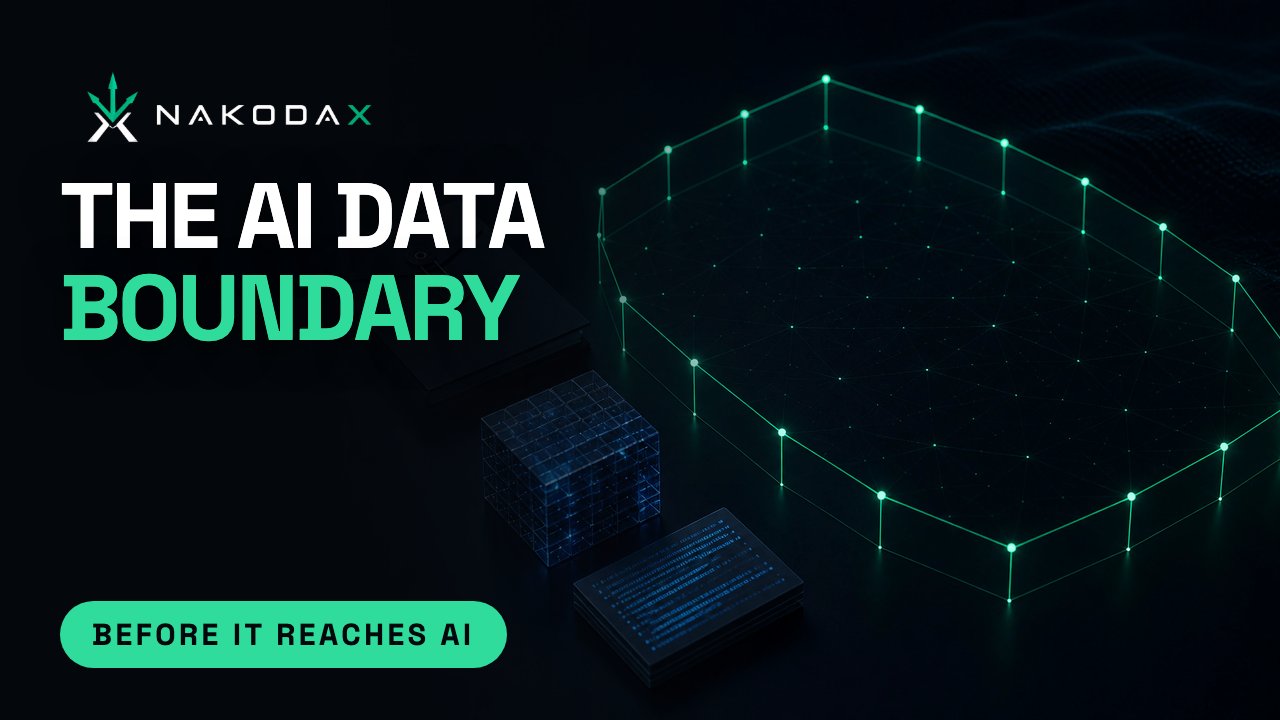
AI Protection
Employees, vendors and developers can paste your files into an AI tool in seconds. NakodaX locks each one in an encrypted container, so there is nothing readable to paste.
AES-256 encryption. NakodaX never sees your readable files.

NakodaX locks your documents, customer data and source code in an AES-256 encrypted container tied to a key. An AI model cannot open it, so a paste or an upload gets nothing readable.
A leak to an AI tool needs no hacker, only someone with a readable copy and a minute. It can start inside your business or outside it.
Inside the business
Today
Pastes a customer list or a board pack into an AI assistant.
With NakodaX
Receives locked files. A copy in a downloads folder holds no readable text, and revoking access stops it opening.
Inside, or at a customer
Today
Puts readable source code into an AI tool.
With NakodaX
Selected proprietary components stay out of the readable release. The software still runs.
Outside the business
Today
Uploads your pricing sheet or customer export, during the contract or after it ends.
With NakodaX
Receives only what the relationship needs, locked, and access ends with the contract.
Each file is encrypted with AES-256, in a container tied to a key.
Send it the usual way. The container is useless on its own.
Without the key, an AI model gets only encrypted data.
Revoke or expire access when the relationship changes.
This is what an AI tool receives when someone drops a file into the chat box. One copy is readable. The other was protected before it was shared.
A readable copy
The tool can summarize it, pull out the numbers and keep them.
A protected copy
The tool gets noise. There is nothing to summarize, extract or learn from.
An illustration with made up text. A person who is allowed to open the protected file still sees it normally.
Contracts, decks, PDFs, spreadsheets, photos and video. Revoke or expire access after sharing.
Explore Document ProtectionA controlled view for each recipient, with sensitive fields hidden, masked or encrypted.
Explore Data ProtectionProprietary components kept out of the readable release.
Explore Source ProtectionNakodaX does not block AI tools, so your team can keep using them. It controls how much readable content there is to hand them.
A screenshot, or something an authorized person already copied by hand, can still go into an AI tool, and NakodaX cannot recover it. What it removes is the easy path: copying a file, exporting a table or pasting a function.
Answers
Tell us what your employees, vendors and developers receive. We will show you where a readable copy goes today, and how to leave nothing readable to paste.
Situations and articles on what happens when work leaves your hands, and what changes.
Situation
People leave. Their access gets switched off in an afternoon. Everything ever shared with them outside your systems doesn’t.
Read moreBlog
Revoking a login closes the doors to the building. It does nothing about files that already left. They stop opening, on the laptop and in AI, once you revoke.
Read moreSituation
You licensed your data for one use and one term. The term ends. The dataset doesn’t.
Read more