
NakodaX

Situations · Document protection

What happens to shared files when an employee leaves

An emptied desk beside files still open elsewhere after a last working day.

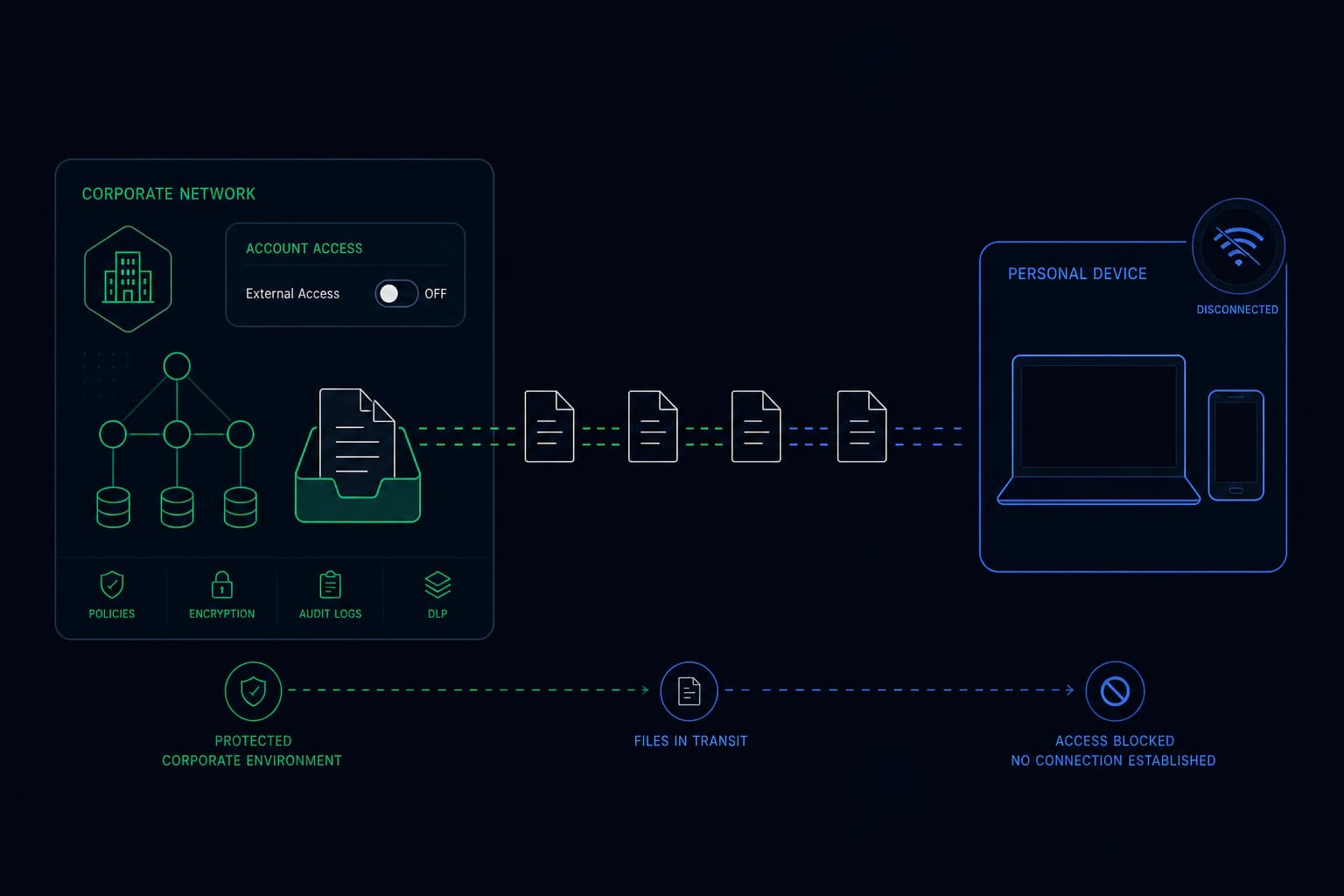
Standard offboarding closes accounts and collects devices, but files shared outside company systems stay readable to a former employee indefinitely. Documents shared as controlled links are different: revoking the person’s access on their last day makes every protected file go dark for them, wherever the copies ended up.

Offboarding is built for accounts, not for files

Every offboarding checklist in existence covers the same ground: disable the accounts, collect the laptop, transfer the mailbox, revoke the building pass, remove them from the payroll system.

Every item on that list is about things your company controls. Which is why the list feels complete, and why it is not.

The trail that was never in a system

Work does not stay in accounts. A salesperson emails the pricing model to a customer. A consultant sends the methodology to a client. A finance manager forwards the forecast to an adviser. A designer sends the brand files to a freelancer.

All of that is normal, necessary work, and none of it is inside anything you can switch off. When the person leaves, that trail stays live: on their personal devices, in the inboxes of people at other companies, in the shared folders of partners you no longer work with.

You cannot even enumerate it. Nobody keeps a list of every file they sent outside the company over four years.

This matters most for the people you least expect

The instinct is to worry about a bad leaver. In practice the exposure is larger with a good one, because good employees share more.

The person who spent five years being helpful to customers and partners has the longest trail. There is nothing sinister in it. It is a by-product of doing the job well, and it does not end on their last day.

One revocation, on the day they leave

When documents go out as controlled links, they answer to the company rather than to the person who sent them.

Offboarding gains one row, and it is the row that covers the exposure the rest of the list misses: withdraw this person’s access. Every protected file they ever shared stops opening for them, wherever the copies ended up, without needing to know where that is.

The people they legitimately shared with are unaffected, because their access is separate. Ending one relationship does not break the others.

The honest limit

This covers what was protected. A document emailed as an attachment in 2021 is an attachment, and nothing retroactively changes that.

Which is an argument for making protection the default rather than the exception. The value of this row on the checklist scales exactly with how much of your outbound sharing runs through it, and a policy that says “use it for sensitive things” tends to mean “use it for things somebody remembered were sensitive”.

What changes

Everything that was shared as a protected document answers to the company, not to the person holding it. Someone leaves, you revoke their access, and every protected file they could open goes dark for them, wherever it ended up.

access ended

Related questions

What happens to shared files when an employee leaves?
Standard offboarding closes accounts and collects devices, but files the person shared outside company systems stay readable indefinitely. If those files were shared as controlled links, revoking the person's access on their last day makes every one of them stop opening, wherever the copies are.
How do you revoke a former employee's access to documents?
For documents shared under ongoing permission, access is withdrawn centrally in one action and applies to their entire sharing history at once. For documents sent as attachments, there is no mechanism to revoke, which is why the protection has to be in place before they leave.
What should an offboarding checklist include for shared documents?
Alongside the usual account and device steps, one row for externally shared documents: revoke the departing person's access to everything they shared. It is the only item on a typical checklist that covers material sitting outside your own systems.

This one, or one very like it

Document protection. Start where the problem actually is.