
Source Protection/Stand ins
Let people build without letting them read.
Developers, agencies and contractors get working stand ins. They build and test. The real code stays locked.
Real code
LockedStand in
Tests passdef price(order):
return 0.0
def score(user):
return 0How stand ins work.
A stand in is a working version of a locked file with the same names and the same shape, and placeholder answers inside. Developers, agencies and contractors build and test against stand ins, so they can do their job without holding the real code, and there is nothing to chase back when they leave.
A stand in for every locked file
Each locked file comes with a stand in that has the same names and the same shape, with placeholder answers inside.
They build and test
Their code runs and their tests run against the stand ins, so the work carries on.
Their key opens stand ins only
A developer key opens stand ins and never the real code, unless you approve a change session.
Nothing to take back
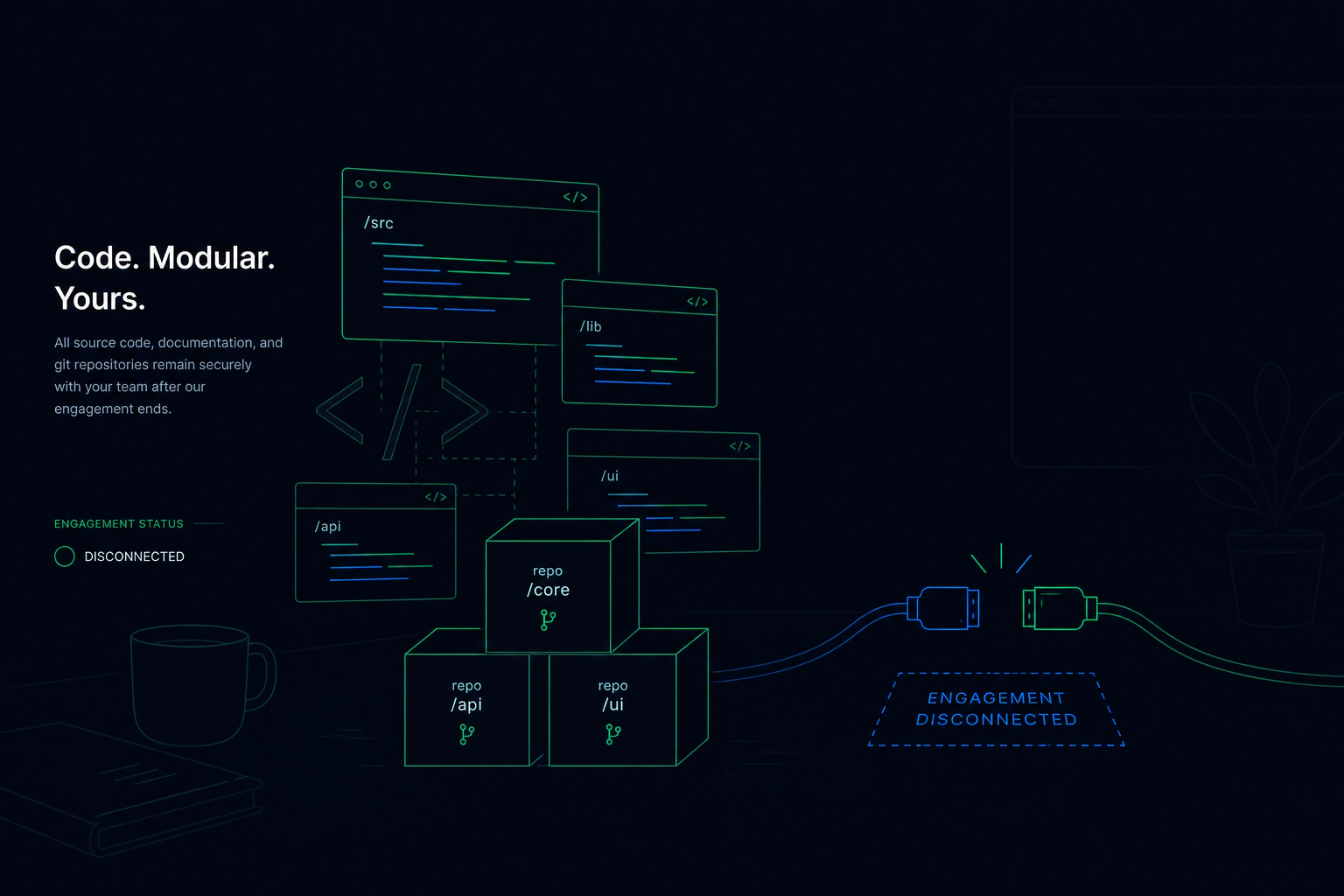
When the engagement ends, the real code was never on their machines.
The stand ins hold names and shapes, and none of your logic.
Who uses it.

Heads of engineering using an outside agency
The agency builds the product around your crown jewels without reading them.
Companies adding contractors for one project
Contractors work against stand ins and finish with nothing to return.
Teams onboarding engineers who do not need the secrets
New people are productive on day one without access to the core.

Stand ins questions
Can a developer edit a stand in?
Can a developer get at the real code?
Do developers need different tools?
More Source Protection features
Watch and read
Ship the software. Keep the secret.
Tell us what you deploy and where it needs to run. We will show you how it would work. Already a customer? Sign in to your console.