
NakodaX videos/Document Protection·1:54
Document Protection: Share Files Without Losing Control
Share PDFs, Word, Excel, PowerPoint, images and video with an expiry date, view limits, watermarks and the power to revoke access.
Questions this video answers
How do I share a file without losing control of it?
Which file types can I protect?
Can I see who opened a protected document?
Transcript
Your documents hold some of your most valuable business information. NakodaX Document Protection helps you share them, without losing control.
NakodaX protects your business across three critical layers: code, data, and documents. This is Document Protection.
But once a file leaves your hands, control gets difficult. It can be forwarded, downloaded, copied, or shared, well beyond the people you meant.
NakodaX starts on your device. Choose exactly what you want to share: pages, sections, spreadsheet rows, or specific areas of an image or video.
What you don't share isn't in the file. Sensitive information is removed before the protected file is created, not just hidden.
Then the file is protected right in your own browser. NakodaX stores the protected version, not the readable document.
Send the protected file by email or link. Your recipient opens it in a secure viewer.
Set an expiry date. Limit the number of views. And revoke access, anytime.
Personal watermarks show who is viewing the document, and copy and download are discouraged.
Your activity log shows who accessed the document, when they opened it, and when access was denied. You even get an alert.
Protect the files you already use: PDFs, Word, Excel, PowerPoint, images and video. Keep them in Google Drive or SharePoint.
From finance and banking, to healthcare, legal, media studios, and many more. Use NakodaX wherever sensitive information needs to be shared.
NakodaX Document Protection. Share what you need. Keep control. NakodaX. Protect your competitive advantage.
More videos
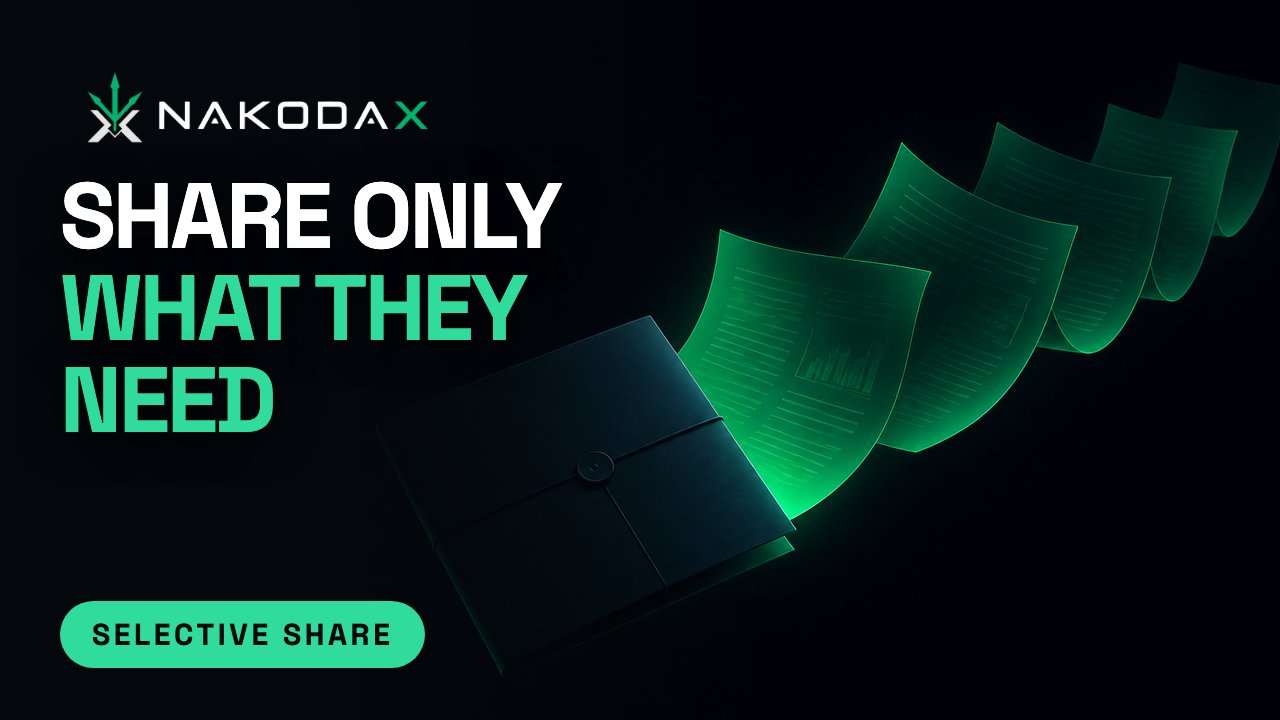
Document Protection · 3:15
Selective Share: send only the pages, slides or rows someone needs
Most people only need part of a document. See how Selective Share sends just the pages, slides, rows or columns a recipient needs and nothing else.
September 21, 2026
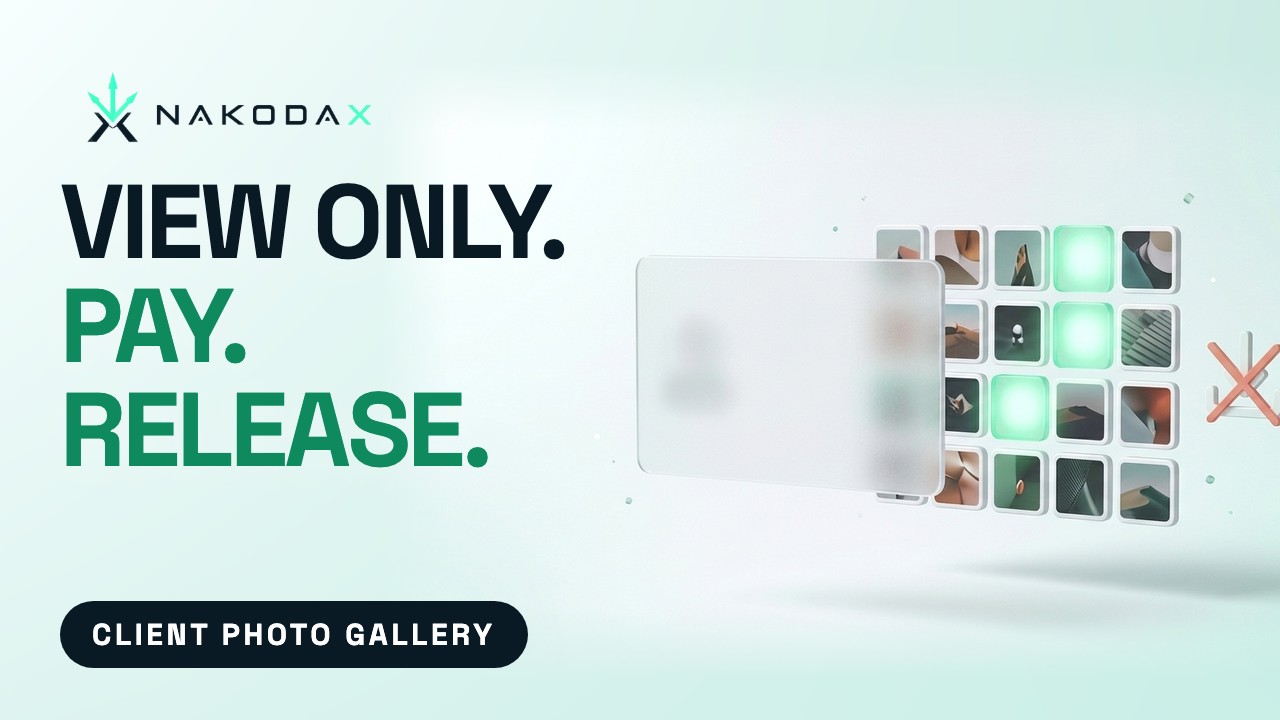
Document Protection · 0:29
Share Photos With Clients Without Downloads
Share a whole shoot with clients in a private, view-only gallery, then release the downloads once you are paid. NakodaX Data Room.
October 6, 2026
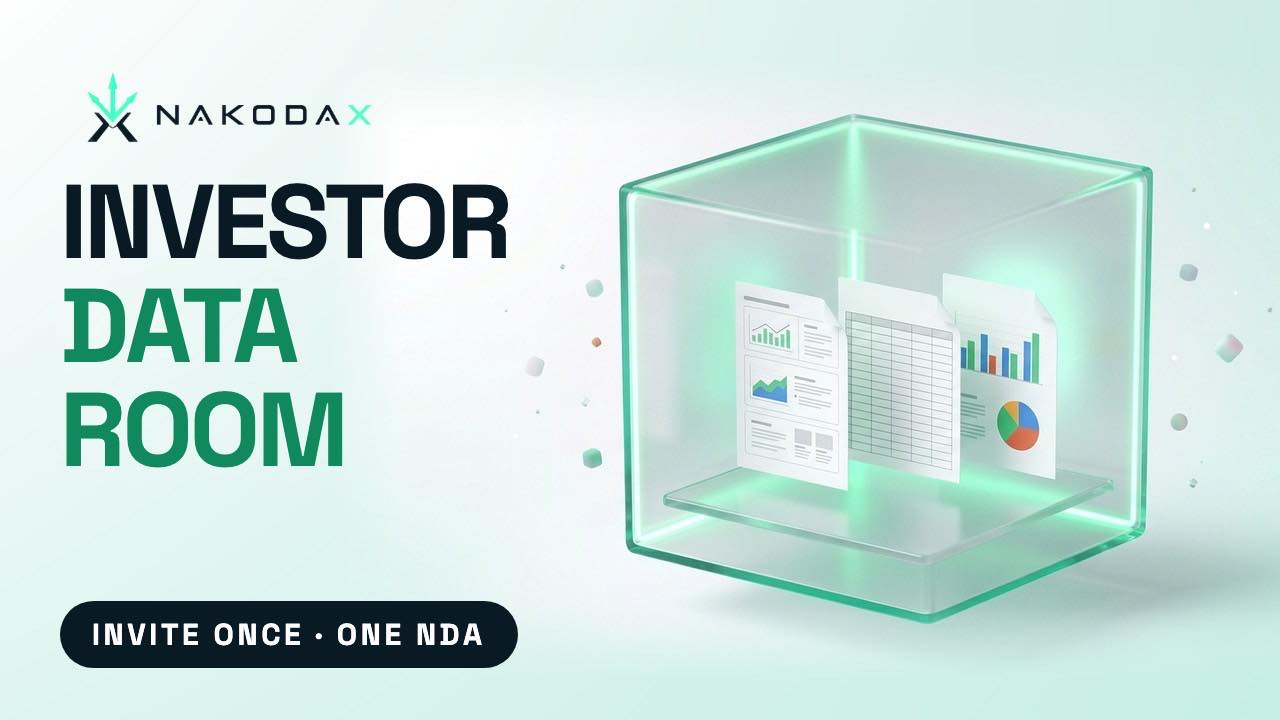
Document Protection · 0:29
Fundraising Data Room: Invite Investors Once
A fundraising data room for your deck, model and data: invite investors once, one NDA, and see who opened what. NakodaX Data Room.
October 6, 2026
From the blog

Document Protection · 2 min read
How do you deliver final files to a client and keep control until they pay?
Clients need final work to review before they pay, and you need the payment to clear. Here is how to deliver files so both can happen.
September 6, 2026

Document Protection · 2 min read
Data room or document protection: what does each control after a file is downloaded?
A data room controls who enters. Document protection controls the file itself. Here is where each one helps, and when to use both ideas together.
September 3, 2026
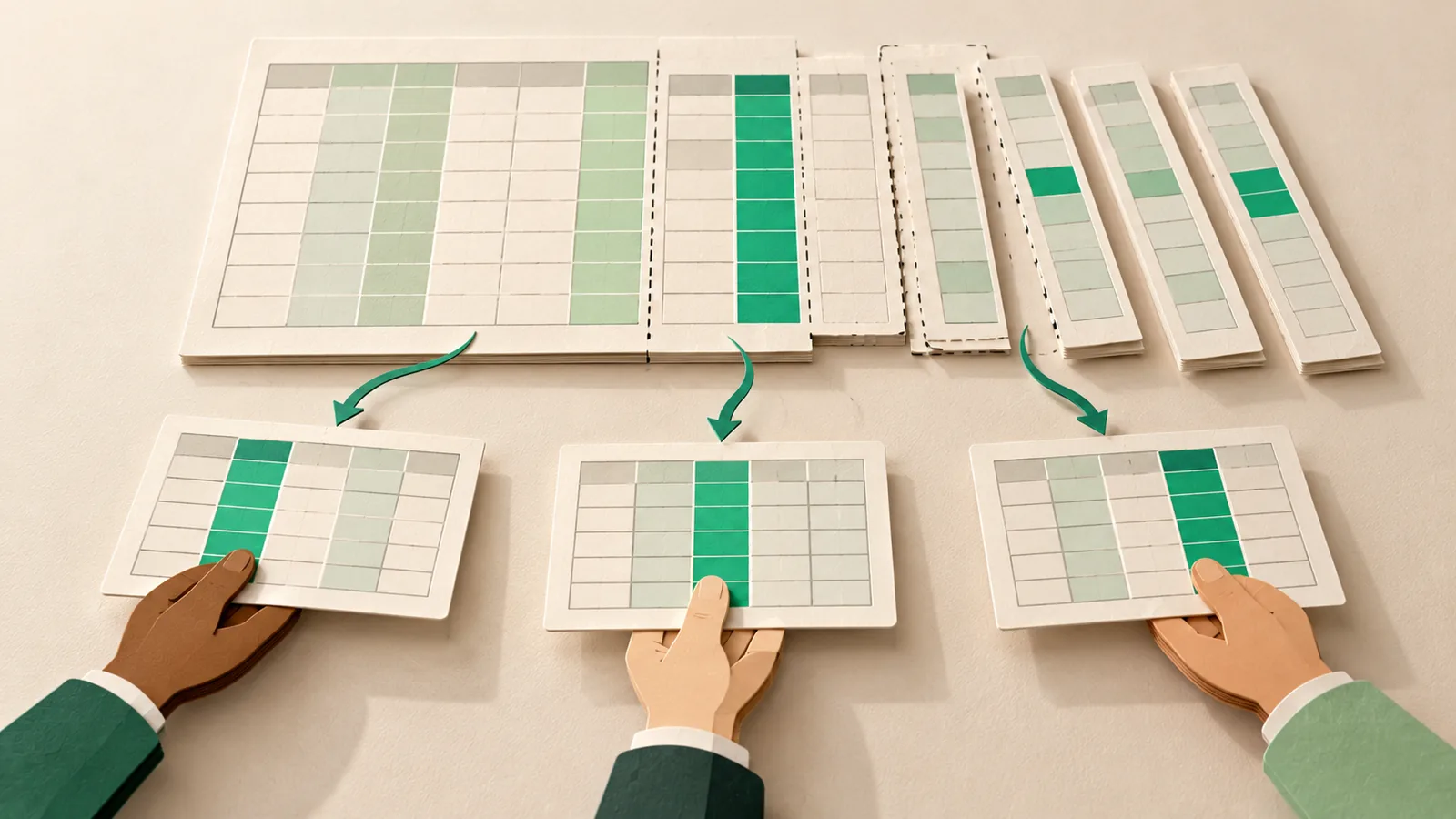
Document Protection · 2 min read
How do you share a spreadsheet without sharing every column?
Hiding a column in Excel does not remove it. Here is how to send each person only the sheets, columns and rows they should see.
September 5, 2026
Seen in practice
Real situations, and the video where there is one, on the same problem.
Situation
When each distributor should only see their own region
One analytics sheet holds sales, targets and margins for every city and state. Each distributor and agent needs only their own region. It goes to all of them whole.
Read moreSituation
Files a former employee can still open
People leave, and their accounts are closed in an afternoon. The files you sent to their email and personal devices stay open.
Read moreSituation
Sharing campaign creative before it launches
The concept went to the client, two agencies and a media partner for sign-off. The campaign changed in March. The old concepts are still in everyone’s folders.
Read more