
Document Protection/Selective share
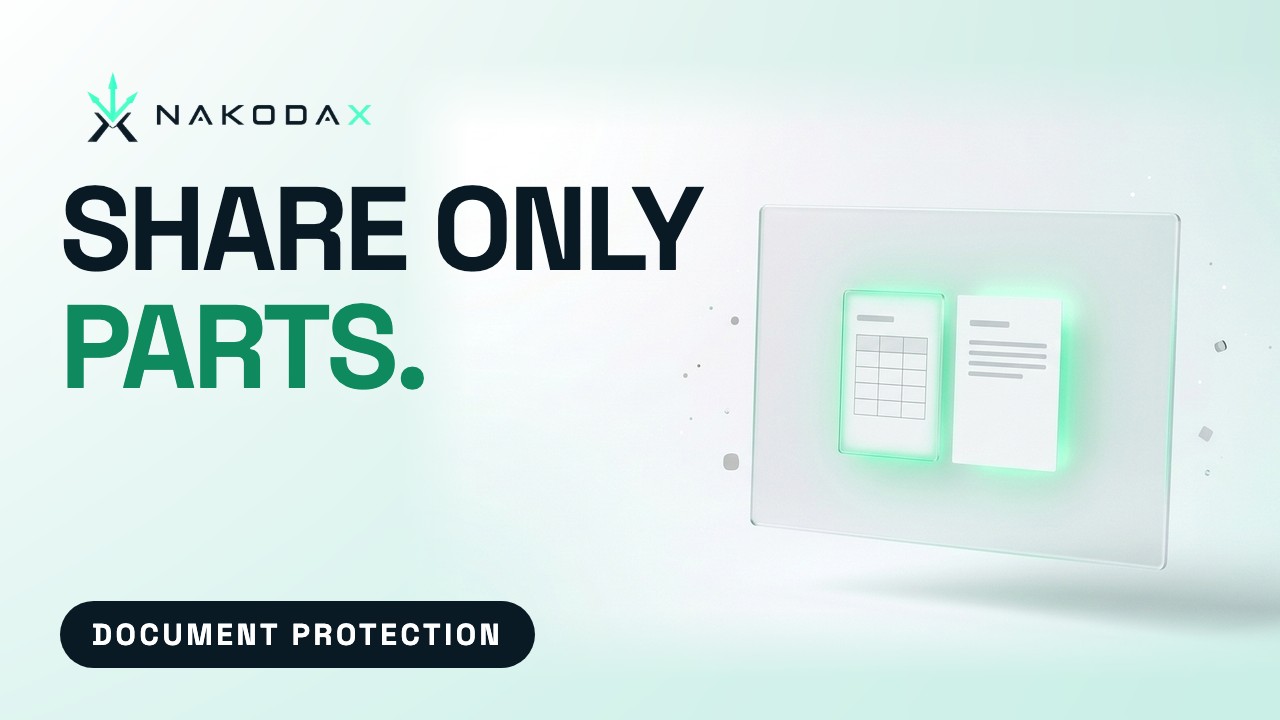
Share only the part they need.
Pick the slides, sections, sheets, columns or regions to send. What you leave out is not in the file your recipient gets.
How selective share works.
Selective share lets you send part of a document instead of all of it. You choose slides, sections, sheets, columns or regions, and the recipient gets a real file with the rest removed, not hidden.
Pick what to share
Select the slides, sections, sheets, columns or regions the recipient should see.
Slides in PowerPoint, sections in Word, sheets and columns in Excel, regions in PDFs and images.
The rest is removed
The shared file is built from your selection only. What you leave out is not hidden. It is not in the file.
Send it as usual
Share by email or link, with expiry, open limits and revoke on top.
Reuse a selection
Save a selection and apply it to the next recipient. One original, different cuts.
Who uses it.

Founders sharing a pitch deck
Send an investor the slides they need. The rest is not in their file. Save the selection and reuse it for the next recipient.
Finance teams sharing a workbook
Send a lender or auditor the sheets and columns they need, with row filters, and keep the rest of the model to yourself.
Legal and HR teams sharing a record
Send the sections of a Word file or the regions of a PDF that one person needs. They get a real file with the rest removed.
Selective share questions
Which files does it work on?
Is the rest hidden or removed?
Can I reuse a selection?
More Document Protection features
Watch and read
Share the file. Keep the control.
Try Document Protection free, or tell us what you share and we will help you set it up.