
NakodaX

Situations· Document Protection

How do you share a first cut video without leaving copies everywhere?

Share a first cut for review, then end access when the review ends, so no copies keep travelling.

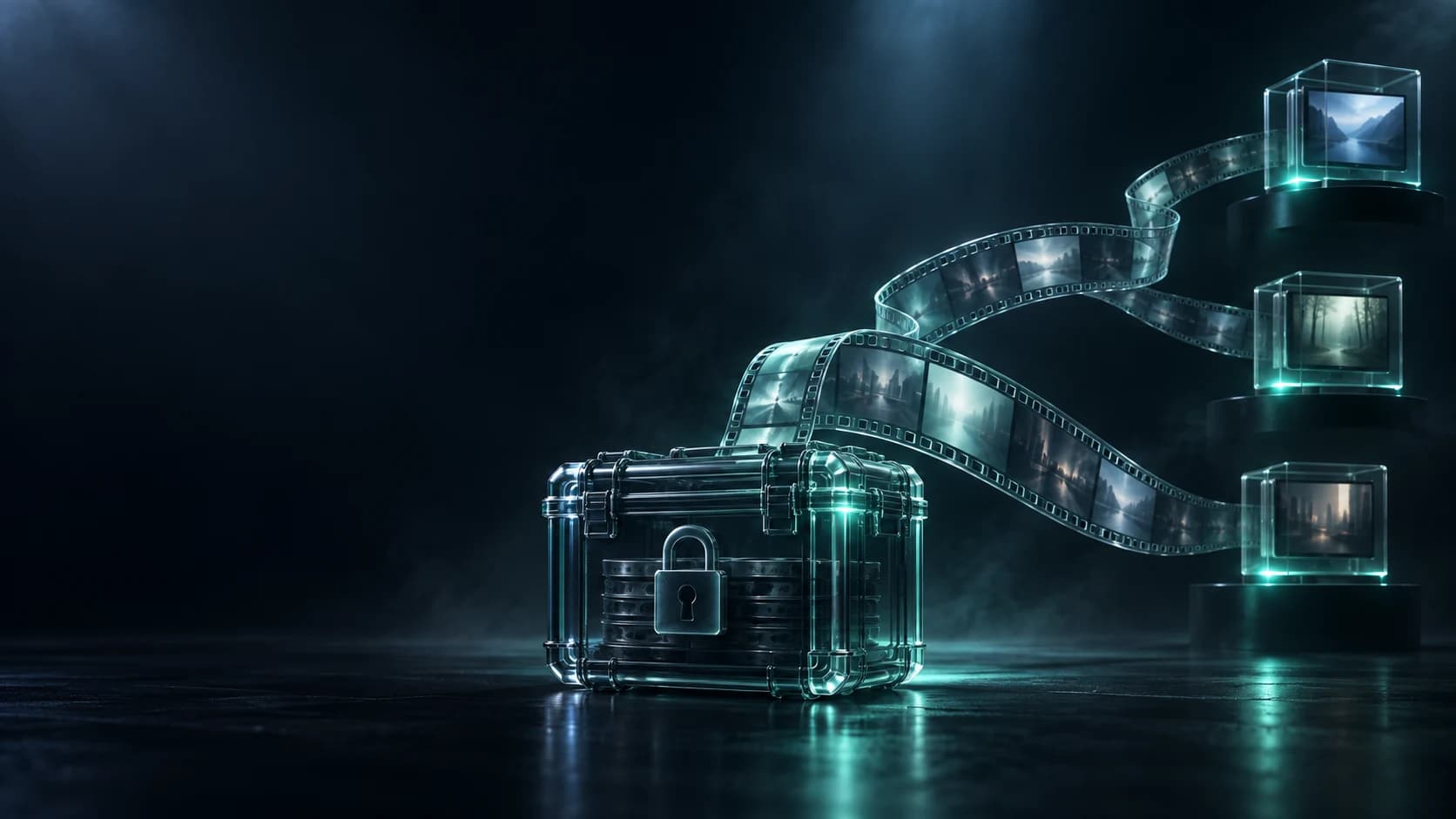
A protected film reel traveling from a sealed editing case to approved review points.

In short

A first cut usually reaches a producer, board, agency, legal team and distributor through ordinary download links, which leave permanent copies before approval. Share it as protected video instead. Approved reviewers stream it, you set when access ends, and you can end it sooner in one click.

What happens today

The first cut is not final, but it is already valuable. It holds the story, the performances, the music direction, the campaign idea, and sometimes work that cannot be public yet. The edit is waiting on comments, so the team needs to move fast.

A producer, director, board member, legal adviser, distributor, campaign team and outside agency may all need to watch the same cut. Nobody is wrong to ask for access. The problem is the ordinary file each of them receives.

What it costs you

Large video files are hard to handle, so teams take the practical route: upload once, make a link, and let everyone download or forward it. The cut moves at the speed the project needs.

It also starts to live in places the studio does not run: a reviewer's download folder, an agency drive, a former contractor's backup. The next version does not remove the first. It adds one more file to keep track of.

This is not about distrust. It is how ordinary media sharing works. A review copy is treated as a handover because the format has no other state.

What most studios do today, and where it falls short

Most studios use a review platform with a download link, or a private video link. A link works for as long as someone keeps it, and a download is a copy for good.

How NakodaX changes this

You share the cut as protected video. You upload it in the browser, or import it from Google Drive, SharePoint or Dropbox. Approved reviewers stream it in the browser, on any device, with no account to create.

You tie access to the people and time that matter. A director can have access until the next edit. The board can have access until the decision. An agency can have access for the campaign window. You can set an open limit, and revoke any share in one click.

When the review window closes, the cut closes with it. It collected the decision without becoming an open media library.

What NakodaX does not do

It cannot stop someone filming their screen, and video has no watermark, so keep the review group small and set an end date. It plays common formats such as MP4, MOV, M4A, MP3 and WAV in the browser, and the activity record shows who opened the cut and when.

What changes

You share the cut as protected video. Approved reviewers stream it in the browser, with no account, and you decide who can open it and until when.

When the review window closes, the cut closes with it. The next version does not leave the old one open.

Share this story

Follow NakodaX

Answers

Related questions

How can a studio share a first cut securely for review?
Share the cut as protected video instead of a download link. Approved reviewers stream it in the browser, and you set who can open it, an end date and an open limit, and you can revoke it in one click.
Can protected video be streamed to approved reviewers?
Yes. A protected video share plays in the browser for the reviewers you chose, during the window you set, without handing them a permanent copy.
What happens to a first cut after review ends?
You revoke the share or let the end date pass. The review copy stops opening once the edit, approval or release has moved on.
Do reviewers need an account to watch?
No. They open the link and watch in the browser, with no account to create.

This one, or one very like it

Document protection for media. Start where the problem actually is.