
Data Protection/Column control
Sensitive columns never reach the wrong hands.
Choose the columns a partner should never see. Hide them completely, or scramble them so the file still works.
- full_nameHidden
- emailHidden
- account_noScrambled
- regionVisible
- claim_amountVisible
Scrambled values keep their length and shape.
How column control works.
Column control lets you choose what each partner can see. A hidden column is left out of their file entirely. A scrambled column stays in place but cannot be read, so a vendor can work with the rest of the data without ever seeing the sensitive part.
Pick the columns
Mark the columns a partner should not see: names, emails, account numbers, anything sensitive.
Hide it or scramble it
Hiding takes the column out of their file. Scrambling keeps it in place but unreadable.
The vendor still gets a useful file
A scrambled column keeps its place and its shape, so the vendor's own tools carry on working.
Only people you allow can read the scrambled values.
Checked before it leaves
A file that carries a column the partner should not have is stopped before it goes out.
Who uses it.

Insurers sending claims to loss adjusters
The adjuster works the claim without seeing the personal details.
Banks sending data to fraud scoring vendors
The vendor scores the account without seeing who it belongs to.
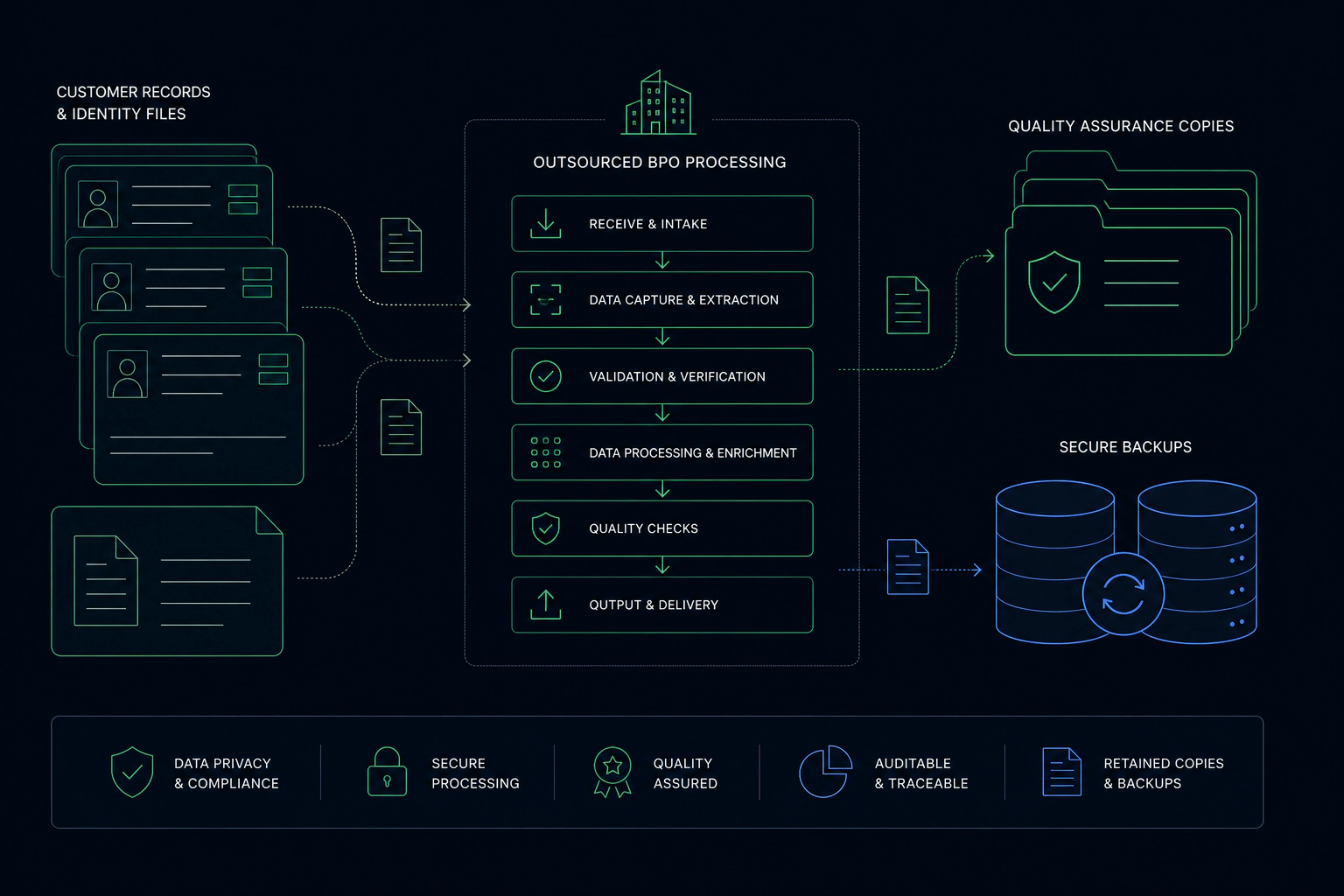
Teams outsourcing support or processing
Your partner handles records without holding names and contact details.

Column control questions
What is the difference between hidden and scrambled?
Can the vendor get the real values back?
What if someone adds a column upstream?
More Data Protection features
Watch and read
Send the data. Keep the control.
Tell us about your data and your partners. We will show you how it would work. Already a customer? Sign in to your console.