
NakodaX videos/Document Protection·6:50
What happens to a file after it is downloaded?
Encryption protects a file while it is stored and while it moves. See what NakodaX does once an authorized person has already downloaded a copy.
Questions this video answers
What happens to a file after it is downloaded?
Is encryption at rest and in transit enough?
What happens to copies when access is revoked?
Transcript
Okay, let's jump right into this explainer because today we are going to totally dismantle a universally accepted security myth. It's a myth that's honestly probably giving you a massive false sense of safety right now. We're breaking down exactly why the standard industry accepted answers to data protection are fundamentally flawed.
We're talking about the illusion of standard encryption and how a completely different approach than NakodaX reality changes the game entirely. Data is encrypted at rest and in transit. Look, if you're in IT, security, or procurement, you literally know this line by heart.
Every single vendor questioner features it, every vendor ticks the box saying, "Yep, we do this." And every reviewer just nods and moves on to the next question. But we're going to expose exactly why that one sentence tells you almost absolutely nothing about the data risk that actually matters in the real world. So, let's just think about what these standard defenses actually do, right?
At rest simply means the disk itself is protected. If someone physically breaks into a data center and steals a server drive or tries to image the volume without the right credentials, all they get is scrambled cipher text. In transit protects the wire.
If someone intercepts your network connection, again, they just get cipher text. Now, don't get me wrong. Both of these methods are absolutely necessary.
They are literal table stakes in modern security, but they share this massive glaring blind spot. And it's a blind spot that leaves your actual data completely exposed. The crucial thing to understand here is the stark difference between the container and the content.
Standard encryption at rest and in transit, that only protects the container holding your data. It protects the physical hard drive and it protects the network cable. But the absolute second an authorized user needs to actually interact with your data, that protective container is essentially unlocked, ripped open, and thrown away.
The security simply does not travel with the data itself. Well, when exactly does that protective container get stripped away? Literally the moment an authorized user actually does their job.
They download a file. They open a document to read it. They run a data export to a spreadsheet or maybe a developer clones a code repository.
Think about it, to be useful at all, the content absolutely must be decrypted the literal second someone does any of these actions. If it stayed encrypted, it would just be gibberish. It'd be completely useless to the person trying to do their actual work.
And boom, here is the massive loophole we've been building up to. The moment that file is downloaded or exported, from that exact point on, at-rest and in-transit encryption are completely irrelevant. You now have entirely vulnerable plain text just sitting out in the wild on a device that the vendor has zero control over.
And honestly, the most terrifying part? This isn't some software glitch. This isn't a bug.
This is exactly what authorized access means by design. Let's play this out over time to see how this risk actually multiplies. Say in March, a user is authorized, they log in, and they download a highly sensitive file.
Perfectly normal, right? But let's fast forward to July. Maybe a vendor contract ends or a massive merger deal just falls through.
Then September rolls around and that user actually leaves their company entirely. The massive problem we have here is that standard authorized access is just a one-time check at the exact moment of download. The system literally never checks again.
So that user who was cleared back in March, they are still holding your completely unprotected plain text data on their local laptop in September, way after they should have any access to it. Because this risk compounds so aggressively, we really have to stop asking the outdated question, "Hey, is it encrypted at rest?" We have to move past that. Instead, reviewers need to start asking this highly critical question right away.
After an authorized user downloads this file, what control remains? That is the only question that actually gets to the bottom of the real-world vulnerability of your sensitive information. And you know, here is the harsh reality of it all.
For almost every single system on the market today, the honest answer to that question is simply none, zero. The file is out of the gate. Whatever security controls used to exist, they lived all the way back in the vendor system, and the file isn't in that system anymore.
Your controls just completely evaporate the second that download finishes. But, this is where the paradigm entirely shifts. This is the NakodaX reality.
True post-download security means flipping that traditional model completely inside out. The only actual way to maintain after a download happens is to place a persistent, unbreakable shield of control directly inside the file itself. You don't protect the container anymore, you protect the content.
So, how does this actually work in practice? Well, the control literally lives inside the document, the data set, or the code module itself. The genius of this approach is that authorization isn't just checked once, it's reevaluated at the exact time of use, every single time someone tries to open it.
This means the data owner can revoke access instantly, and because the file checks its permissions the moment it's opened, when access is revoked, every single copy of that file stops working everywhere in the world. It doesn't matter if it was forwarded, copied to a USB, or saved to a personal drive. For authorized users, it behaves perfectly normally, but the second you pull the plug, the file completely locks down.
Now, you absolutely shouldn't just take my word for it, or a vendor's word for it. The security researcher who wrote the source material for this explainer laid out a brilliantly simple four-step test that anyone can do. Step one, just download a protected file.
Step two, copy it to a totally different machine and forward it to another email address. Step three, go back into the original system and revoke access. Step four, try to open all those rogue copies you just made.
If literally any of them open, you know immediately that the control was just a total illusion left behind in the system, not actually in the file itself. So, the researcher actually ran this exact gauntlet against NakodaX's document protection. And the result?
The copies did not open, period. Unlike standard platforms where all those emailed and copied files would just be sitting there as wide open plain text, with NakodaX those rogue copies were completely dead and entirely inaccessible the second access was revoked. The control truly actually lived inside the file.
Ultimately, true content-level security boils down to this one stark reality. Encrypted at rest is really just a statement about storage. But the real risk, the actual tangible danger to your business, happens in use.
It happens after the legitimate download by people who were legitimately allowed in at one specific point in time. So, my final provocative question to you is this: Does your security shield actually extend beyond the wire and into the file itself, or are your most sensitive documents completely defenseless the absolute second they are opened? Take a hard look at your own workflows today and really ask yourself, are you just protecting the container or are you actually protecting the content?
More videos
Document Protection · 0:33
Due Diligence Data Room: One NDA, One Room
A due diligence data room for financial, legal and HR files: invite buyers and advisers, one NDA, close on a date. NakodaX Data Room.
October 6, 2026
Document Protection · 3:15
Selective Share: send only the pages, slides or rows someone needs
Most people only need part of a document. See how Selective Share sends just the pages, slides, rows or columns a recipient needs and nothing else.
September 21, 2026
Document Protection · 1:54
Document Protection: Share Files Without Losing Control
Share PDFs, Word, Excel, PowerPoint, images and video with an expiry date, view limits, watermarks and the power to revoke access.
September 25, 2026
From the blog
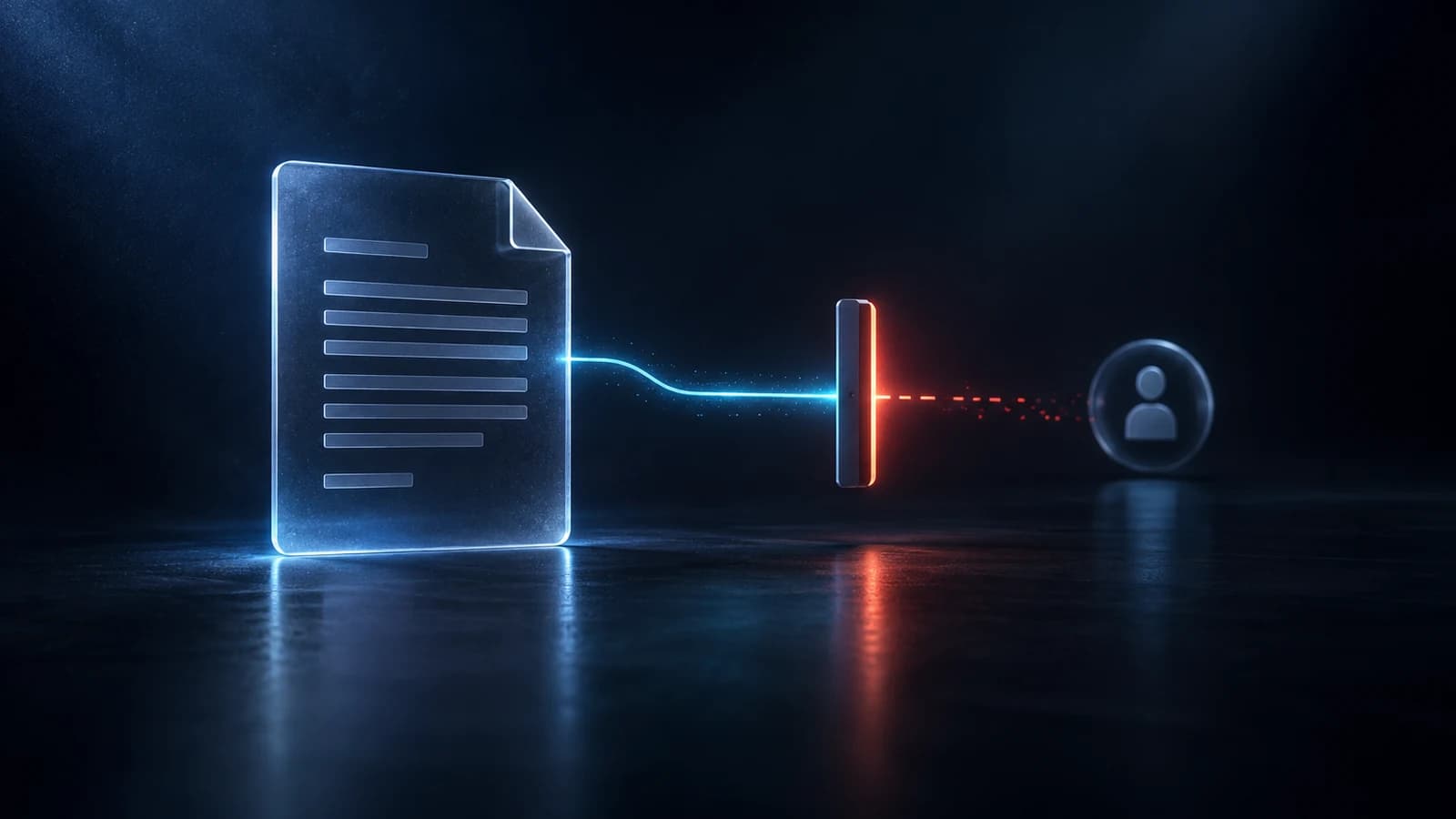
Document Protection · 3 min read
Can you revoke a document after sending it?
A normal PDF cannot be taken back once it is sent. A protected one can be closed. Here is what revoking does, how to do it in NakodaX and what it cannot undo.
September 14, 2026

Document Protection · 2 min read
How do you stop an old proposal being opened again?
A detailed proposal wins work, but it should not stay open forever after the deal ends. Set an end date, track opens and revoke access with NakodaX.
September 21, 2026

Document Protection · 2 min read
How do you send a PDF that expires?
A normal PDF cannot expire, and a link that expires can still leave a copy. Here is how to send a file that stops opening on a date you choose.
September 2, 2026
Seen in practice
Real situations, and the video where there is one, on the same problem.
Situation
Franchise manuals after the agreement ends
You gave them the manual: processes, recipes, supplier terms, training. They dropped your brand and kept your playbook.
Read moreSituation
Files a former employee can still open
People leave, and their accounts are closed in an afternoon. The files you sent to their email and personal devices stay open.
Read moreSituation
Lenders you didn’t choose keep your bank statements
You asked five lenders for a loan. One said yes. The other four still hold your bank statements, tax returns and forecasts.
Read more