
Data Protection/End access
When the deal ends, so does their access.
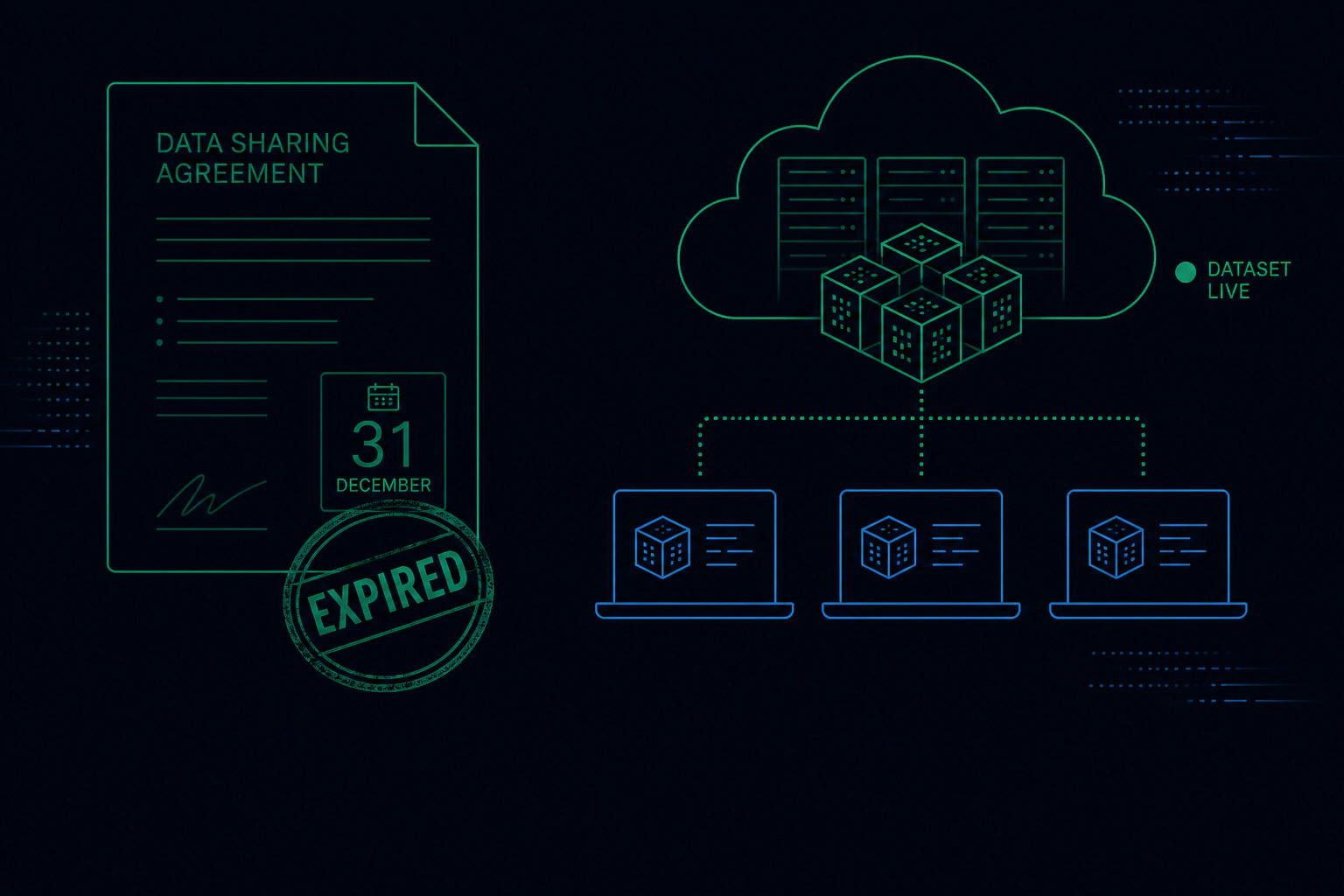
Set an end date for each partner. When it passes, their data stops opening. Or switch one off today and leave the rest alone.
- Partner UKOpen
Ends 30 Nov · 3 of 5 opens used
- Vendor metricsOpen
Ends 31 Jan · no open limit
- North AgencyAccess ended
Switched off today
Switch off a partner
How ending access works.
Ending access means every partner has an end date you choose. After it, their protected data stops opening. You can also limit how many times a file opens, or switch one partner off at any time without touching anyone else.
Set an end date
Choose the date the agreement ends. Their access ends with it, with no one to chase.
Limit how often a file opens
Give a partner a set number of opens for each file.
Switch one partner off
End one relationship today and leave every other partner untouched.
Every delivery has its own keys
Each delivery opens on its own, so the rest of your history stays closed.
Who uses it.

Compliance leads who need retention to happen
The end date in the contract becomes the end date on the data.
Operations teams offboarding an agency or vendor
Ending the contract ends the access, not only the logins.
Founders whose partner became a competitor
One switch ends what they can open.

End access questions
What happens to files a partner already has?
Can I extend a date?
Does ending one partner affect the others?
More Data Protection features
Watch and read
Send the data. Keep the control.
Tell us about your data and your partners. We will show you how it would work. Already a customer? Sign in to your console.