Document Protection/Videos and audio
Share recordings without handing over the file.
Upload a video or audio file and share it as a protected link. It plays in the browser, with expiry, open limits and revoke.
Product walkthrough.mp4
Protected
1:12 / 3:05Expires in 7 days
How sharing a recording works.
Protected video and audio plays in the recipient's browser, so there is nothing to install. You choose who can watch, for how long and how many times, and you can revoke access at any time.
Add the recording
Upload a video or audio file, or bring it in from Google Drive, SharePoint, OneDrive or Dropbox.
Set the rules
Choose an expiry, an open limit and who can watch.
They press play
It plays in the browser. No app to install, no codec to chase, no account.
Take it back
Revoke the link and it stops playing, the same as a document.
Who uses it.
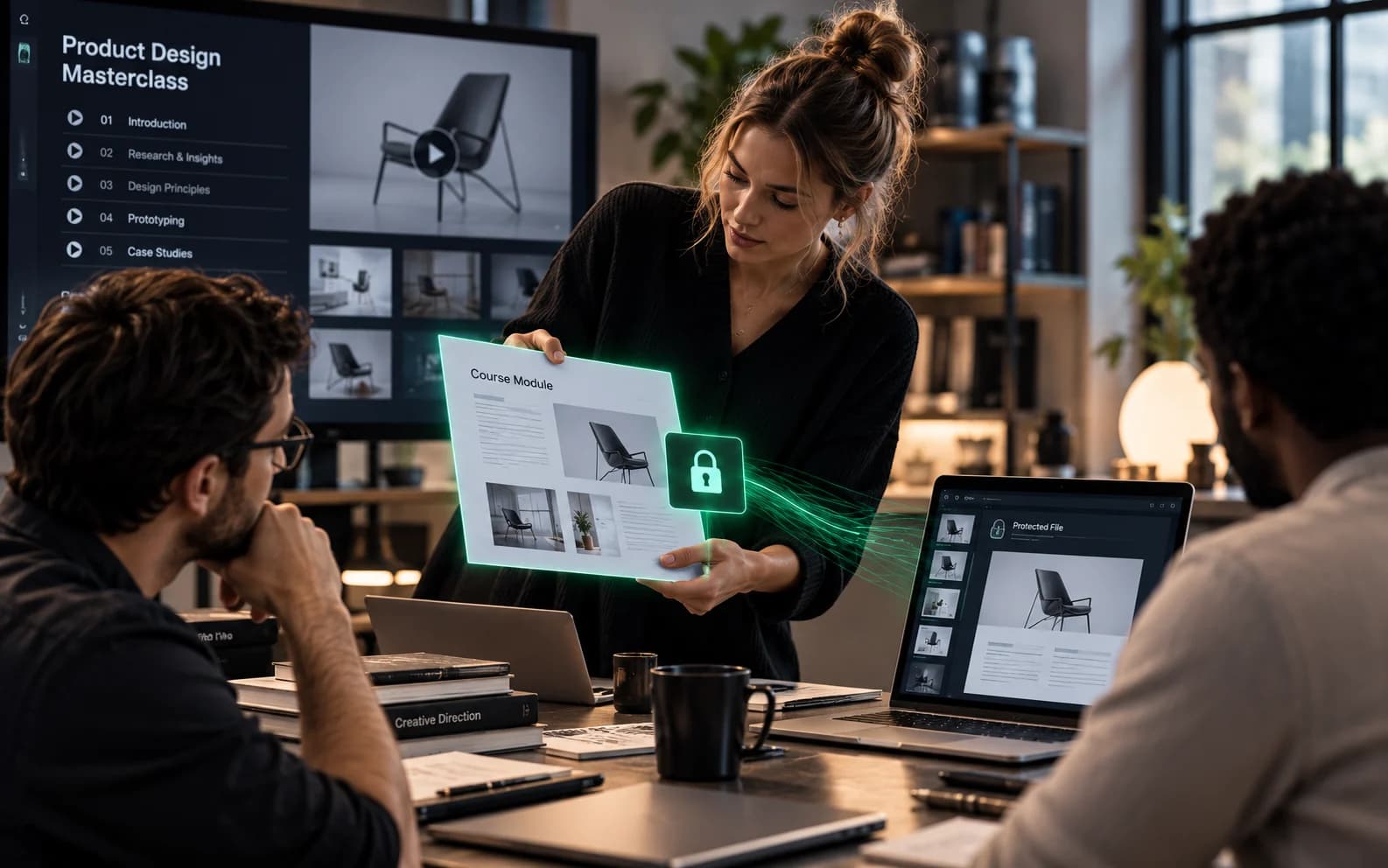
Course creators and training businesses
Learners watch recorded lectures and workshops in the browser, and you end access when a cohort or subscription ends.
Studios sharing a first cut
Reviewers watch from a protected link instead of a download, and you close it when the review window ends.

Videos and audio questions
Which formats play?
Common ones such as MP4, MOV, M4A, MP3 and WAV.
How large can a recording be?
Up to 500 MB in the browser. For larger recordings use nkx-upload, our command line tool, described at nakodax.com/developers.
Can I revoke after sharing?
Yes. Revoke a share and the recipient can no longer play it.
More Document Protection features
NDA before openingGet the NDA signed before the file opens.AnalyticsKnow who opened it, and when.PhotosShow the photos. Keep the originals.Selective shareShare only the part they need.Revoke, expire, limitTake access back after you send.Data RoomOne room for a whole deal.
Watch and read
Share the file. Keep the control.
Try Document Protection free, or tell us what you share and we will help you set it up.