
Document Protection/Photos
Show the photos. Keep the originals.
Share photos and proofs in a protected viewer. Readers can zoom in and look closely, and you decide how long they can.
Viewing access ends in 30 days
How sharing photos works.
Protected photo sharing lets someone view your images in the browser while you control access: an expiry date, an open limit and revoke at any time. Clients can review proofs without walking away with the originals.
Add your photos
Upload a set of photos or proofs from your computer.
Set the viewing rules
Choose how long they can be looked at and how many times.
They look closely
Readers view and zoom in the browser, with no account. JPG, PNG, WebP and many more open in the viewer.
It ends when you say
Expire access, or revoke it the moment a review is done.
Who uses it.
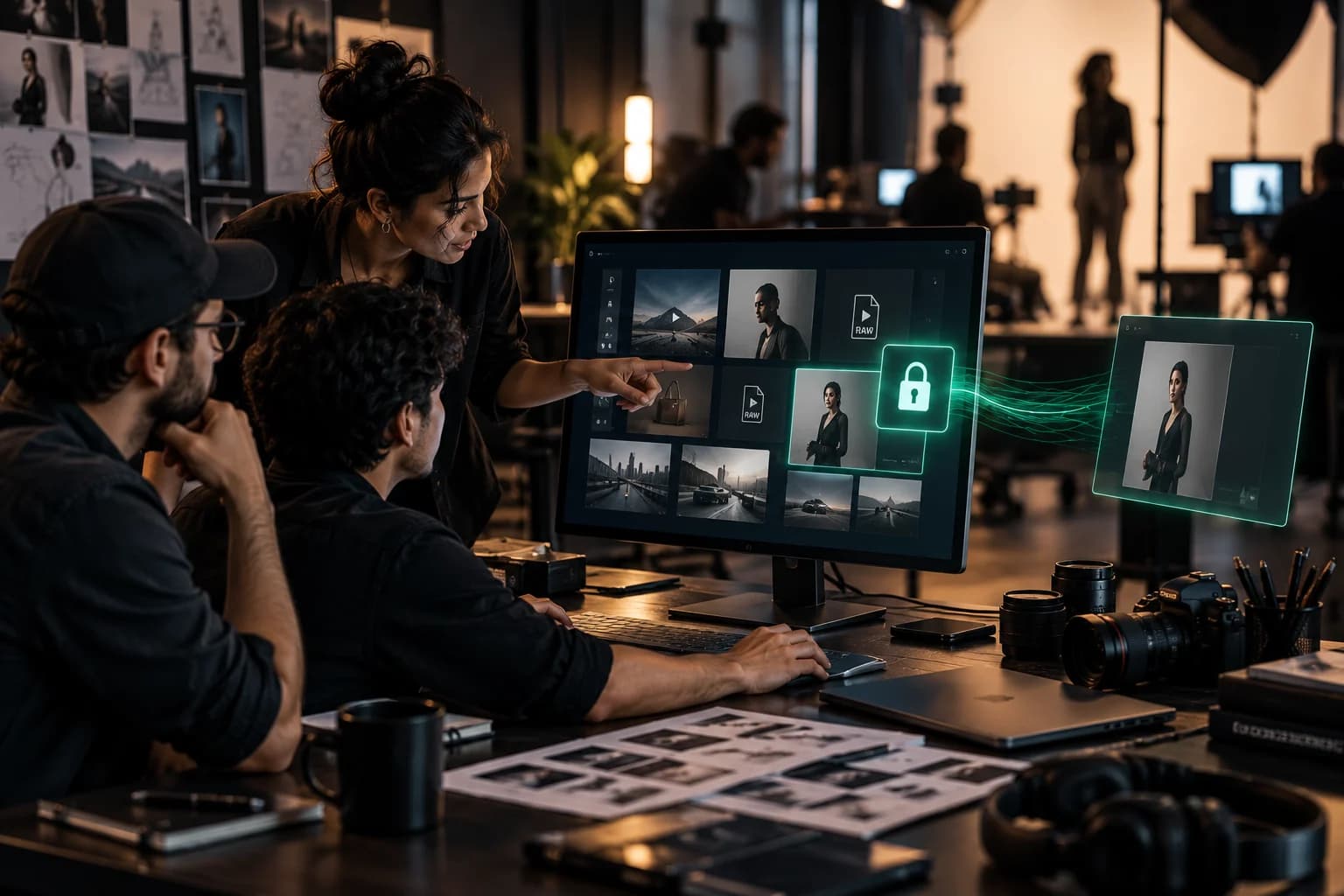
Photographers sharing proofs
The client zooms in and picks their shortlist while you set how long the gallery stays open. The final delivery stays separate.
Studios and agencies sending work for approval
The client reviews the images while approval and payment run, without taking the originals early.


Photos questions
Which photo formats work?
Can clients zoom in?
Can I revoke access after sharing?
More Document Protection features
Watch and read
Share the file. Keep the control.
Try Document Protection free, or tell us what you share and we will help you set it up.