
By Pallav Boonlia
Founder & CTO, NakodaX ·

NakodaX blog/Source Protection·2 min read
Protect the few files that carry your business logic, such as pricing, scoring or matching. Most of a codebase is easy to rebuild. NakodaX Source Protection ranks files by how much custom logic they hold, suggests a short list, and nothing is protected until your team approves it.
By Pallav Boonlia
Founder & CTO, NakodaX ·

Protect the few files that carry the business advantage, not the whole codebase by default.
Ask an engineering team which part of its code would hurt to lose, and the answer is rarely the whole codebase. It is the matching engine, the risk model, the pricing logic or the integration that took years to get right.
Most teams know this. They still put protection off, because protecting every file feels impossible. It does not have to be every file.
Walk the code with one question: if this file appeared on a competitor's machine tomorrow, would it matter? The list is usually shorter than expected. Pricing, scoring, ranking, special parsers, domain rules and hard won integrations are common answers. Write it down first.
Source Protection starts with an analysis step. It reads the code and ranks each file by how many decisions it makes, how unusual its names and algorithms are, and how much other code depends on it. Generated files, outside libraries and common boilerplate rank low.
The ranking follows fixed rules. It does not use AI, and the same code gives the same result every time. You get a suggested list, and your team adds or removes files. Nothing is protected until someone approves it.
Today it works for Python, JavaScript, TypeScript and SQL.
Engineers keep working in the rest of the code. The files that define the business become encrypted files that run only with a license. The goal is not to hide every line. It is to stop the part a competitor could not quickly rebuild from being an ordinary readable copy.
Start with the files that would cause the clearest harm if exposed. Note why each one is protected. It is easier to add a file later than to undo a wide first rollout.
It cannot recover logic someone has already copied. While software runs on a licensed machine, the protected code is readable in that machine's memory.
Find the ten files. Start there.
Related product
Let vendors and customers build or run software without receiving selected proprietary source code in readable form.
See how it worksStart a free trial, or tell us what you share and with whom, and we will show you how NakodaX handles it.
Real situations, and the video where there is one, on the same problem.
Video
When software has to run in a customer or vendor environment, see how NakodaX keeps selected proprietary components out of the readable release.
Watch (3:29)Situation
You paid an agency to build your product. The project ended, but their copies of your code didn’t. With AI, those copies are one rewrite away from someone else’s product.
Read moreSituation
Agencies run your software on their own servers, often with no internet. The contract year ends, the budget moves, and your product keeps running, with no way for you to know or to stop it.
Read more
New to NakodaX? Watch the overview
A full walkthrough of how NakodaX helps a business keep control of documents, business data and source code after they are shared, moved or deployed.
Watch the video (8:49)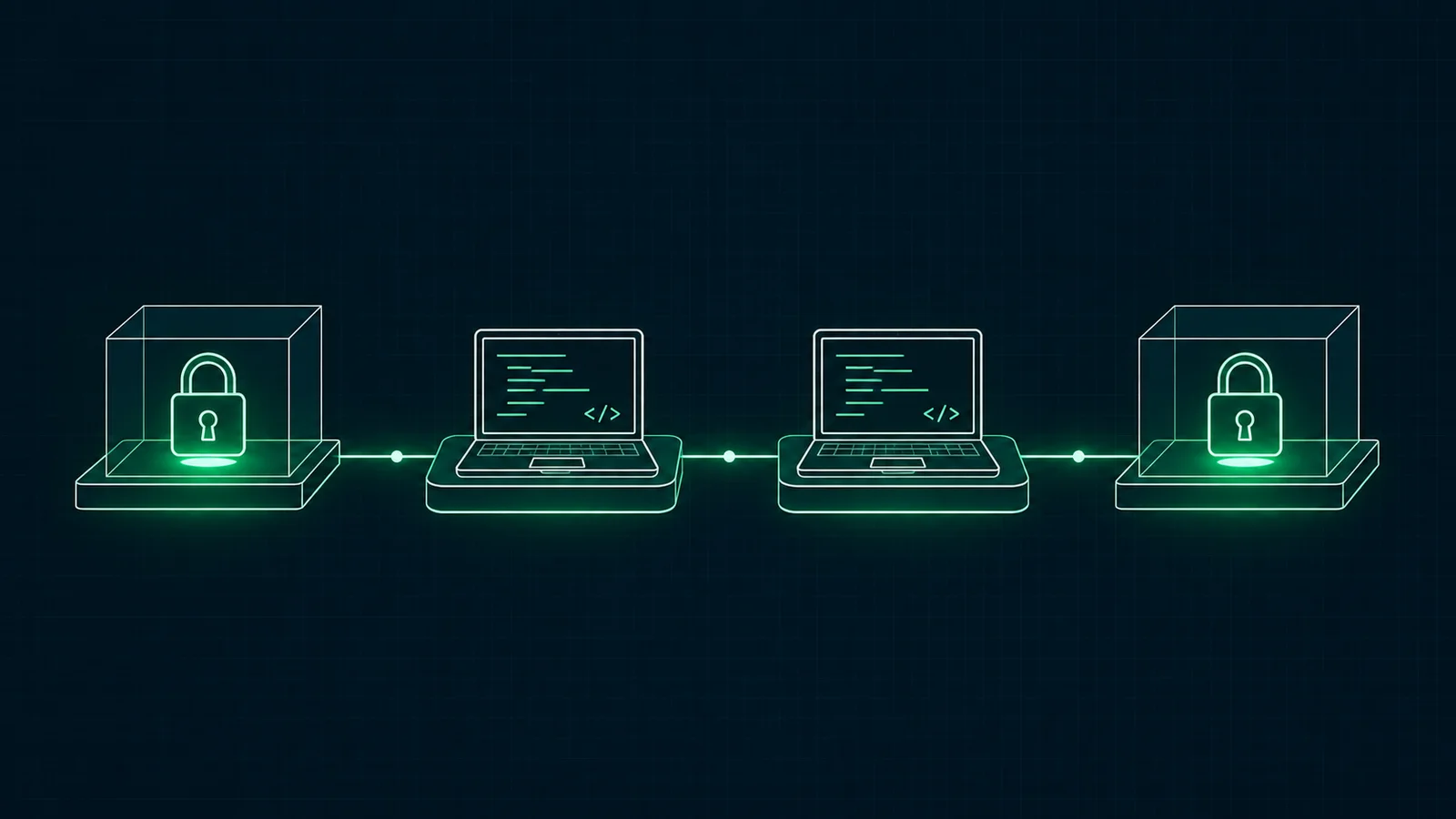
Source Protection · 3 min read
Decrypt the protected files for your build, run your own compiler, then lock the output again. Here are the steps and the nkx commands.
November 8, 2026

Source Protection · 2 min read
A buyer wants to review your code, and the deal may not close. Here is how to share enough for a real review while keeping a defined end to access.
September 18, 2026
Source Protection · 7 min read
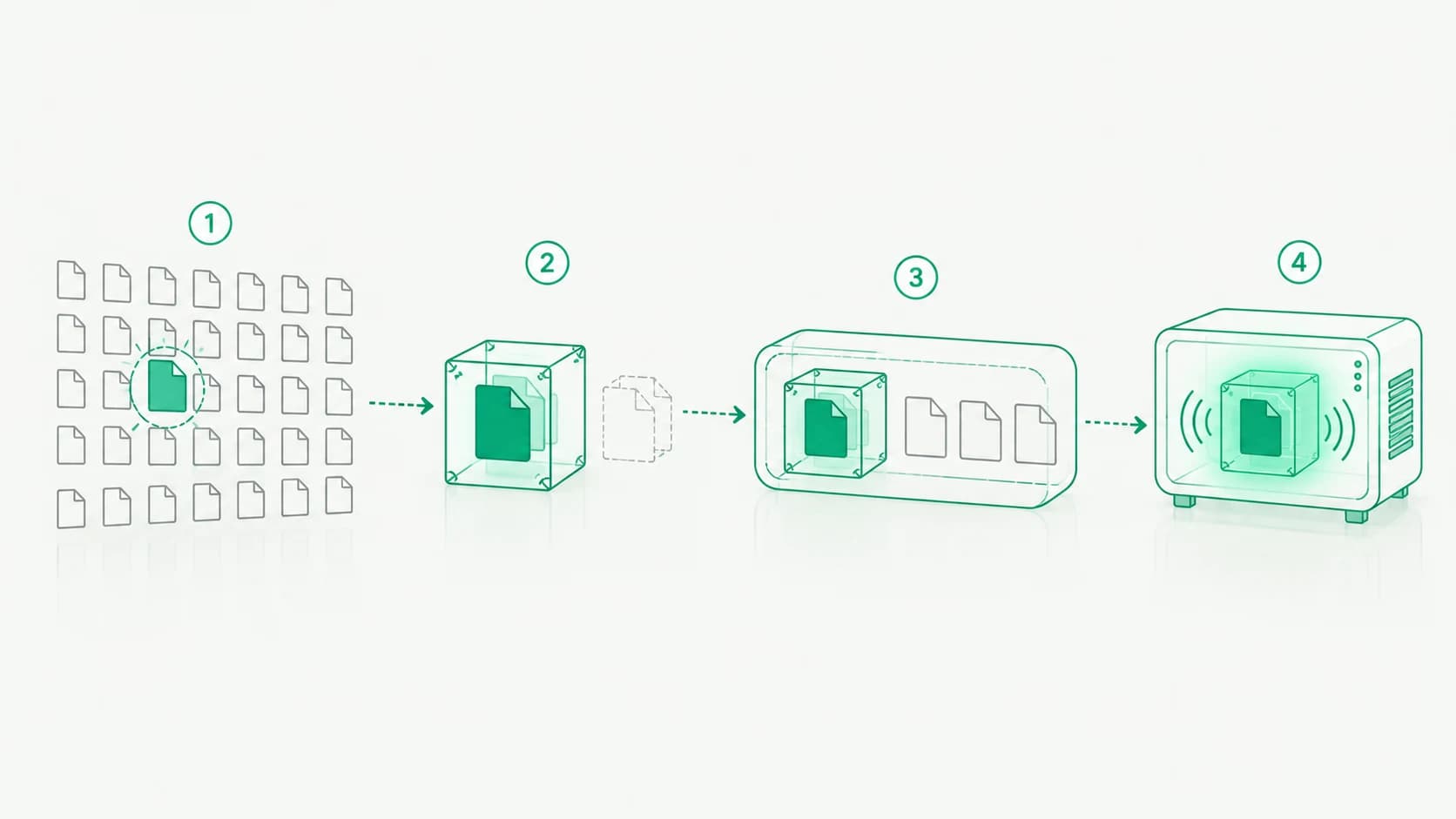
How NakodaX finds the code worth protecting, gives developers stand ins to build against, ships a protected release and decrypts the code only in memory.
October 13, 2026