
By Pallav Boonlia
Founder & CTO, NakodaX ·

NakodaX blog/Document Protection·3 min read
You cannot take back an ordinary PDF once it is sent. With NakodaX Document Protection you can revoke access, and the file stops opening from then on, on any device. Revoking does not erase what someone already saw. It stops every opening after you revoke.
By Pallav Boonlia
Founder & CTO, NakodaX ·
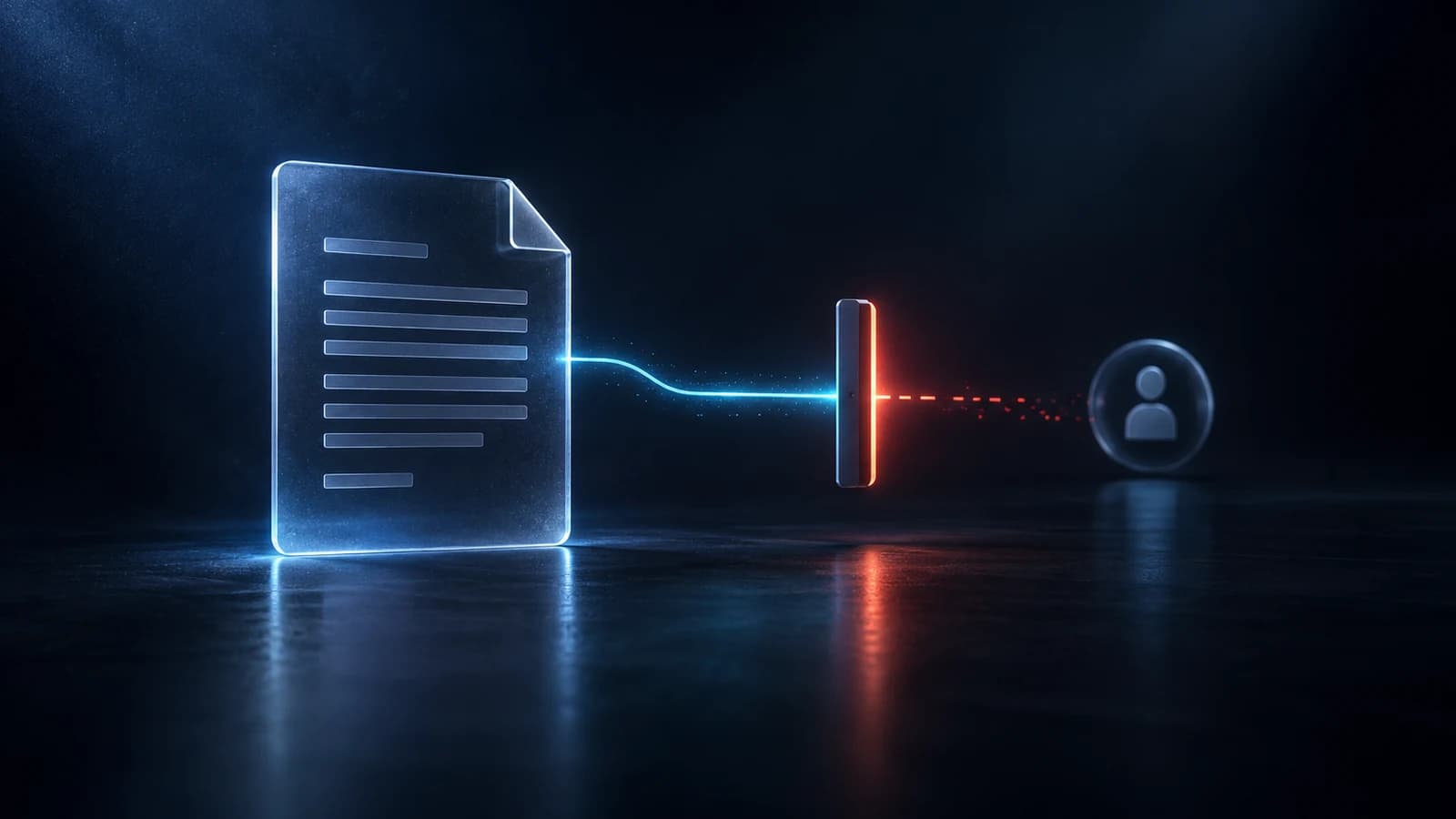
Revoking access stops the next opening. It does not undo the last one.
You send a proposal on a Tuesday. Two weeks later the deal falls apart, and someone asks the question everyone asks. Can we get that file back?
It depends on what you sent. An ordinary PDF is theirs once it leaves your inbox. A document you protected before sending can be closed, though not in the way people often imagine. Revoking does not erase the past. It changes what happens the next time someone tries to open the file.
An ordinary PDF or Word file is complete in itself. The moment it lands in an inbox, the recipient has a full, readable copy. Deleting your copy, turning off a link or asking them nicely to delete it does nothing to what they already downloaded or forwarded.
That is not a flaw in any app. It is what sending a file has always meant.
A protected document works differently from the start. Before it leaves your browser, the content is encrypted. What your partner receives is a container that checks for permission every time it opens.
When you revoke, you do not reach into their computer. You change the answer the permission check gives. The next time anyone tries to open the file, on any device, the check fails.
Protect the document, share it by email, and set the rules before you send. Choose an expiry of 1, 7, 30 or 90 days, or a date. Choose how many times it can be opened: 1, 3, 5, 10, 25 or unlimited. Recipients need no account. If a recipient forwards the file, the new reader can ask for access, and you or the recipient decides.
Later, revoke that share in one click. Rotating your key revokes every active share.
It cannot make a person forget what they read. It cannot undo a screenshot or a photo of a screen. No product can honestly promise that.
What it stops is the quiet, everyday kind of exposure: the file in a downloads folder, the copy forwarded without a thought, the old version opened again six months later.
A deal falls through. A contractor or agency contract ends. Someone gets the wrong file, or a mailing list changes after you hit send.
An ordinary document is gone the moment you send it. A protected one stays yours to close.
Related product
Protect documents before sharing. Control who can open them, what they can see, when access ends and how protected documents are used.
See how it worksStart a free trial, or tell us what you share and with whom, and we will show you how NakodaX handles it.
Real situations, and the video where there is one, on the same problem.
Video
Encryption protects a file while it is stored and while it moves. See what NakodaX does once an authorized person has already downloaded a copy.
Watch (6:50)Situation
Three bidders downloaded your data room. Two walked away, and one of them competes with you.
Read moreSituation
You briefed four agencies for the pitch. One won. The other three kept your strategy, your budget range and your launch date.
Read more
New to NakodaX? Watch the overview
A full walkthrough of how NakodaX helps a business keep control of documents, business data and source code after they are shared, moved or deployed.
Watch the video (8:49)
Document Protection · 2 min read
DLP watches data leaving your systems. Document protection controls a file after it has left. Here is what each does and where they meet.
September 7, 2026
Document Protection · 2 min read
A normal PDF cannot expire, and a link that expires can still leave a copy. Here is how to send a file that stops opening on a date you choose.
September 2, 2026

Document Protection · 2 min read
A detailed proposal wins work, but it should not stay open forever after the deal ends. Set an end date, track opens and revoke access with NakodaX.
September 21, 2026