
Data Protection/One view per partner
Every partner gets their own view.
Set up a view for each vendor, partner or customer. They receive the data made for them and never see anyone else's.
One source, three views
- Partner UKLive
4 of 6 columns · 2 people
- Vendor metricsLive
3 of 6 columns · 1 person
- Customer portalDraft
6 of 6 columns · 5 people
How a view works.
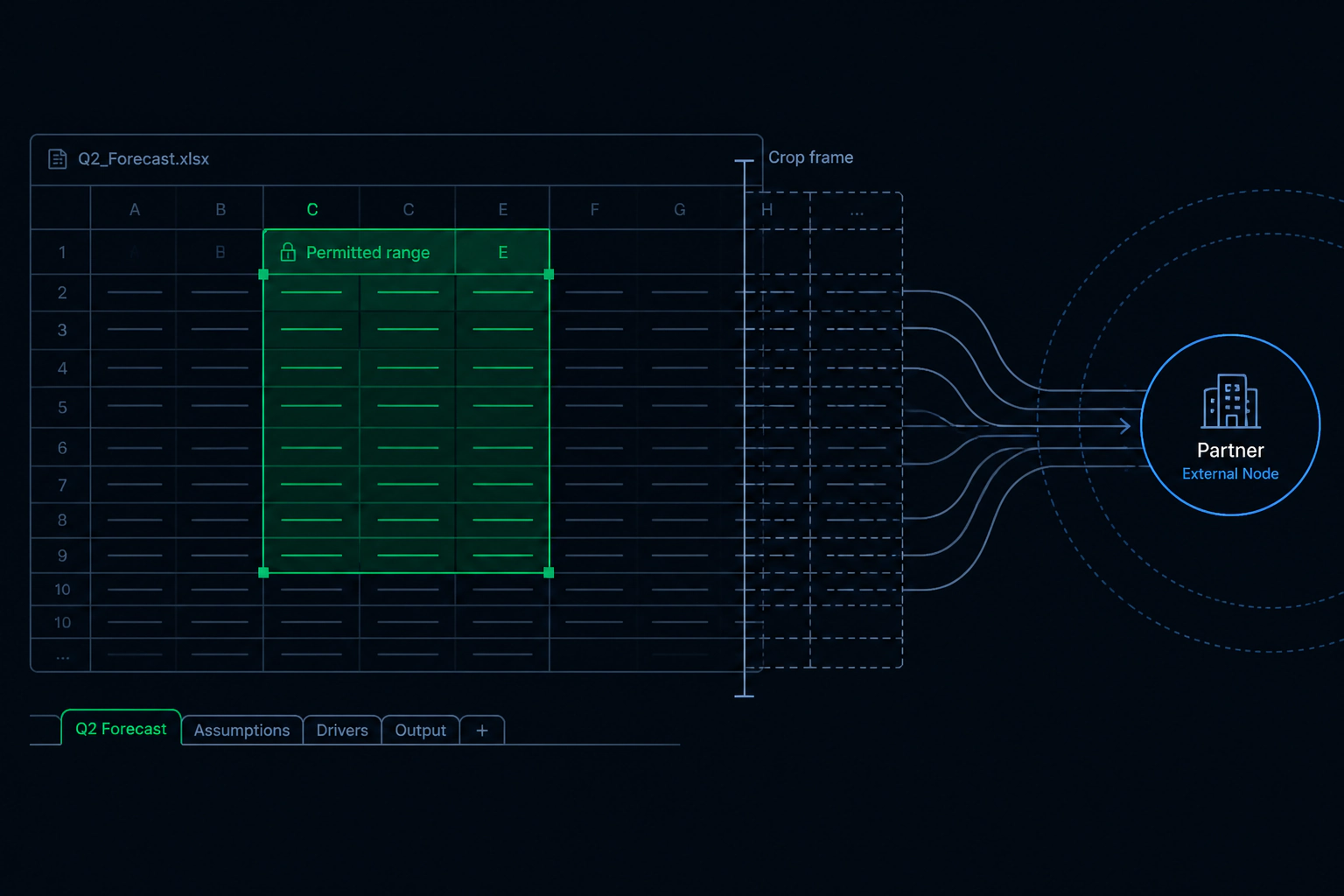
A view is the part of your data that one partner receives: the columns and rows you choose for them. Each vendor, partner or customer gets their own, set up once and used on every delivery, so nobody sees what was meant for someone else.
Make a view
Name it after the partner or the job, then choose the columns they should get.
One source can feed as many views as you have partners.
Add the people who get it
Invite a vendor, partner or customer to a view. Two partners on the same view receive the same data.
Change one, leave the rest
Edit a view or switch a partner off. Everyone else carries on as before.
Every delivery follows it
The next delivery is made to the view, so nobody cuts a file by hand again.
Who uses it.

Heads of data sending a weekly feed to several partners
One feed goes out, and each partner receives the cut made for them.
Platform teams serving agencies, vendors and customers
Everyone is served from the same source, each with their own view of it.
Finance teams sharing with lenders, reinsurers and bureaus
Each one sees only their part.
One view per partner questions
Can two partners share a view?
Does a partner see what other partners get?
How long does a first view take to set up?
More Data Protection features
Watch and read
Send the data. Keep the control.
Tell us about your data and your partners. We will show you how it would work. Already a customer? Sign in to your console.