
By Aditi Jain
Director of Operations, NakodaX ·

NakodaX blog/Document Protection·2 min read
NakodaX Selective Share lets you send only the slides, pages, sheets or sections someone should see. The recipient gets a real file of the same type with the rest removed, so the rest never reaches them. You keep one master file and send a different slice to each person.
By Aditi Jain
Director of Operations, NakodaX ·
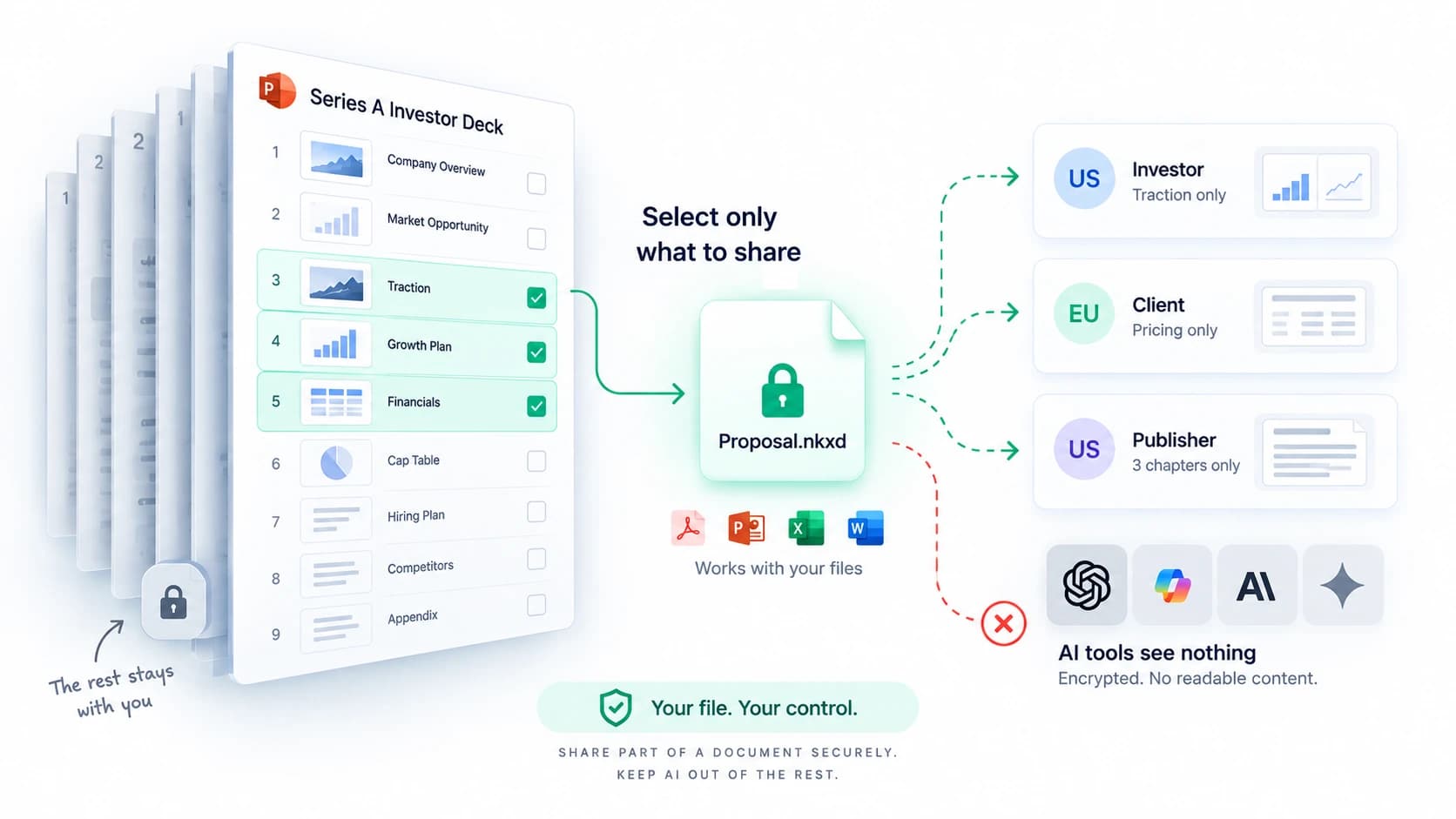
Most tools protect a whole file. NakodaX can send just the part someone should see.
An investor asks for your traction numbers. You send the whole deck, because that is how decks work.
Now they also have your cap table, your burn and your hiring plan. And their associate may upload the deck to AI for a one page summary. You wanted to share three slides.
Every tool treats a file as one thing. To share a part, you copy the file, delete pages, hide sheets, save a new version and send that. Then you repeat it for the next person and try to remember which version went where. Most people skip this and send the whole file.
It opens in a browser through NakodaX, under the access you set. You can add an expiry date or an open limit, and the reader's name and the time are shown as a watermark, which deters sharing.
When the round closes or the talks end, you revoke and the slice stops opening. The protected file holds no readable text, so there is nothing for an AI tool to take. If you want a recipient to download a plain copy, you can allow it. That choice is yours.
Investor decks: traction for one firm, financials for another. Proposals: one master, a different slice for each prospect. Contracts: each party sees its own section. Publishing: three chapters, not the book.
Send three slides, not the deck. Keep the rest with you, and end access when the talks end.
Related product
Protect documents before sharing. Control who can open them, what they can see, when access ends and how protected documents are used.
See how it worksStart a free trial, or tell us what you share and with whom, and we will show you how NakodaX handles it.
Real situations, and the video where there is one, on the same problem.
Video
Share only selected pages, rows, image areas or video clips of a file, and stop sharing anytime, with NakodaX Document Protection.
Watch (0:34)Situation
A lender asks for a bank statement and a photo of an ID. They need a few lines and a name. They receive every account number and transaction, and a photo that carries its location.
Read moreSituation
A contract, a report or a case file has to go to someone outside. Most of it can. A price, a name and a few paragraphs cannot. A black box drawn over them often leaves the text in the file.
Read more
New to NakodaX? Watch the overview
A full walkthrough of how NakodaX helps a business keep control of documents, business data and source code after they are shared, moved or deployed.
Watch the video (8:49)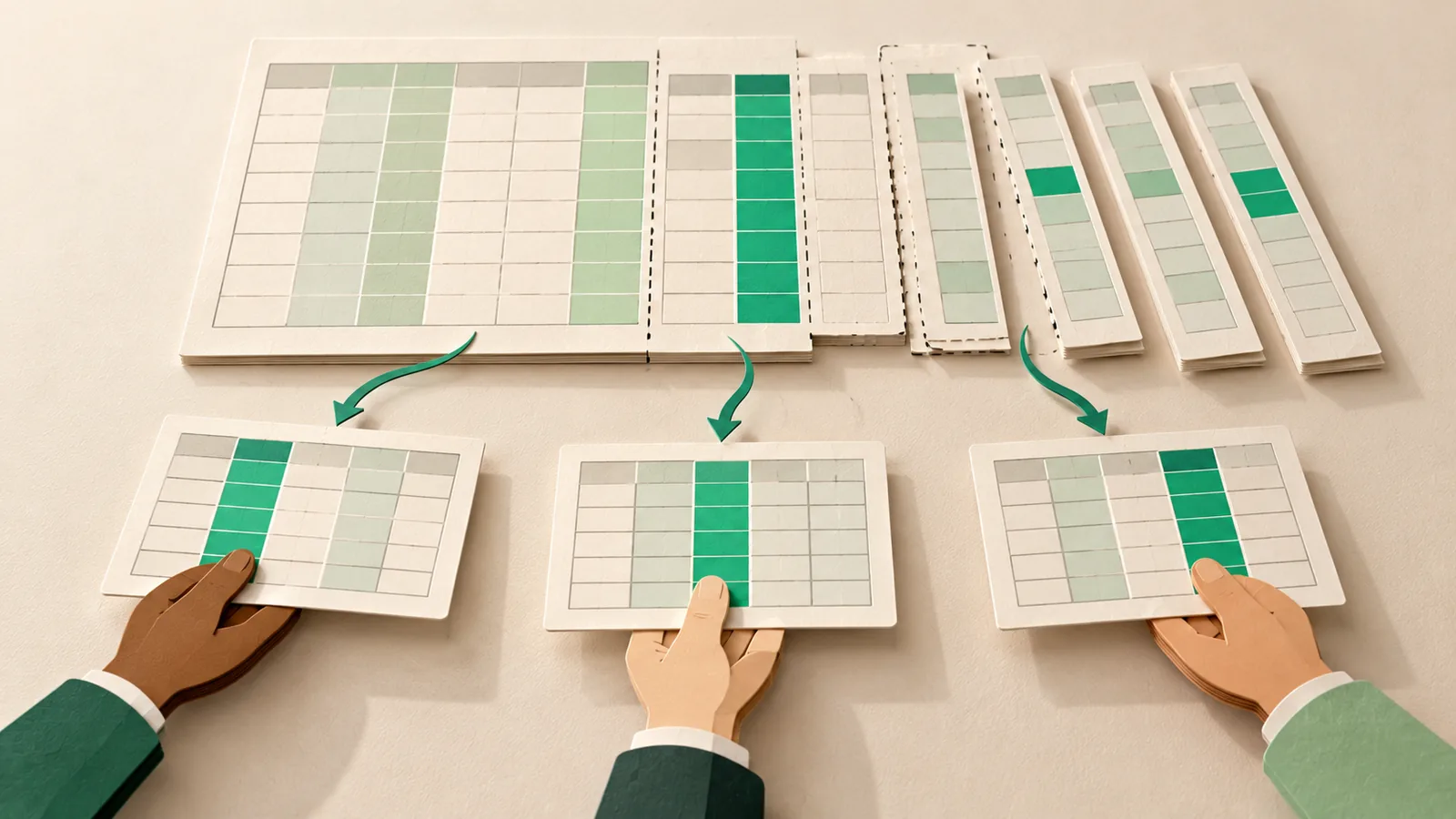
Document Protection · 2 min read
Hiding a column in Excel does not remove it. Here is how to send each person only the sheets, columns and rows they should see.
September 5, 2026

Document Protection · 2 min read
A black box over text often leaves the text in the file. Here is how redaction deletes it for real, and which file types it covers.
September 12, 2026

Document Protection · 2 min read
A raise means sharing a deck, model and term sheet with many firms. Set who can open each file, and end access when a firm passes or the round closes.
September 29, 2026