
By Arun Verma
Investor and Advisor, NakodaX ·

NakodaX blog/Perspective·3 min read
If someone puts a document protected with NakodaX into ChatGPT or Copilot, the tool gets encrypted data, not text. Data Protection sends each recipient only their own columns, and Source Protection keeps chosen code files out of the readable release. A screenshot can still be pasted into AI.
By Arun Verma
Investor and Advisor, NakodaX ·
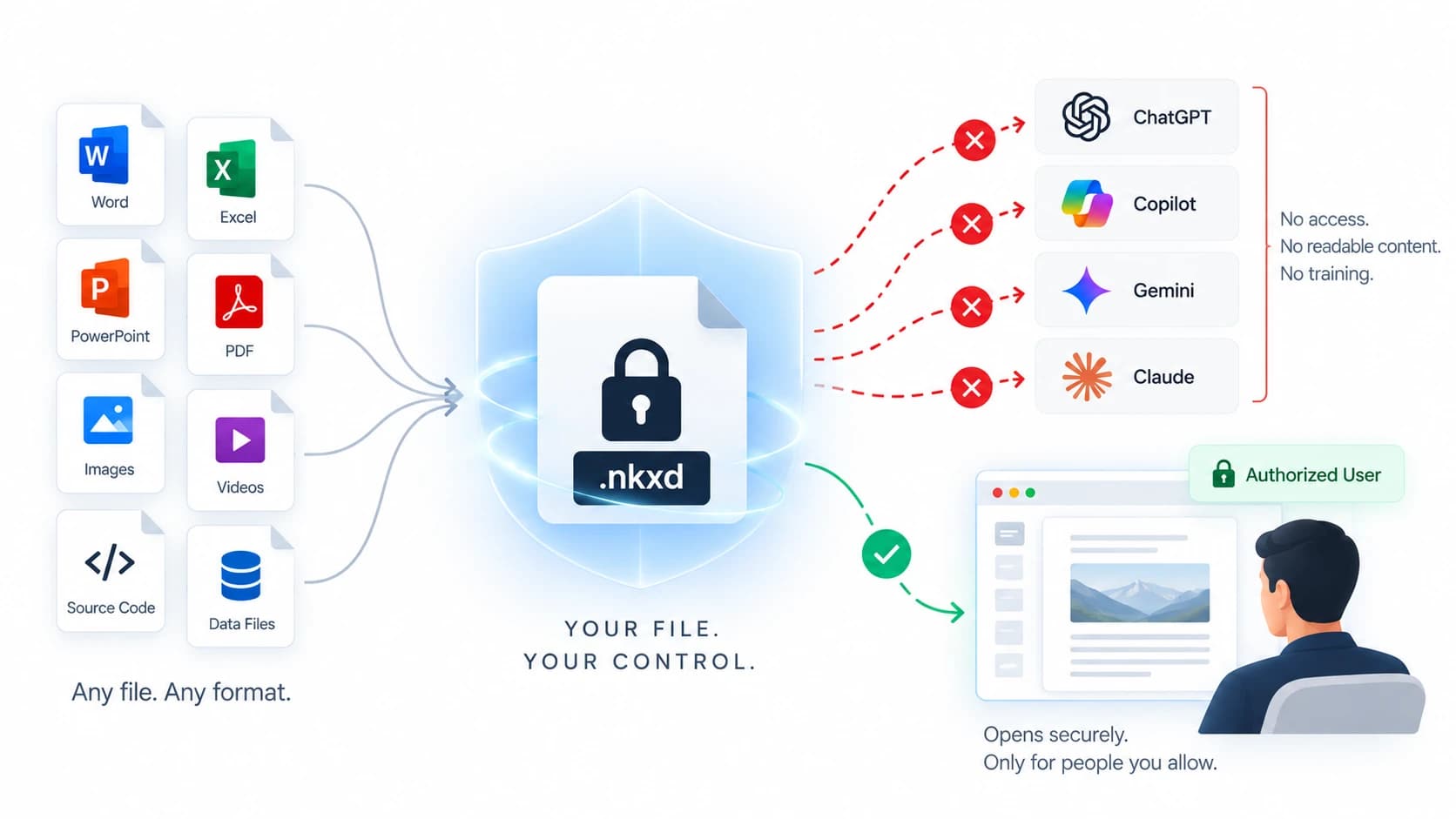
AI tools get nothing readable from a protected file. A screenshot is the one path that stays open.
A recipient can paste a contract into ChatGPT, upload a customer export to Copilot or drop a code file into Gemini in seconds. A normal file, table or code folder does nothing to stop that.
This post shows how NakodaX leaves little readable to paste in, for documents, data and source code.
NakodaX turns a protected document, image or file into a .nkxd file before it leaves you. The content inside is encrypted, and the key stays with NakodaX under your control.
Drop that file into an AI tool and it gets noise. There is no text to summarize or extract. Your recipient opens it in a browser through NakodaX, with the access you gave them.
Data Protection gives each recipient their own file, holding only the columns and rows you chose. A column they should not have is left out, or sealed, which swaps each value for an encrypted token.
So there is no full readable export in an inbox or shared drive for a tool to take. A partner can still paste what they were given, but they were given only what they need.
Source Protection encrypts the files you choose in a protected release. The software runs as normal for a licensed customer. The files anyone could open and paste into an AI tool are the ordinary ones, not the files that carry your business logic.
The protected files are readable in memory only while the software runs on a licensed machine.
A screenshot, a photo of a screen or a retyped page can still be put into AI. No protection product can stop that. Documents can show the reader's name and the time as a watermark, which deters it. What NakodaX removes is the easy path: copy, export and paste.
Protect the work before it leaves. Documents stay locked, datasets are cut to what each recipient needs and key code stays out of the readable release.
Related guide
How NakodaX keeps readable documents, customer data and source code out of AI tools, and what it cannot stop.
See how it worksStart a free trial, or tell us what you share and with whom, and we will show you how NakodaX handles it.
Real situations, and the video where there is one, on the same problem.
Video
AI tools can pull data, documents and code past old boundaries. See how NakodaX sets an AI Data Boundary and protects sensitive work before an AI tool sees it.
Watch (5:30)Situation
You licensed your data for one use and one term. The term ends. The dataset doesn’t.
Read moreSituation
You paid an agency to build your product. The project ended, but their copies of your code didn’t. With AI, those copies are one rewrite away from someone else’s product.
Read more
New to NakodaX? Watch the overview
A full walkthrough of how NakodaX helps a business keep control of documents, business data and source code after they are shared, moved or deployed.
Watch the video (8:49)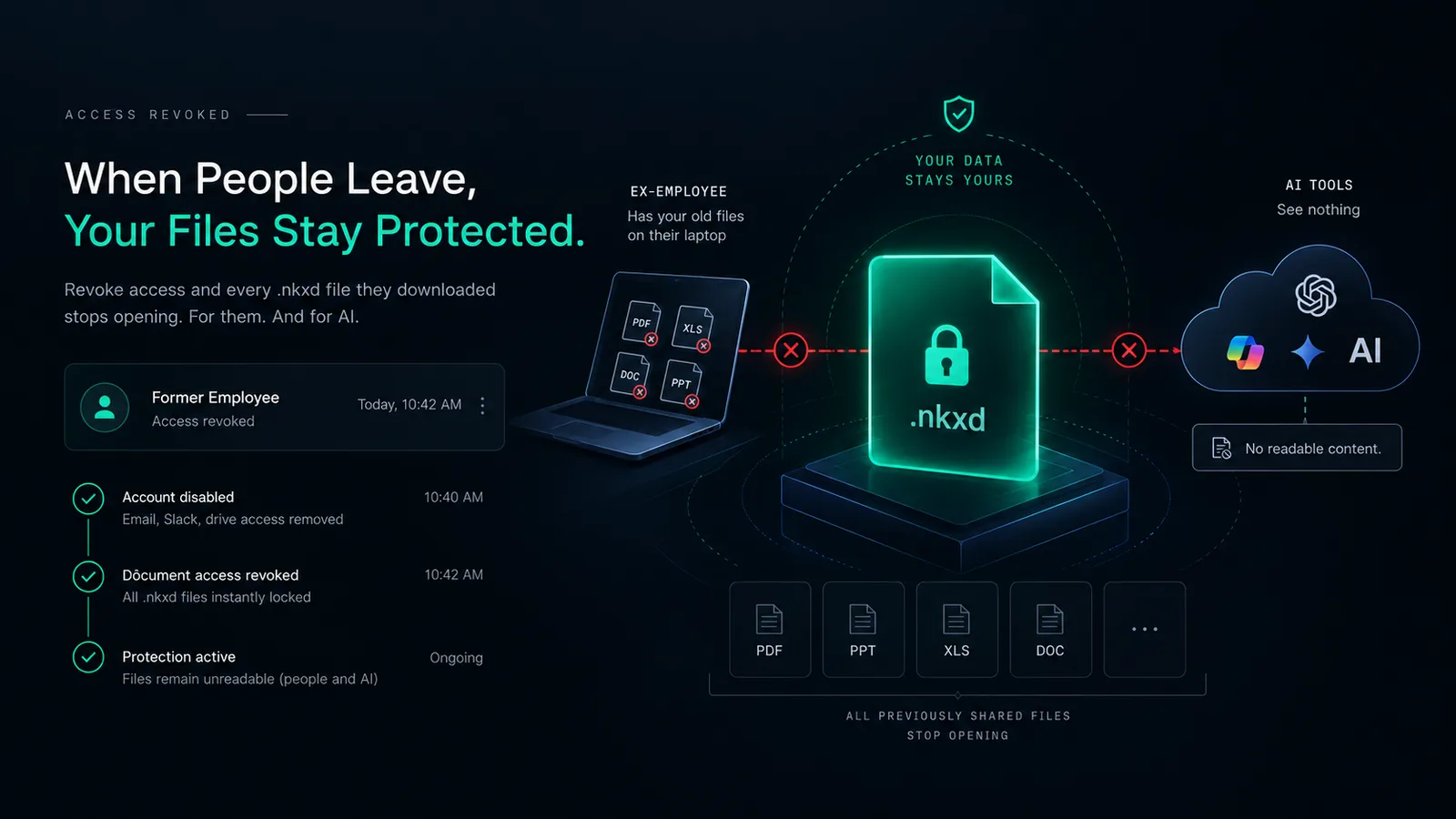
Document Protection · 3 min read
Turning off a login does not touch files already on a laptop. Files shared as protected NakodaX files stop opening once you revoke access, for the person and for AI.
September 11, 2026
Perspective · 2 min read
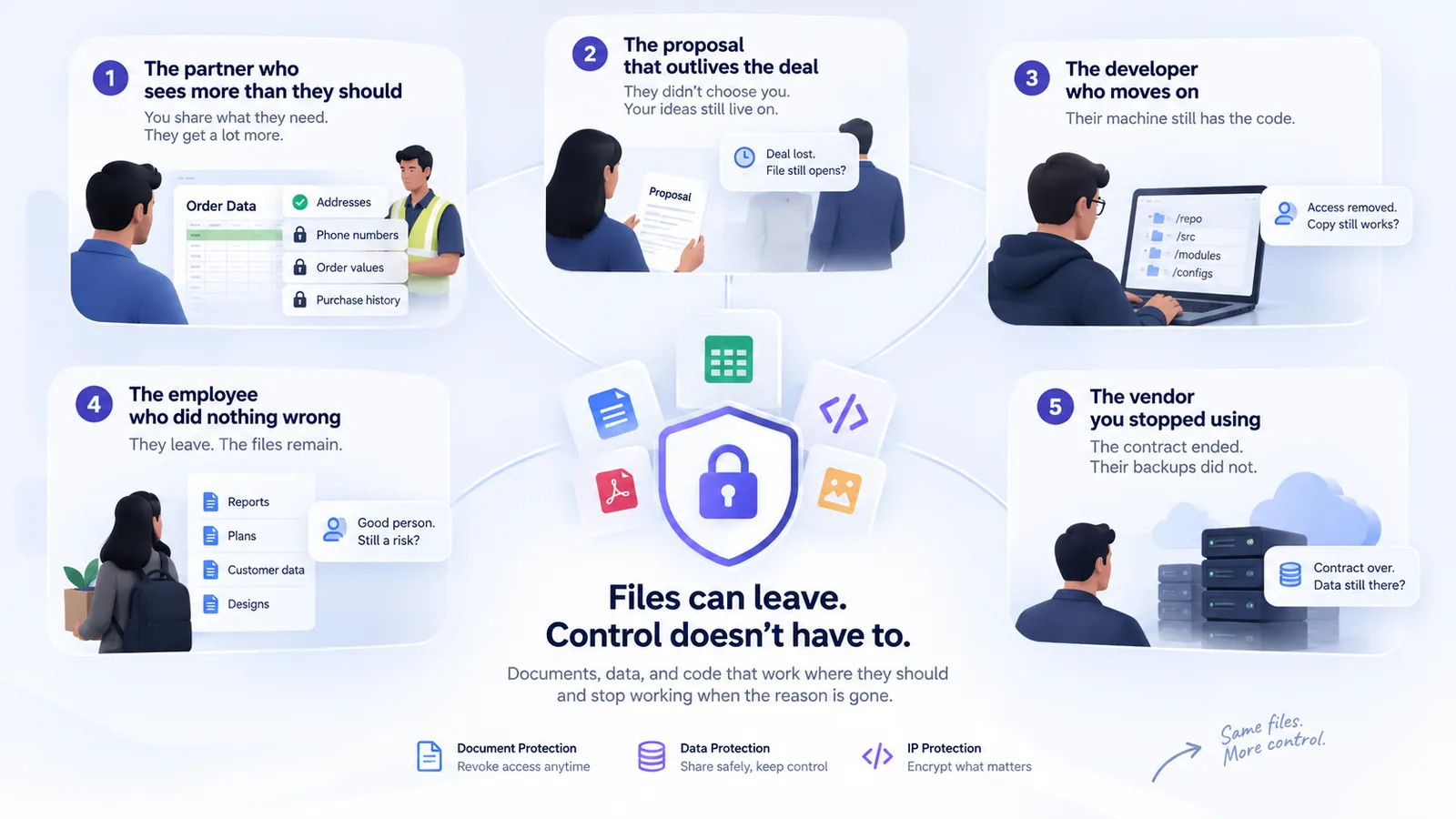
Leaks are rarely about bad people. Here are five normal situations where a good team loses control of files, and what NakodaX changes in each.
September 13, 2026

Perspective · 2 min read
When a relationship ends, the files you shared do not end with it. Here is a checklist for documents, data and code.
October 11, 2026