
NakodaX

Situations· Document Protection

How do you share unreleased campaign creative without leaving copies?

Share campaign creative for sign-off, then end access when the campaign is approved, changed or cancelled.

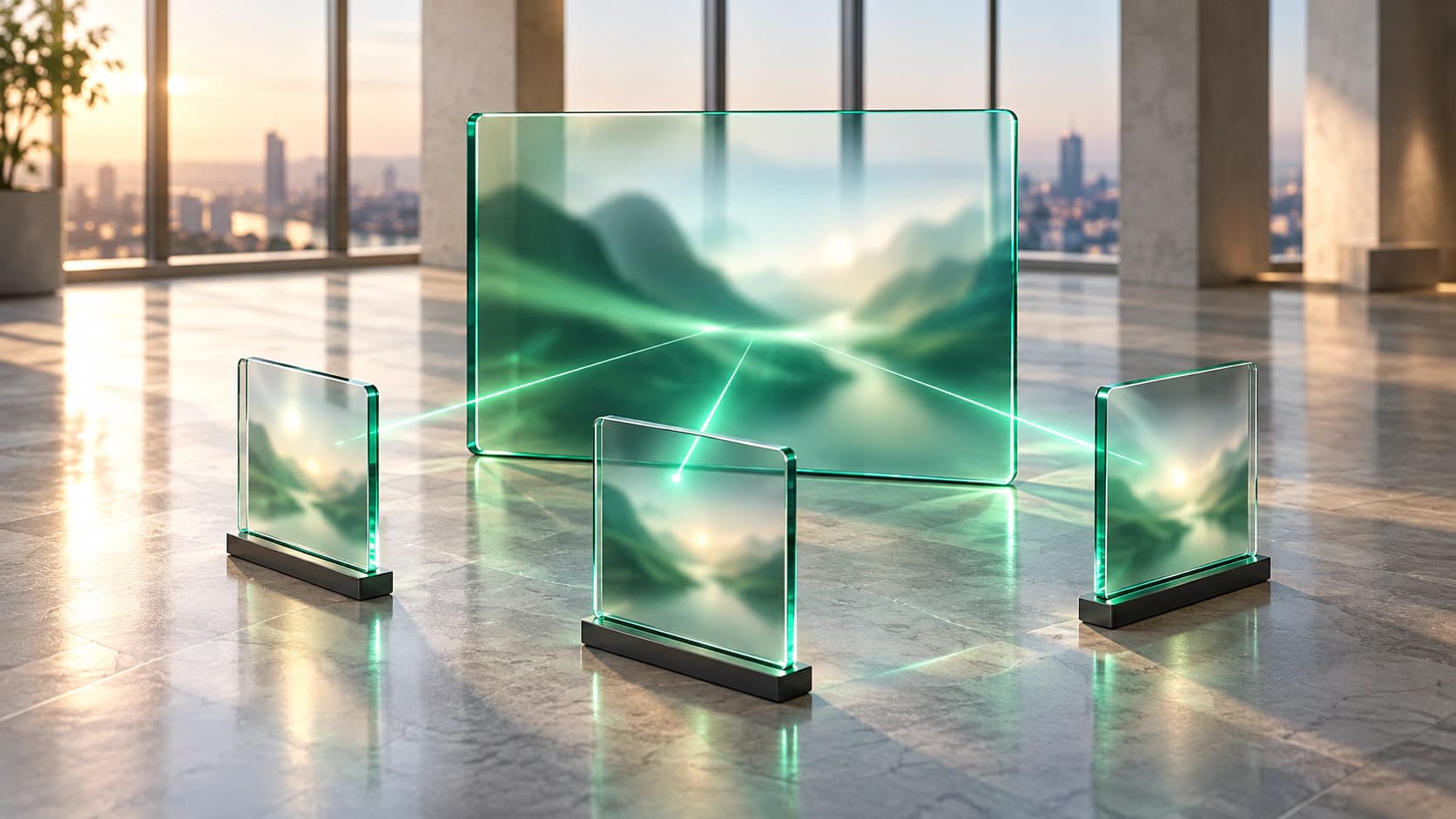
A glass monitor showing an abstract campaign visual, with thin green light reaching three separate glass viewing panes.

In short

Campaign creative reaches a client, agencies, a media partner and legal through attachments and download links, and every round leaves another copy. Share it as a protected share instead: reviewers open it in the browser for a set window, and the sender ends access when the campaign is approved or cancelled.

A campaign has more reviewers than a project team

Before a campaign launches, the work is seen by far more people than made it. The client lead, the brand team, the creative agency, a media partner and a legal reviewer each need to watch the film, look at the key visuals and read the deck before anyone signs off.

Nobody in that list is doing anything wrong. Approval needs eyes, and the work is not ready to be public yet. The risk sits in how the work gets to them.

Every approval round leaves a copy

The usual route is an attachment or a download link. A round of notes produces a new version, the new version goes out the same way, and the old one stays where it landed.

A few months later the campaign has changed, or been cancelled. The earlier concepts are still in a client inbox, a shared drive and an agency archive, and none of them has an end date. A concept for a launch that has not happened is the kind of thing that should not sit in that many places.

Review in the browser, then end access

Sent as a protected share, the creative opens in the browser. Reviewers watch the film, view the images and read the PDFs without installing anything, and the sender decides who can open each share and until when.

When the campaign is approved, changed or cancelled, the sender ends access to that round. The next round is a new share, so an old concept is not left open by default.

What this does not do

A person who can watch a video can record their screen, and no tool can stop that. Protected media also has no watermark. What changes is that access is per named person, it ends when you end it, and the work does not become a pile of downloads.

For the most sensitive work, keep the windows short and the reviewer list small.

What changes

The creative goes out as a protected share. Each reviewer opens the video, images or PDFs in the browser, with nothing to install, and the sender sets who can open it and until when.

When the campaign is approved, changed or cancelled, the sender ends access to that round. The next round is a new share, so no old concept stays open by default.

Answers

Related questions

How do you share campaign creative securely with a client and agencies?
Send it as a protected share rather than an attachment or a download link. Each reviewer opens the video, images or PDFs in the browser, and the sender sets who can open it and until when.
Can reviewers watch a campaign video without downloading it?
Yes. Protected video and audio play in the browser, and the reviewer does not need to install anything. Common formats such as MP4 and MOV are supported.
What happens to old campaign concepts after approval?
The sender can end access to that round of creative when the campaign is approved, changed or cancelled. Because each round is its own share, ending one does not affect the next.

This one, or one very like it

Document protection for campaign creative. Start where the problem actually is.