
NakodaX

Situations· Document Protection

How do you send each distributor only the rows for their own region?

Send each distributor or agent a spreadsheet with only their city and state, and without the columns you keep private.

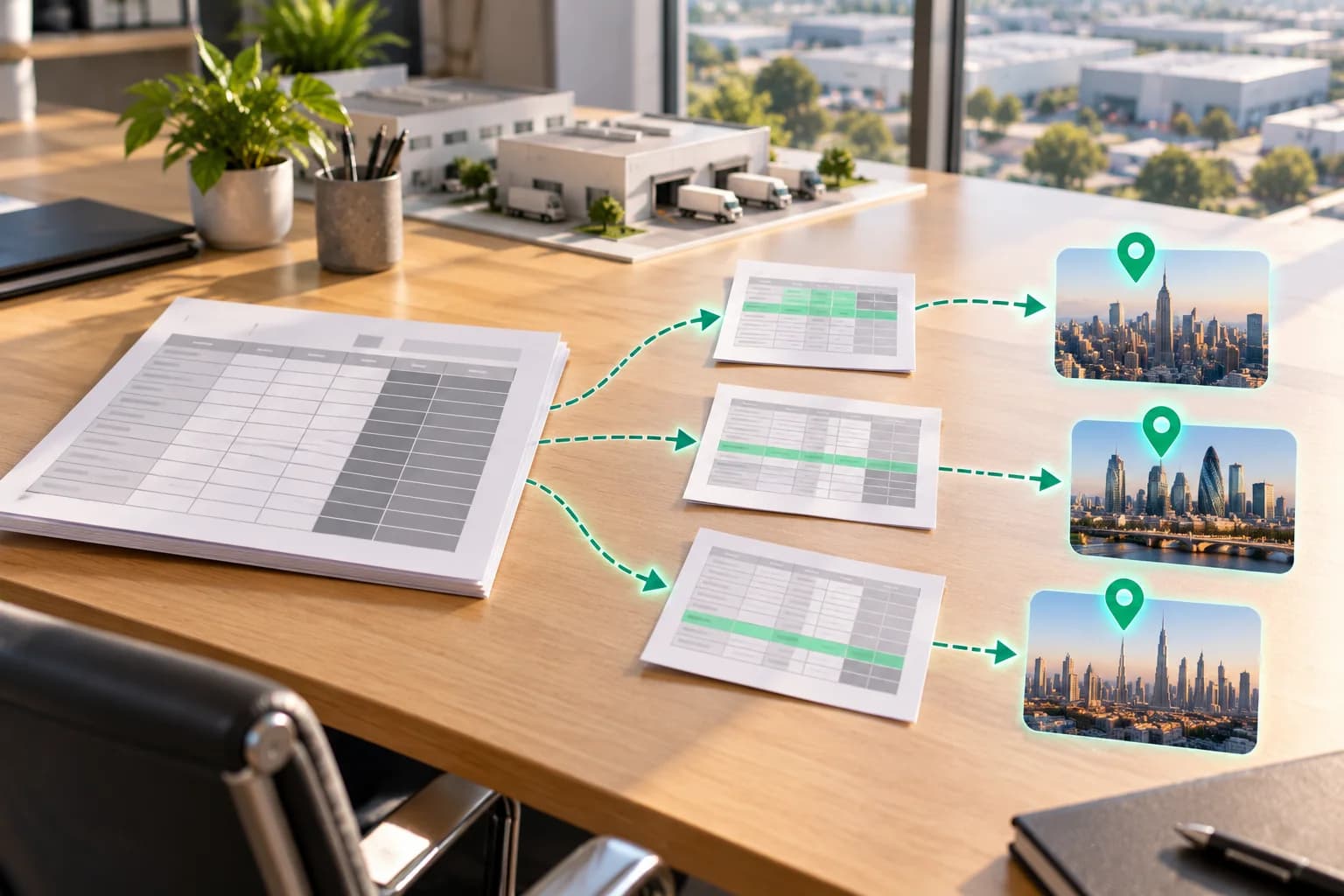
A large printed spreadsheet on a desk sends three smaller sheets, each with different rows highlighted and some columns greyed out, along green dashed arrows to three city skylines.

In short

Sending one master sheet to every distributor exposes every region and your margin. With Selective Share you save a selection per region: the sheets, the columns to leave out and a row filter. Each recipient gets a real spreadsheet with only those rows and columns.

What happens today

A manufacturer keeps sales, stock and targets by city and state in one spreadsheet. The distributors and agents in each city need their own numbers to plan orders and meet targets.

The same sheet also holds the other regions, the price tiers and your margin. Cutting it into one file per region takes time and is repeated every month, so the full sheet goes to everyone, or someone deletes columns by hand.

How the leak happens

Hiding a column or filtering rows in a spreadsheet does not remove them from the file. The recipient can show them again. A copy edited by hand can miss a second sheet.

Each distributor then holds data about the others, and may pass the file on to their own staff or to another supplier.

What it costs you

A distributor can see what a competing distributor sells, at what price, and what margin you keep. They can use it when they negotiate with you. You also have no record of who holds which version.

What most organisations do today, and where it falls short

One file per region by hand is slow, easy to get wrong and out of date the next month. A shared workbook with filters set lets the viewer clear the filters. A PDF per region cannot be sorted or used in a calculation, and it can still be forwarded.

How NakodaX changes this

You save a selection for each region: which sheets to include, which columns to leave out, and a row filter such as a city or a state. Each distributor gets a real spreadsheet of the same type with only those rows and columns. The columns you left out are not in the file.

NakodaX checks the result before it goes out and refuses the share if the check fails. One send can reach up to 10 people, and a saved selection can be reused with next month’s sheet.

Each distributor opens their own share for the period you set. A download is still a protected copy that opens only for them. You see who opened it, and you can end one distributor’s access without touching the others.

What NakodaX does not do

It does not decide which columns are sensitive: you choose them. A reader can still copy a number by hand or photograph the screen. The record of who opened what shows who had the file.

What changes

You save a selection for each region: the columns to leave out and a filter for the city or state. Each distributor gets a real spreadsheet with only their rows and columns.

Answers

Related questions

How do I send a spreadsheet with only some rows and columns?
Save a selection with the columns to leave out and a row filter, then send it. The recipient gets a real spreadsheet with only that selection.
Is a hidden column really gone?
In a Selective Share the columns you leave out are not in the file the recipient gets. A column hidden in a spreadsheet is still in the file.
Can I send a different slice to each distributor?
Yes. Save one selection per region and reuse them. One send can reach up to 10 people.

This one, or one very like it

Document protection. Start where the problem actually is.