
By NakodaX Engineering team
NakodaX ·

NakodaX blog/Source Protection·3 min read
Use the nkx tool in two steps around your normal build. First it decrypts the protected files your compiler needs. Your own compiler or bundler then runs as usual. Second, nkx encrypts the compiled output again, so the build you ship holds only encrypted files.
By NakodaX Engineering team
NakodaX ·
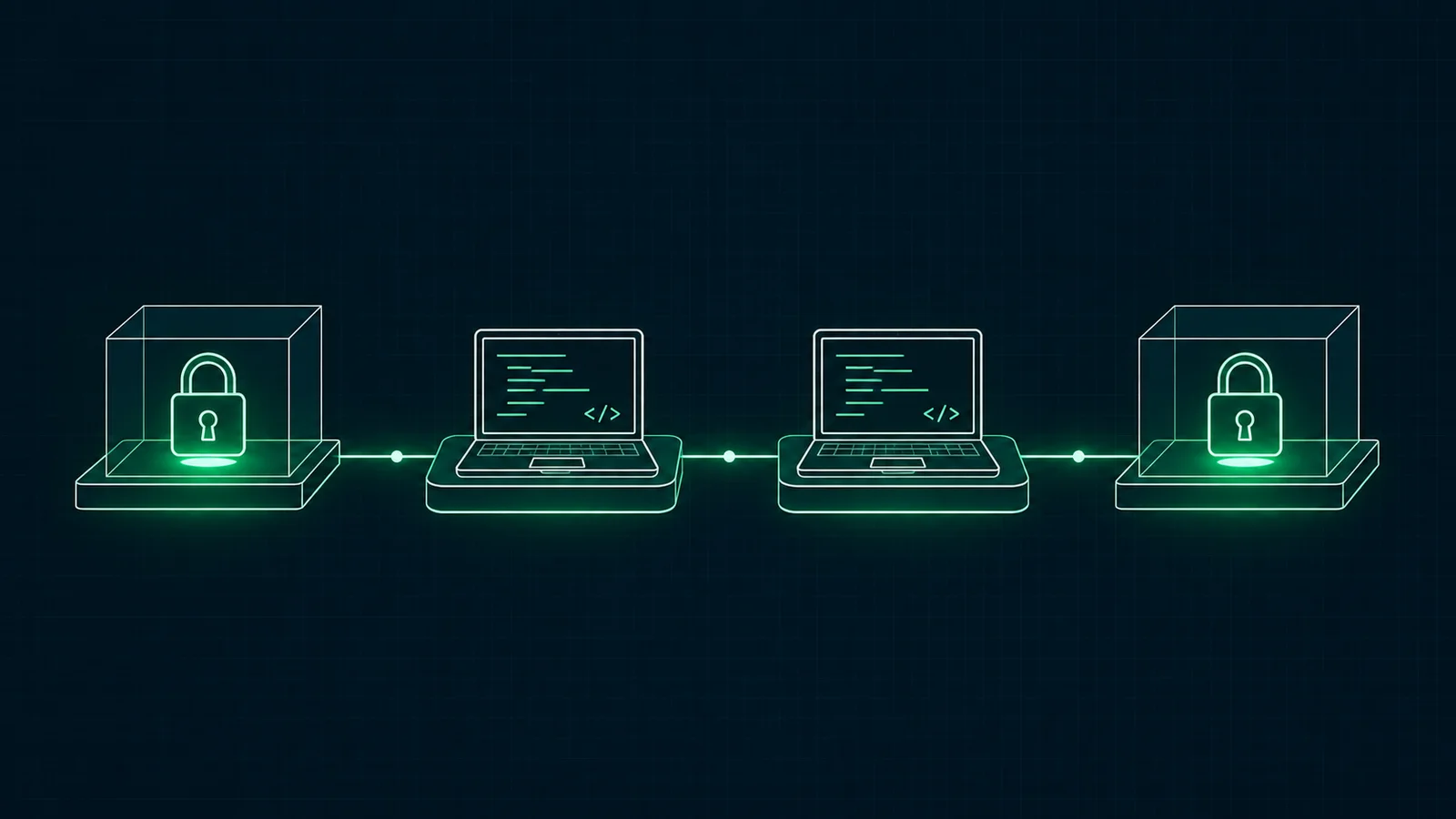
Open the files for the build. Lock them again before you ship.
Most teams use CI, the automatic build that runs each time code is saved to a shared place. A build server needs to read your code to turn it into a program. If that code is protected, the build server has a problem. It cannot compile what it cannot read.
The answer is to open the files for a short time inside the build, then lock the result again before anything is shipped. This post shows how that works with nkx, the command line tool for Source Protection.
nkx is a single program with nothing else to install. It runs on macOS, Linux and Windows. In a build it has two jobs, one before your compiler and one after it.
Make both steps a required stage of your pipeline, so every build you ship holds only encrypted files. The wider idea is described in protected release.
These are the commands you will use most. Your NakodaX console shows the exact command and credentials for your own setup on the Connect page of a protected repository.
| Command | What it does |
|---|---|
| nkx register | Sets up credentials for a protected repository from a Register Token |
| nkx materialize | In CI, decrypts the protected files into a folder before your compiler runs |
| nkx rehook | In CI, encrypts the compiled TypeScript or JavaScript output again after your build |
| nkx unlock | Decrypts protected files for editing in an approved change session |
| nkx reseal | Encrypts the files again and ends the session |
| nkx status | Shows whether the repository is protected or unlocked |
On macOS and Linux, run brew install nakodax/tap/nkx. You can also download a file for macOS, Linux or Windows from the nkx releases page.
Every release file is signed with Sigstore cosign, and each release has a SHA256SUMS file. Compare your download with it before you use it. There is more on the developers page.
Developers do not use the build steps. They ask for a change session, and a different person approves it. Inside the session the developer runs nkx unlock, edits and tests the code, then runs nkx reseal to encrypt the files again and end the session.
nkx refuses to reseal if an unlocked file is staged in git, so readable code does not slip into a commit.
Contractors and vendors can work without any of this. They get stand ins, which have the same shape as the real files with placeholder bodies. See how this works for software companies.
nkx does not run your protected software. The NakodaX runtime does that, a small library that sits inside your software, for Python or Node. nkx covers the build and the change session.
The build machine opens the files only for the length of the build, so run it on a machine you control.
It works today for Python, JavaScript, TypeScript and SQL, and more languages are planned.
Add two nkx steps around your normal build, and the build you ship holds only encrypted files for the protected parts.
Related product
Let vendors and customers build or run software without receiving selected proprietary source code in readable form.
See how it worksStart a free trial, or tell us what you share and with whom, and we will show you how NakodaX handles it.
Real situations, and the video where there is one, on the same problem.
Video
When software has to run in a customer or vendor environment, see how NakodaX keeps selected proprietary components out of the readable release.
Watch (3:29)Situation
A prime contractor brings in subcontractors, and they bring in their own. By the third level, your code is on machines you have never heard of.
Read moreSituation
You paid an agency to build your product. The project ended, but their copies of your code didn’t. With AI, those copies are one rewrite away from someone else’s product.
Read more
New to NakodaX? Watch the overview
A full walkthrough of how NakodaX helps a business keep control of documents, business data and source code after they are shared, moved or deployed.
Watch the video (8:49)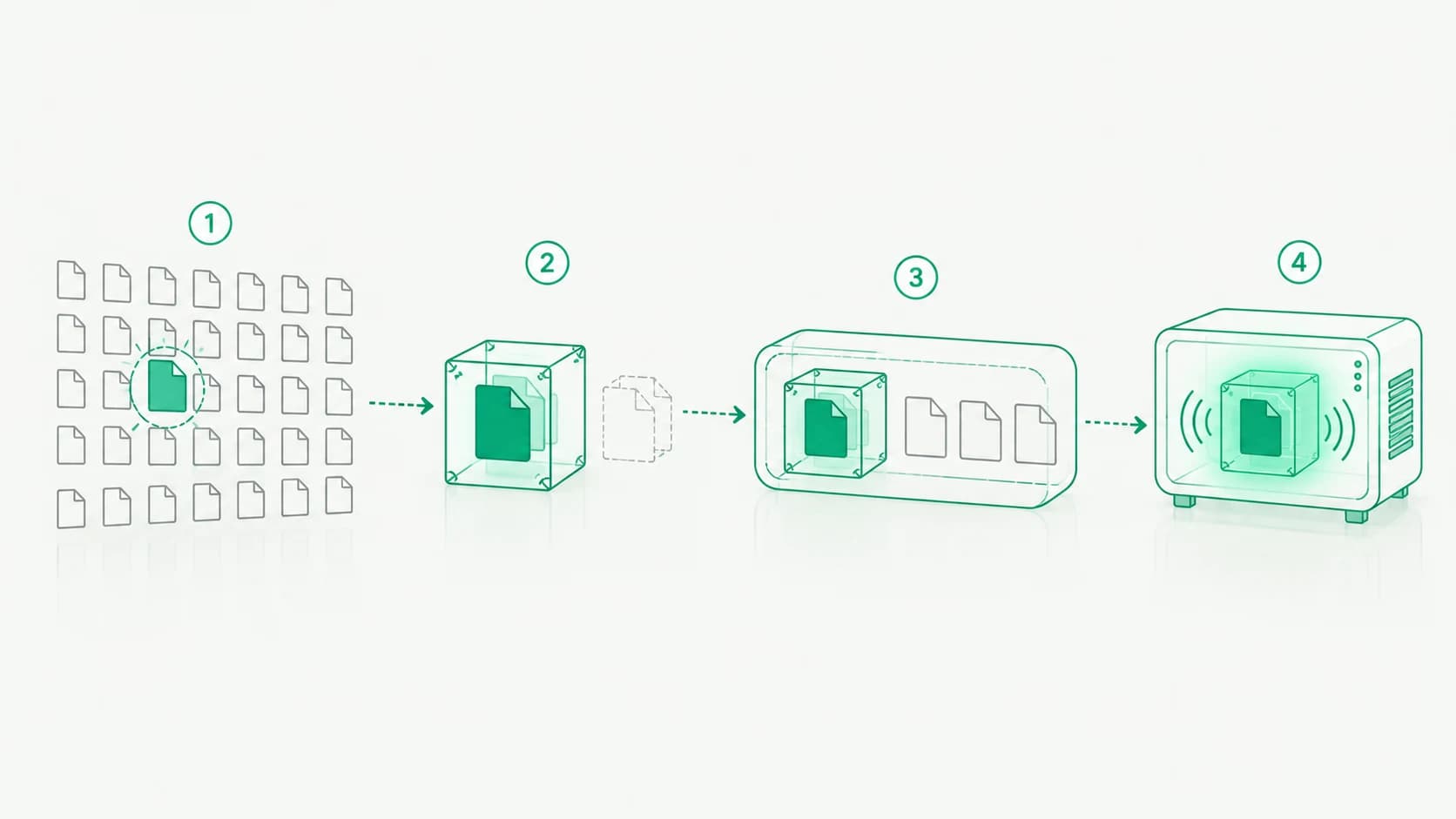
Source Protection · 7 min read
How NakodaX finds the code worth protecting, gives developers stand ins to build against, ships a protected release and decrypts the code only in memory.
October 13, 2026
Source Protection · 2 min read
Most of a codebase is easy to rebuild. A few files are not. Here is how to find them, keep the list short and protect them with NakodaX Source Protection.
September 16, 2026

Source Protection · 3 min read
A customer licensed your code for a fixed term. The term ends and the code keeps running. Here is how to make the license enforce itself.
August 26, 2026