
By NakodaX Marketing team
NakodaX · · Updated

NakodaX blog/Perspective·2 min read
Ending a login does not end the files the agency or partner already holds. Share documents, data and code through NakodaX, and you can end each one at once: revoke the document shares, revoke the data license and revoke the code license. Anything already read or copied stays with them.
By NakodaX Marketing team
NakodaX · · Updated

End the access that comes next, and be honest about what already happened.
An agency's contract ends. A reseller becomes a competitor. A vendor is replaced. You close their accounts and remove them from shared folders.
The decks, extracts and code you sent them over the years are still on their side.
Most agreements say the partner will return or destroy confidential information when the relationship ends. That clause is rarely tested, because testing it means an audit against a company you may work with again. The files were sent for a good reason, and the reason ended before the files did.
Document Protection covers proposals, decks, reports and other documents. Data Protection covers files and feeds, each with its own license per recipient. Source Protection covers key code files. The employee and partner offboarding hub lists real cases, such as the partner who became a competitor and the agency you stopped working with.
This is a locked door, not a shredder. Revoking stops the next opening or key request, and does not delete files or undo what someone already read or copied. Files you shared as ordinary files before using NakodaX are not covered.
List what you shared, revoke each share or license, and check the record.
Start a free trial, or tell us what you share and with whom, and we will show you how NakodaX handles it.
Real situations, and the video where there is one, on the same problem.
Situation
You gave them the manual: processes, recipes, supplier terms, training. They dropped your brand and kept your playbook.
Read moreSituation
Your reseller got a pipeline extract every quarter. Then they launched a competing product, holding your customer list.
Read moreSituation
You sent your agency customer files every hour for four years. The contract ended. Their storage still holds all of it.
Read more
New to NakodaX? Watch the overview
A full walkthrough of how NakodaX helps a business keep control of documents, business data and source code after they are shared, moved or deployed.
Watch the video (8:49)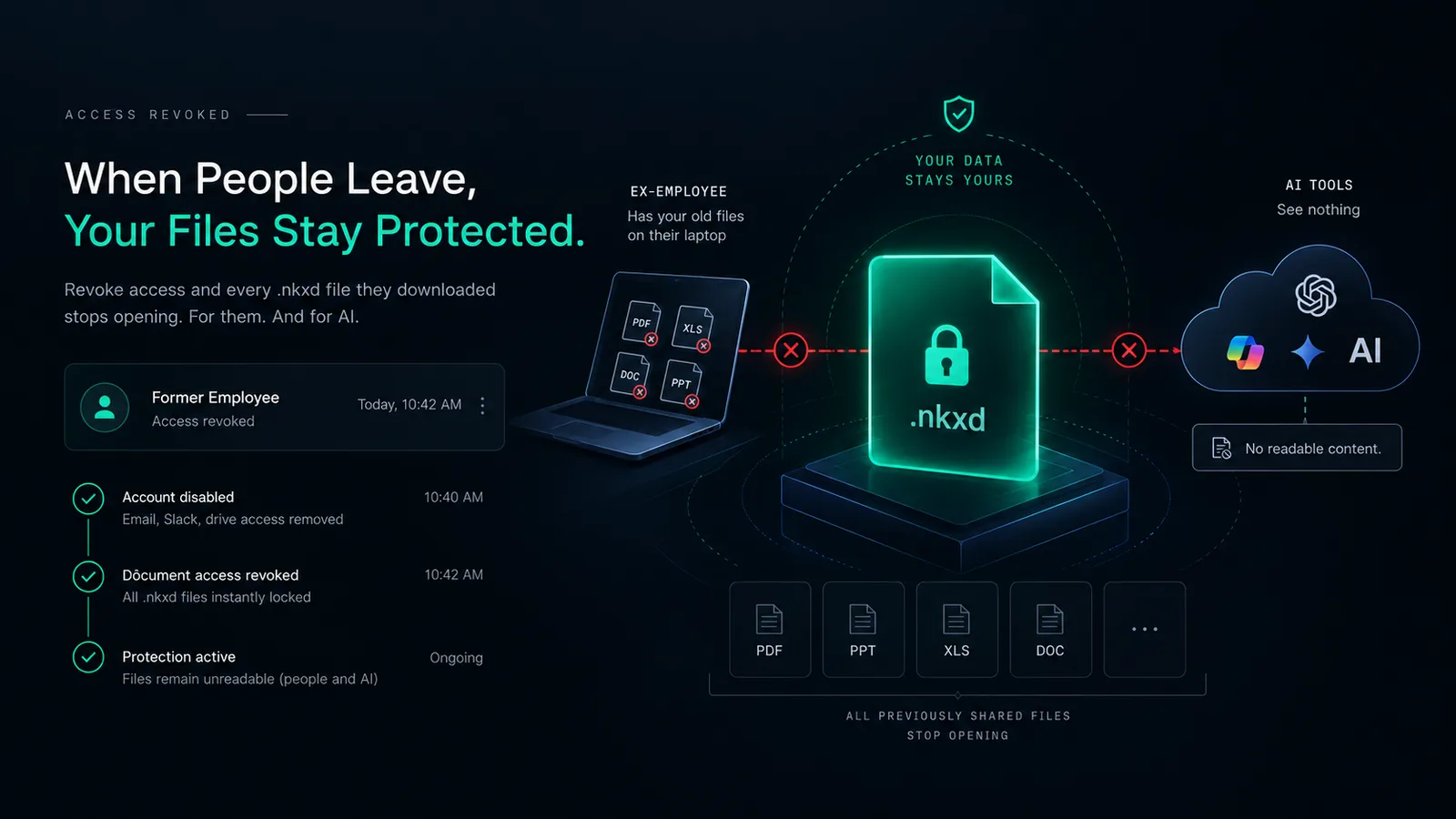
Document Protection · 3 min read
Turning off a login does not touch files already on a laptop. Files shared as protected NakodaX files stop opening once you revoke access, for the person and for AI.
September 11, 2026

Document Protection · 2 min read
Offboarding turns off accounts but not the files already downloaded. Add these steps to protect selected files and end access when someone leaves.
September 26, 2026

Perspective · 2 min read
Once you share a file, the other side keeps a copy. Here is what you can still control after sharing, for documents, data and source code, and what you cannot.
September 1, 2026