
By NakodaX Marketing team
NakodaX · · Updated

NakodaX blog/Data Protection·2 min read
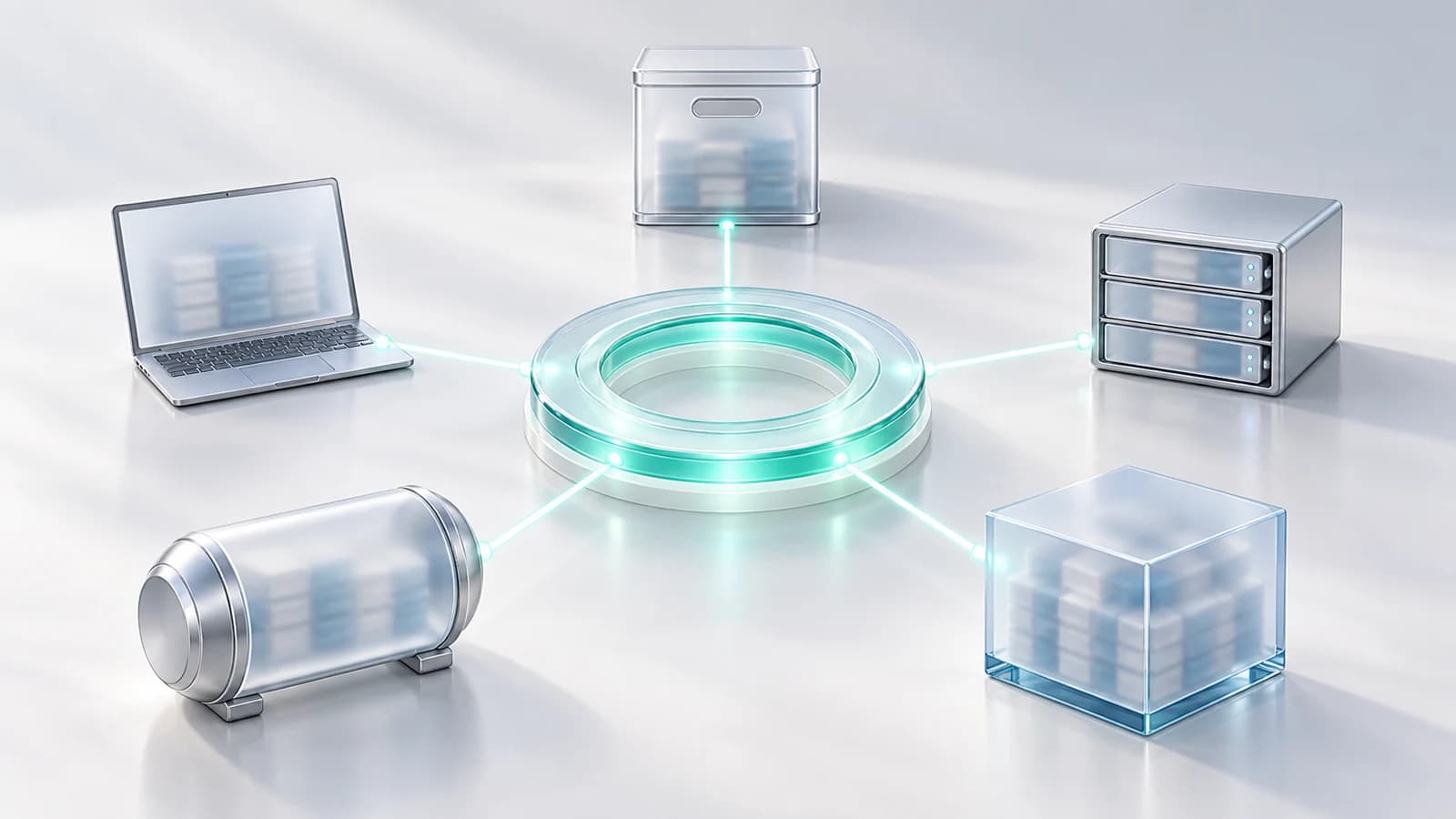
A data clean room lets partners analyse combined data without exchanging raw records. Data Protection is for the files that still travel as files: each recipient gets only their columns and rows, a license of their own and an end date. Use a clean room for the joint analysis, and Data Protection for the files around it.
By NakodaX Marketing team
NakodaX · · Updated

Keep the clean room for the analysis. Protect the files around it.
A campaign runs with an agency, a media partner and a measurement partner. The analysis happens in a data clean room, which is a good answer for that part.
The customer list, the audience files and the reports still go out as files, by email and shared drive.
A clean room lets two or more parties analyse their data together without handing over raw records. It suits matching audiences and measuring results. Many teams already run one.
Setup files, audience lists, extracts and reports still travel outside the room. A year later nobody can say who still has them. That part is not what a clean room was built for.
Data Protection gives each recipient their own file with only the columns and rows they should have. A column they should not have is left out, or sealed with an encrypted token. Each run of a feed gets its own keys, so a leaked key opens one run, not the archive. Each recipient has a license, so you can end one partner without touching the others. NakodaX stores no data and runs no queries. Your files move from your systems to theirs.
| Question | Data clean room | Data Protection |
|---|---|---|
| What is it for? | Joint analysis of combined data | Files that still have to leave as files |
| Who holds the data? | Typically inside the room's environment | Your files stay in your systems and move to the recipient |
| Ending a partner | Remove them from the room | Revoke their license, and keys stop being released |
| Best for | Matching and measurement | Lists, extracts and feeds sent to partners |
Keep your clean room for the analysis. Use Data Protection for everything that still has to leave as a file. They do different jobs. The story of a customer list sent for one campaign shows the two side by side.
NakodaX does not match audiences or run joint analysis. Revoking stops the next key request, not a file already opened. It is a locked door, not a shredder.
Use a clean room for joint analysis and Data Protection for the files that still travel.
Related product
Filter rows, protect columns, deliver data to each recipient and enforce access and retention without storing business data on NakodaX. Works alongside a data clean room.
See how it worksStart a free trial, or tell us what you share and with whom, and we will show you how NakodaX handles it.
Real situations, and the video where there is one, on the same problem.
Video
A partner needs some of your data, not your whole warehouse. See how Data Protection builds a controlled view for each recipient.
Watch (5:51)Situation
Your outsourced team processed customer records for six years. Where are those files now? Truthfully: you don’t know.
Read moreSituation
A project needs your most sensitive records. A research partner, another organisation and an analytics contractor each get an extract. The project ends. The extracts don’t.
Read more
New to NakodaX? Watch the overview
A full walkthrough of how NakodaX helps a business keep control of documents, business data and source code after they are shared, moved or deployed.
Watch the video (8:49)
Data Protection · 2 min read
A vendor needs your customer data to do the work, but not all of it. Here is how to give each vendor their own file and end access when the contract ends.
August 24, 2026
Data Protection · 3 min read
Old exports, backups and vendor copies are hard to find and delete. Protect the data before it leaves, and every copy made after is covered.
August 29, 2026

Document Protection · 2 min read
A normal PDF cannot expire, and a link that expires can still leave a copy. Here is how to send a file that stops opening on a date you choose.
September 2, 2026