
By NakodaX Marketing team
NakodaX · · Updated

NakodaX blog/Document Protection·2 min read
DLP software watches and blocks sensitive data as it leaves your company, such as in email or on a USB drive. Document protection controls a file after you have chosen to send it. DLP is good at what happens inside your systems. Document protection is for files that must go to other people on purpose.
By NakodaX Marketing team
NakodaX · · Updated

One tool watches the door. The other controls the file once it is through.
Your security team already has tools to stop sensitive data leaving by mistake. Then a client asks for a contract, and you send it, on purpose.
That is the moment those tools were not built for.
Data loss prevention tools look at email, uploads, devices and cloud apps. They can warn, block or log when someone sends something sensitive in the wrong way. They help stop accidents and policy breaches inside your own systems.
When you choose to send a file to a client, a lawyer, an investor or a partner, DLP either lets it through or blocks the business. Once the ordinary file is on the other side, a DLP tool cannot change what happens to that copy.
Document Protection works at the point you decide to share. The content is encrypted before it leaves, and the file asks for permission each time it opens. You set who can open it, until when and how many times. You can see who opened it and you can revoke it after sending.
| Question | DLP | Document protection |
|---|---|---|
| Where does it work? | Inside your systems: email, devices, cloud | On the file you chose to send |
| What is it for? | Catching mistakes and policy breaches | Controlling files that must go out on purpose |
| After a file is sent | Cannot change the outside copy | Can end access to the protected file |
| Best for | Stopping accidental leaks | Contracts, proposals, board papers, financials |
For most companies, yes. DLP covers what leaves by accident. Document protection covers what leaves on purpose. They do different jobs, so one does not replace the other. The story of the report your client shared shows what happens when a good file travels further than you meant.
Document protection does not scan your systems for mistakes, and it does not replace your security tools. It cannot stop a screenshot or erase what someone has already seen.
Keep DLP for accidents, and use document protection for the files you send on purpose.
Related product
Protect documents before sharing. Control who can open them, what they can see, when access ends and how protected documents are used.
See how it worksStart a free trial, or tell us what you share and with whom, and we will show you how NakodaX handles it.
Real situations, and the video where there is one, on the same problem.
Video
Encryption protects a file while it is stored and while it moves. See what NakodaX does once an authorized person has already downloaded a copy.
Watch (6:50)Situation
You shared three hundred proofs so the client could choose forty. Now every proof is in a permanent folder you do not control.
Read moreSituation
You gave them the manual: processes, recipes, supplier terms, training. They dropped your brand and kept your playbook.
Read more
New to NakodaX? Watch the overview
A full walkthrough of how NakodaX helps a business keep control of documents, business data and source code after they are shared, moved or deployed.
Watch the video (8:49)
Document Protection · 2 min read
A detailed proposal wins work, but it should not stay open forever after the deal ends. Set an end date, track opens and revoke access with NakodaX.
September 21, 2026
Document Protection · 3 min read
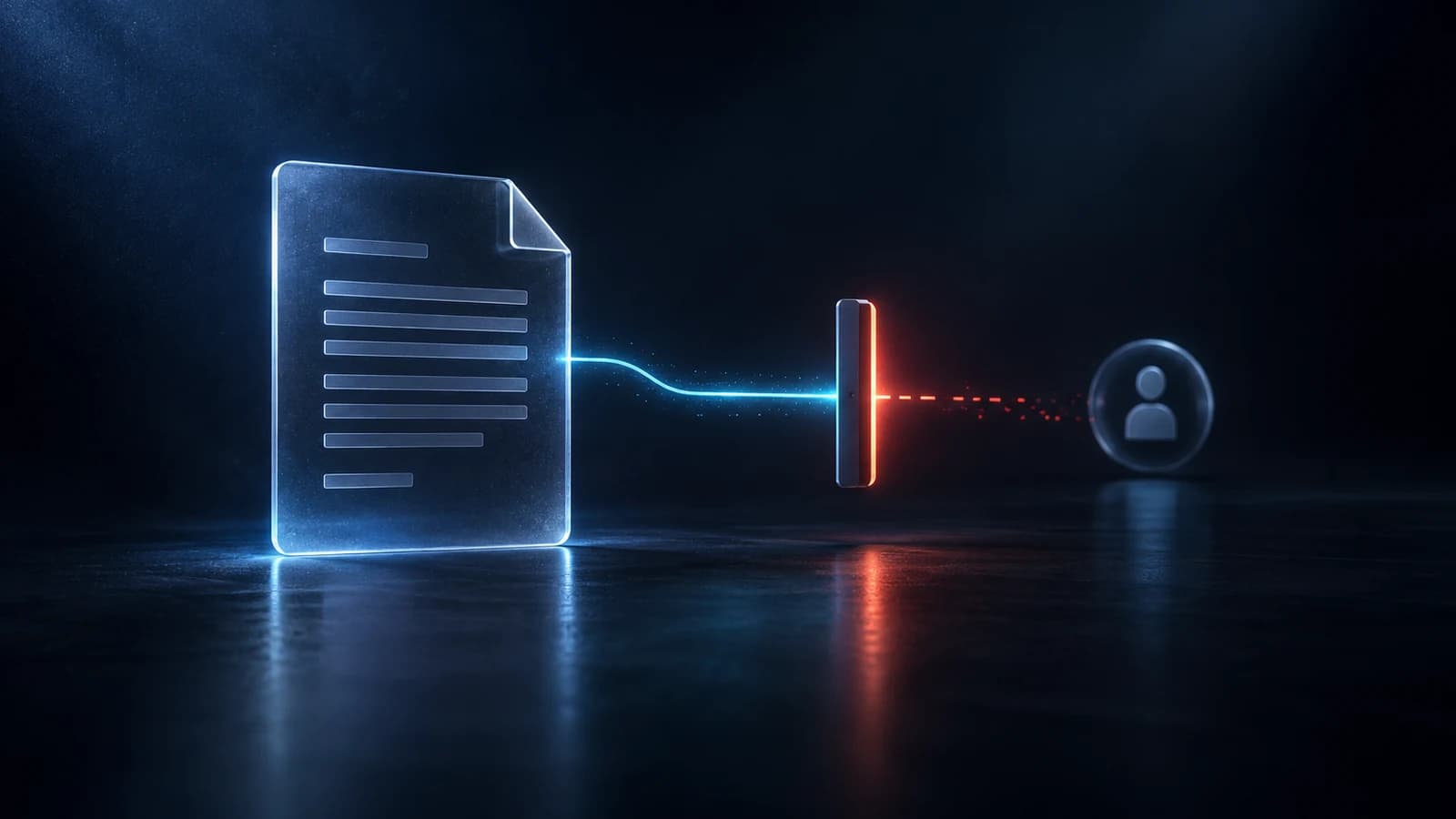
A normal PDF cannot be taken back once it is sent. A protected one can be closed. Here is what revoking does, how to do it in NakodaX and what it cannot undo.
September 14, 2026
Document Protection · 2 min read
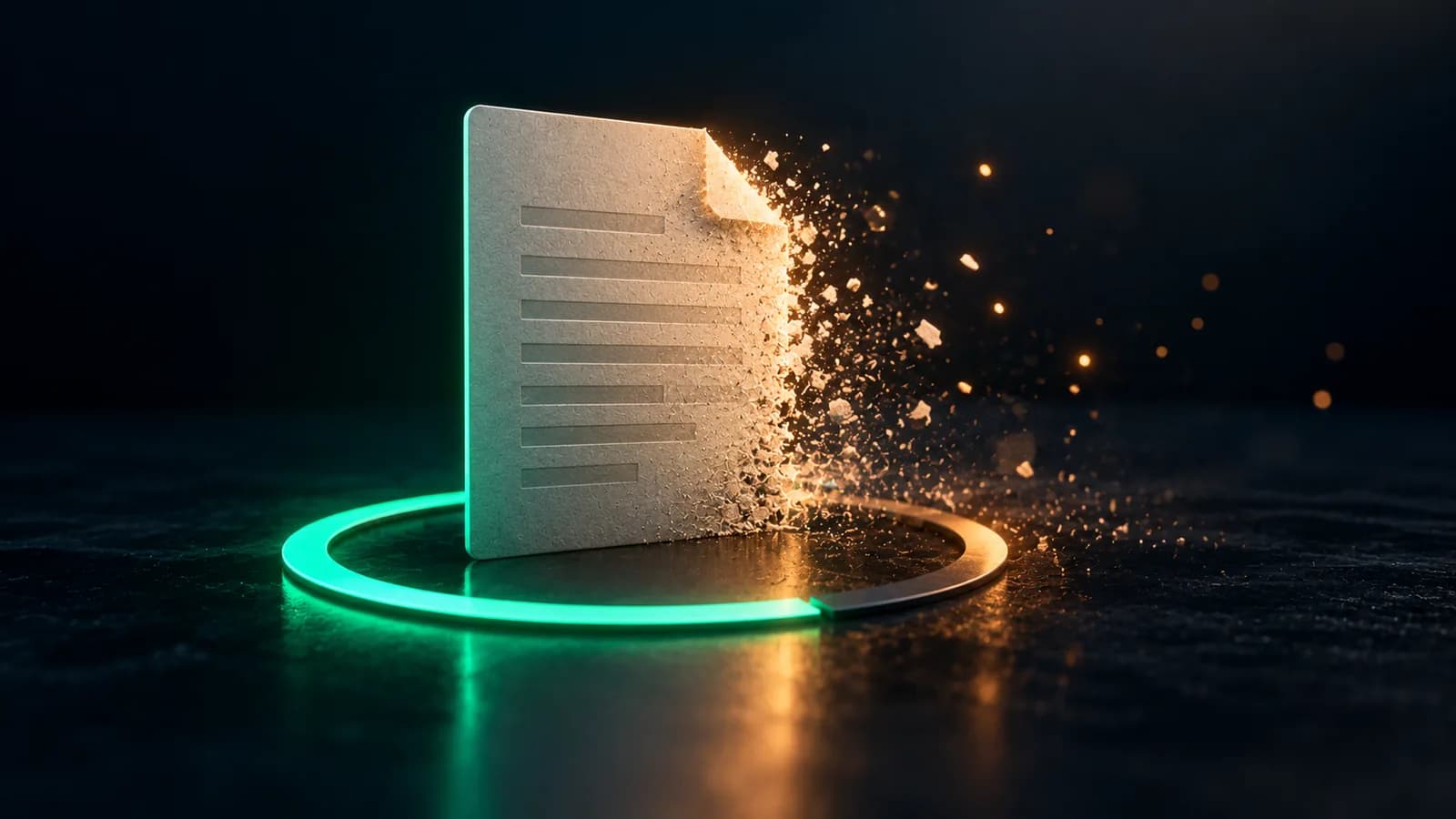
A normal PDF cannot expire, and a link that expires can still leave a copy. Here is how to send a file that stops opening on a date you choose.
September 2, 2026