
NakodaX
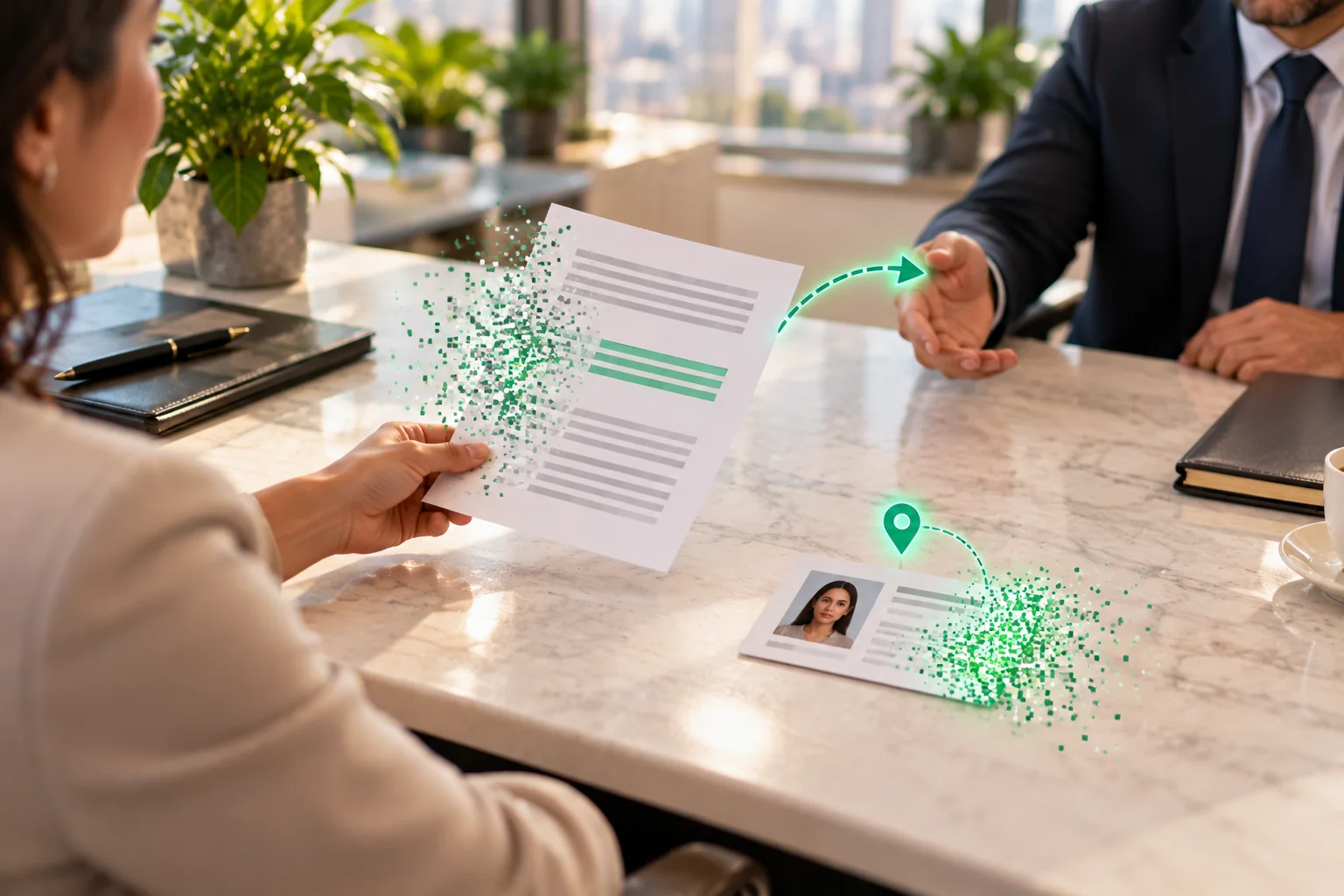
A woman holds a bank statement and an ID card on a marble desk. Most of the lines dissolve into green particles, a location pin lifts off the card, and a man across the table receives the redacted statement.

Situations· Document Protection

How do you redact a bank statement or ID photo before sending it?

Share a bank statement or an ID photo with the parts you do not want to share removed from the file.

What changes

You mark what to remove. Text is deleted from the PDF, marked pixels in the image are destroyed, and the hidden data is stripped. The lender gets the redacted file until the date you set.

In short

A statement or ID photo shows more than the other side needs. NakodaX redacts PDFs and images in the sender’s browser: text is deleted, image pixels are destroyed, metadata and location are stripped, and the result is verified. Named people get the redacted file.

What happens today

A person or a small business applies for a loan, a lease or a visa. The other side asks for proof of income, an address or an identity. The proof is a bank statement and a photo of an ID card.

The other side needs a few lines and a name. The statement also lists other accounts and months of transactions, and the card photo shows the ID number and date of birth.

How the leak happens

The full statement and the original photo go by email or an upload form. A photo also carries hidden data: when it was taken, the device and often the location. A PDF carries its author, title and other properties.

All of it stays with the receiver, and with anyone they pass the file to.

What it costs you

Account numbers and ID numbers sit in the files of a lender, a landlord or an agent. If those files are breached, the numbers can be used for fraud. You cannot see who holds them, and you cannot ask for them back.

What most organisations do today, and where it falls short

Covering text with a black box in a PDF may leave the text in the file. A light blur or a drawn box on a photo can sometimes be undone. Sending the full file and trusting the receiver depends on how they store it.

How NakodaX changes this

You open the statement or the photo in your browser and mark what to remove. In a PDF the marked text is deleted. In a PNG, JPEG or WebP image the marked pixels are destroyed. A PDF’s title, author and other properties are blanked, an image’s EXIF and GPS data are stripped, and NakodaX checks the result.

For text PDFs it can suggest patterns such as bank account numbers, card numbers, IBANs and several Indian ID and bank numbers. Each one needs your approval.

You then share the redacted file with the people you name, until the date you set. A download is still a protected copy. The original stays with you.

What NakodaX does not do

Redaction works on PDF, PNG, JPEG and WebP only. It does not find names or sensitive details by itself: there is no AI detection. A scan of a paper statement is an image, so you mark the areas to remove yourself. The receiver can still photograph their screen.

What changes

You mark what to remove. Text is deleted from the PDF, marked pixels in the image are destroyed, and the hidden data is stripped. The lender gets the redacted file until the date you set.

Answers

Related questions

How do I remove account numbers from a PDF statement?
Mark the numbers and delete them from the file. NakodaX can suggest bank account numbers, and you approve each one before it is removed.
Does redaction remove the location from a photo?
Yes. Redacting an image strips its EXIF and GPS data, and the marked pixels are destroyed.
Does the lender keep the original?
They receive only the redacted file, which opens for the people you named until the date you set. The original stays with you.

This one, or one very like it

Document protection. Start where the problem actually is.