
By NakodaX Marketing team
NakodaX · · Updated

NakodaX blog/Document Protection·2 min read
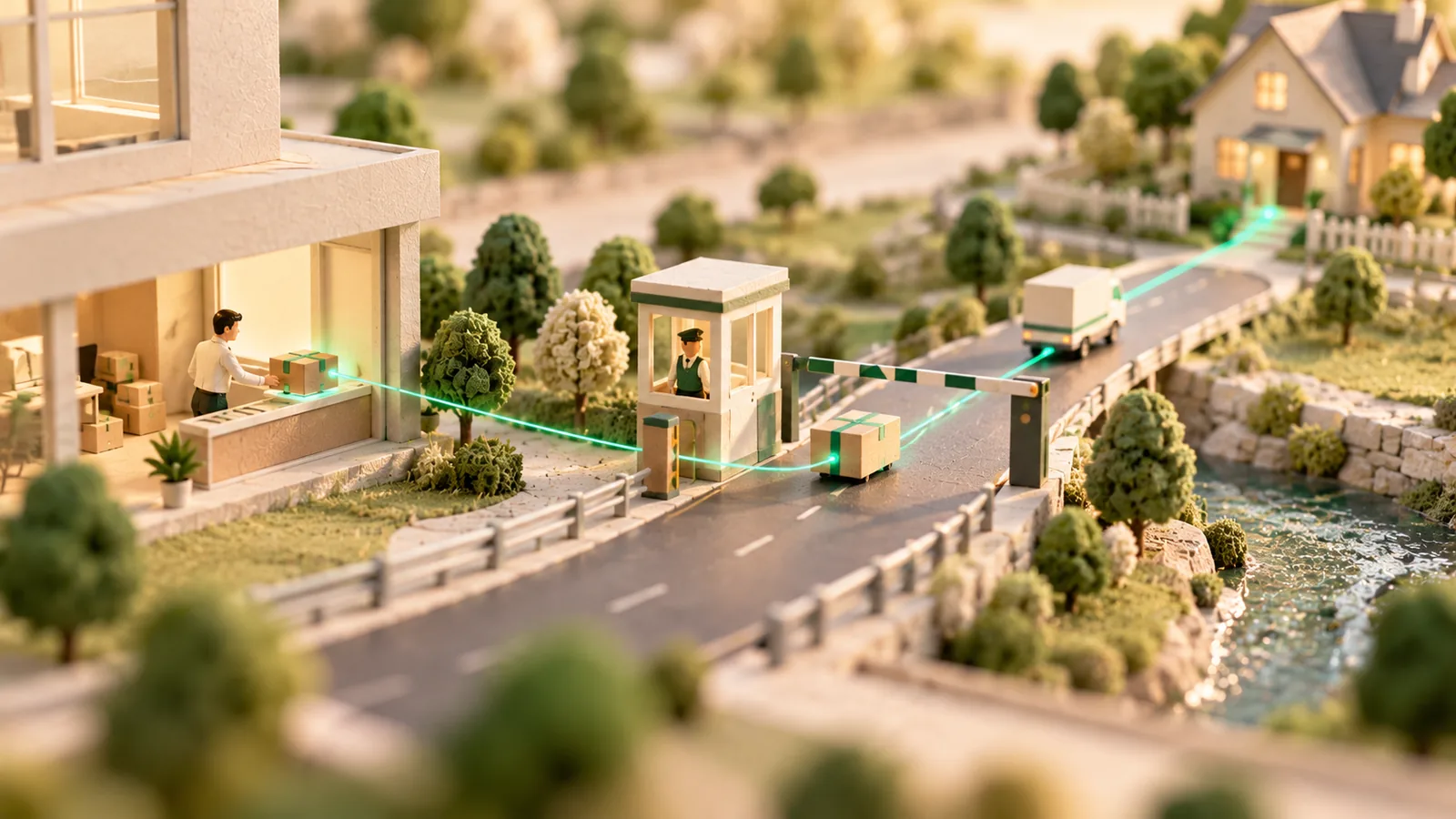
Send the finished work as protected files so the client can review it in the browser while the invoice is processed. Send the files they keep, in the form you agreed, once the invoice is paid. If the project stalls, you end access in one click, so a review copy never becomes a free permanent one.
By NakodaX Marketing team
NakodaX · · Updated

The client can see what they are paying for, and you can still end access if the payment does not arrive.
A designer has finished the brand assets. An editor has exported the final film. A consultant has delivered the finished model.
The client needs the work to meet its own deadline, and the invoice is due at the same moment. As soon as ordinary final files arrive, the client can use them with no further step. You no longer have anything to hold back.
Creators often hold back every final file until the money clears. That protects the payment, but it makes the finish tense. A client who needs to check the work with a team, or get a sign off, is blocked.
The other common answer is a low resolution preview or a watermarked copy. That slows the review, and the client still cannot check the finished work properly.
You send the finished work as protected files with Document Protection. The client opens it in the browser, with no account, while the invoice and approval are being finished. You choose an expiry date and how many times it can be opened, and you see who opened it and when.
When the invoice is paid, you send the files in the form you agreed. If the work is not approved, the payment fails or the project ends, you revoke the share in one click.
It suits one freelancer delivering one project and an agency delivering a large programme: design files, campaign assets, reports, video edits, photography and presentations. The story of the final files before the invoice clears shows the same case in a real setting.
It cannot stop someone photographing a screen while they review. A watermark with the reader's name and the time is available on documents, not on photos or video, and the activity record shows who opened the work and when. A client can still remember what they saw.
Review first, pay, then deliver the files they keep. End the review share if the project stops.
Related product
Protect documents before sharing. Control who can open them, what they can see, when access ends and how protected documents are used.
See how it worksStart a free trial, or tell us what you share and with whom, and we will show you how NakodaX handles it.
Real situations, and the video where there is one, on the same problem.
Video
Share a whole shoot with clients in a private, view-only gallery, then release the downloads once you are paid. NakodaX Data Room.
Watch (0:29)Situation
The learner paid for six months of lectures and replays. The downloads are still being watched two years later.
Read moreSituation
The concept went to the client, two agencies and a media partner for sign-off. The campaign changed in March. The old concepts are still in everyone’s folders.
Read more
New to NakodaX? Watch the overview
A full walkthrough of how NakodaX helps a business keep control of documents, business data and source code after they are shared, moved or deployed.
Watch the video (8:49)
Document Protection · 2 min read
A proof gallery should end when the choosing ends. Here is how to share photos and video for approval with an end date, then deliver the finals as a separate step.
September 9, 2026

Document Protection · 2 min read
A normal PDF cannot expire, and a link that expires can still leave a copy. Here is how to send a file that stops opening on a date you choose.
September 2, 2026
Document Protection · 2 min read
DLP watches data leaving your systems. Document protection controls a file after it has left. Here is what each does and where they meet.
September 7, 2026