
By NakodaX Marketing team
NakodaX · · Updated

NakodaX blog/Document Protection·2 min read
Share the proofs as protected photos or video. The client views them in the browser, zooms in and tells you what they want. Access ends on the date you set, or sooner in one click. Then deliver the final files as a separate share, with an end date that matches the licence.
By NakodaX Marketing team
NakodaX · · Updated

The proofs are for choosing. They should end when the choosing ends.
A photographer shows a client enough work to make a confident choice. A brand team shows a campaign shoot to colleagues. A property client compares images before choosing the final set.
The proof stage exists for choosing. It is not the final delivery, and the client may not need every image once the choice is made.
An ordinary gallery link tends to stay live after the choosing. The client saves it, forwards it or comes back to it months later. Unselected images and full size files sit next to the approved work, even where they were never part of the agreed delivery.
Most people use a link with a password, or low resolution copies with a watermark. A password travels with the link, and a watermark spoils the review. Neither ends when the review ends.
With Document Protection you share the proofs as protected photos or video. The client looks at them in the browser, zooms in and tells you which ones they want. Photos open in the usual formats, and video plays in the browser without a download.
You set the date the review ends, and you can end it sooner. Once the client has chosen, you deliver the final photos as a separate share, with the right recipients and an end date that matches the licence. The proof stage does not decide the licence by accident.
There is no album or shortlist button, so the client tells you their choice in the usual way. A watermark and copy blocking are available on documents, not on photos or video, so keep the review window short. The proof gallery story covers a real example.
Photographers, videographers, illustrators and agencies who show a wide set of work before a final choice. Property and brand teams also use it to compare images before choosing a set.
Share proofs with an end date, then deliver the finals as a separate step.
Related product
Protect documents before sharing. Control who can open them, what they can see, when access ends and how protected documents are used.
See how it worksStart a free trial, or tell us what you share and with whom, and we will show you how NakodaX handles it.
Real situations, and the video where there is one, on the same problem.
Video
Share a whole shoot with clients in a private, view-only gallery, then release the downloads once you are paid. NakodaX Data Room.
Watch (0:29)Situation
The work is finished. The client wants the source files. The invoice is due next week, and the leverage disappears the moment you deliver.
Read moreSituation
The concept went to the client, two agencies and a media partner for sign-off. The campaign changed in March. The old concepts are still in everyone’s folders.
Read more
New to NakodaX? Watch the overview
A full walkthrough of how NakodaX helps a business keep control of documents, business data and source code after they are shared, moved or deployed.
Watch the video (8:49)
Document Protection · 2 min read
Clients need final work to review before they pay, and you need the payment to clear. Here is how to deliver files so both can happen.
September 6, 2026
Document Protection · 2 min read
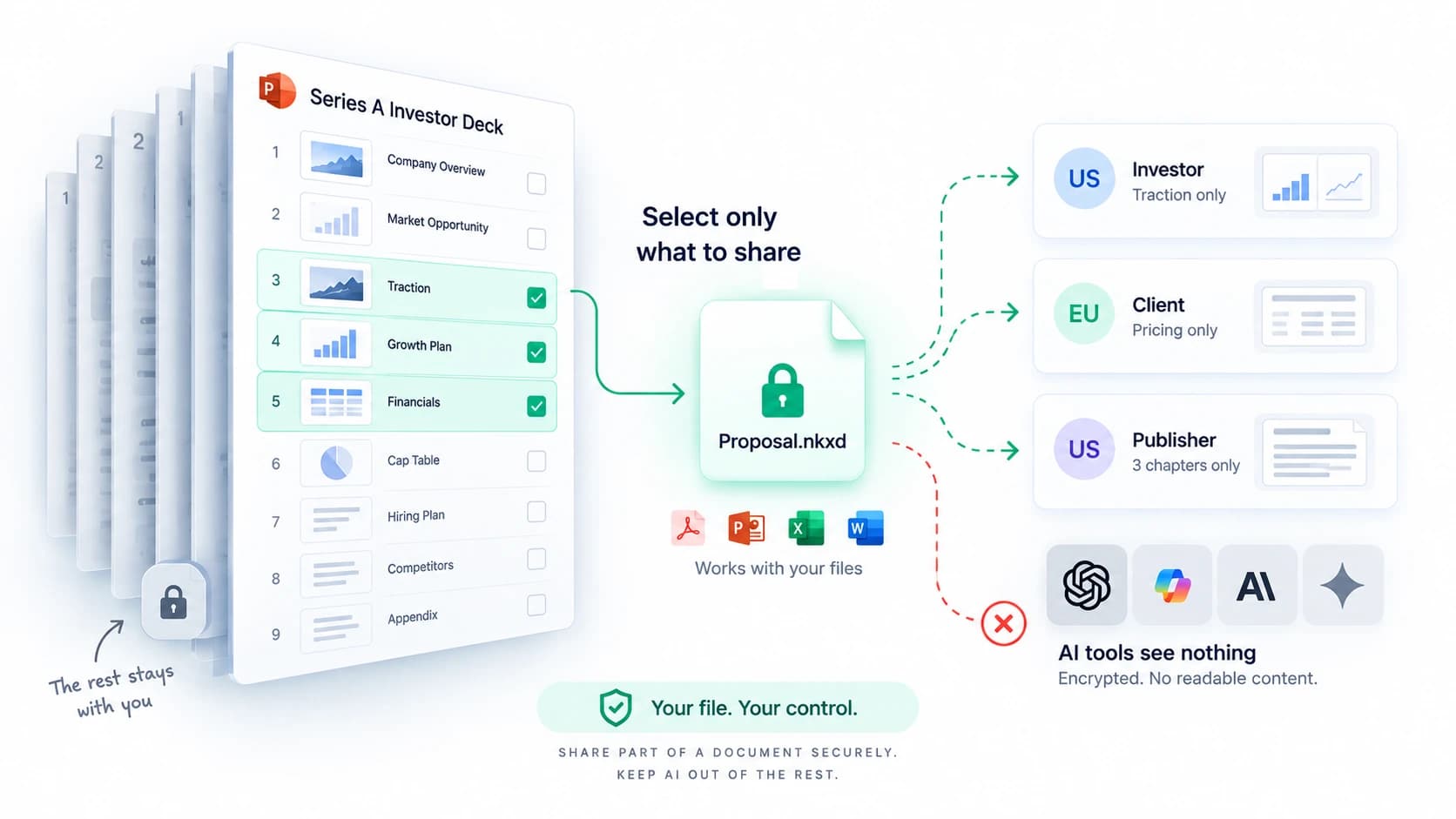
Selective Share sends only the slides, pages, sheets or sections someone should see. The rest of the file never reaches them. Here is how it works.
September 8, 2026

Document Protection · 2 min read
A normal PDF cannot expire, and a link that expires can still leave a copy. Here is how to send a file that stops opening on a date you choose.
September 2, 2026